C (E3) 08/2015 page 34/93
7.3 Operating mode USER: Advanced settings
• In Normal display, press “MODE” and “EXIT” simultaneously for 3 seconds to access the options for
selecting the C 170's operating modes.
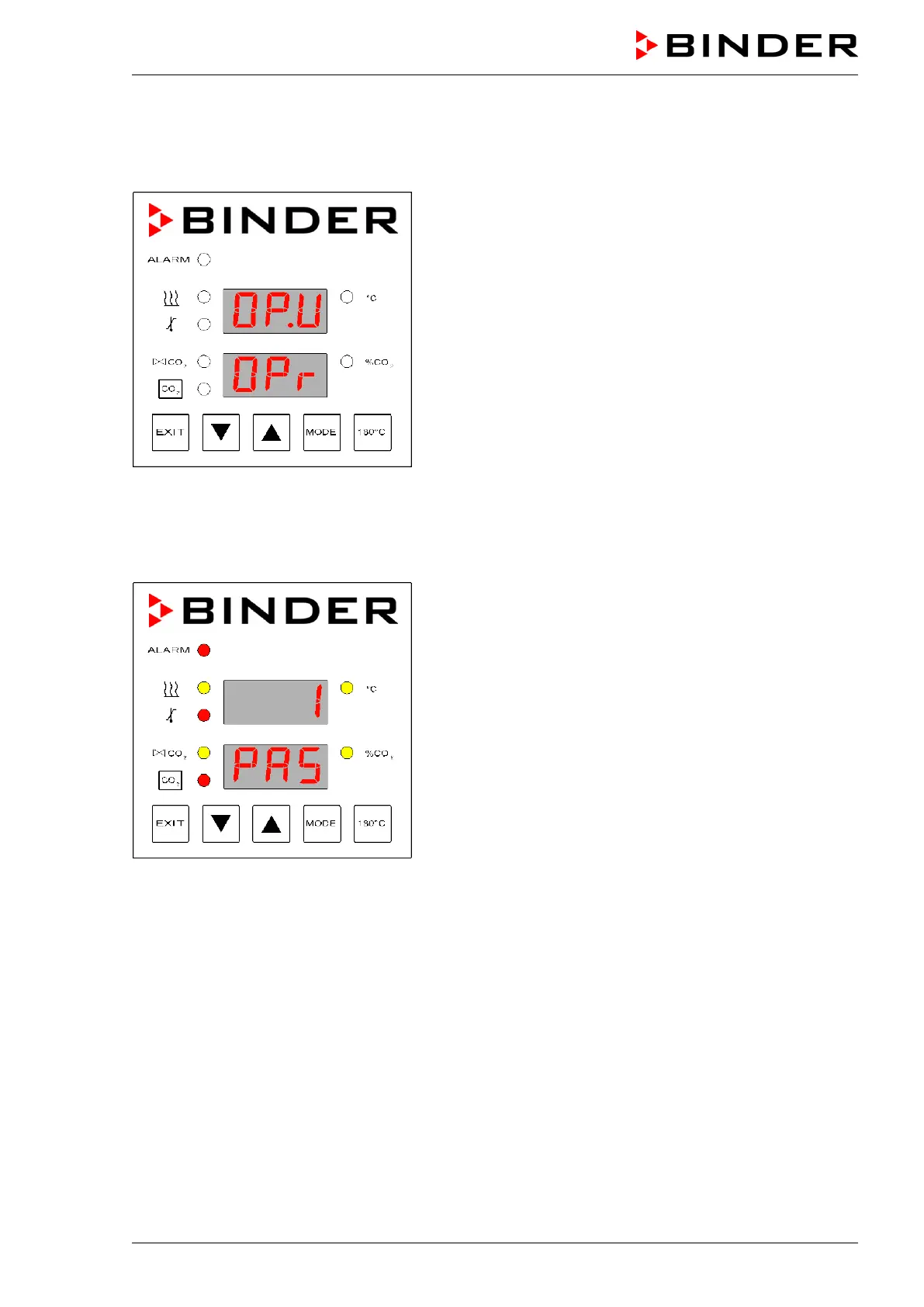
Figure 18: Selecting the operating mode
• Press “▲”until the value “O P. U ” (operating mode USER) appears in the upper display.
• Press “MODE”. The display to enter the password appears.
The operating mode USER is password-protected by a number. The password is preset to "1" in factory.
You can change the password in operating function “PA.U”.
Figure 19: Password request
• Use “▲” or “▼” to enter the password and press “MODE”.
• Use “MODE” to successively call up the operating functions.
• Use “▲” or “▼”to set the values of the operating functions.



 To Next Page