VD (E3.1) 03/2020 page 134/173
Function “Export service data”.
To write the chamber data from the controller to the USB stick, press
the OK button.
19.1.4 Ongoing data transfer
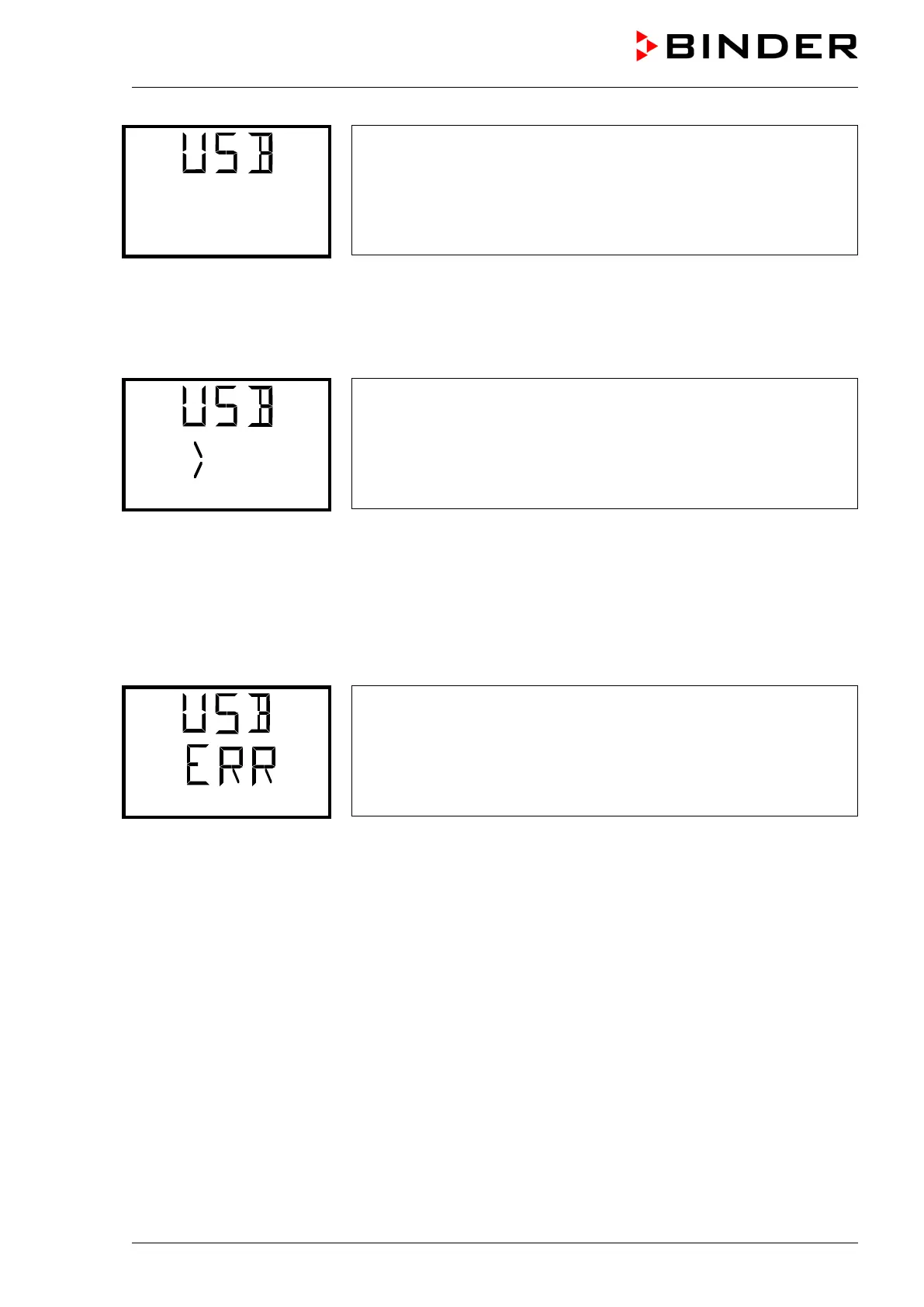
A moving arrow symbol indicates the progress of the data transfer.
Example:
Data recording is running.
Attention! Danger of data loss! Do not disconnect the USB stick from the device during ongoing data
transfer!
After successful transfer, the controller shows again the initial function “Import configuration”.
19.1.5 Error during data transmission
In the event of an error, the message ERR (error) is displayed.
Read error (example).
19.1.6 Removing the USB stick
Logging off the USB stick is not possible / required.
Be sure that no data recording is running (chap. 19.1.4).
After removing the USB stick, the controller is back in the same menu as before when connecting the
USB stick.
19.2 MB2 controller
The USB port is located in the instrument panel.
When you insert a USB-stick, the “USB” menu opens.
Depending on the user’s authorization level, different functions (highlighted in black) are available for the
logged-in user.



 To Next Page