VD (E3.1) 03/2020 page 60/173
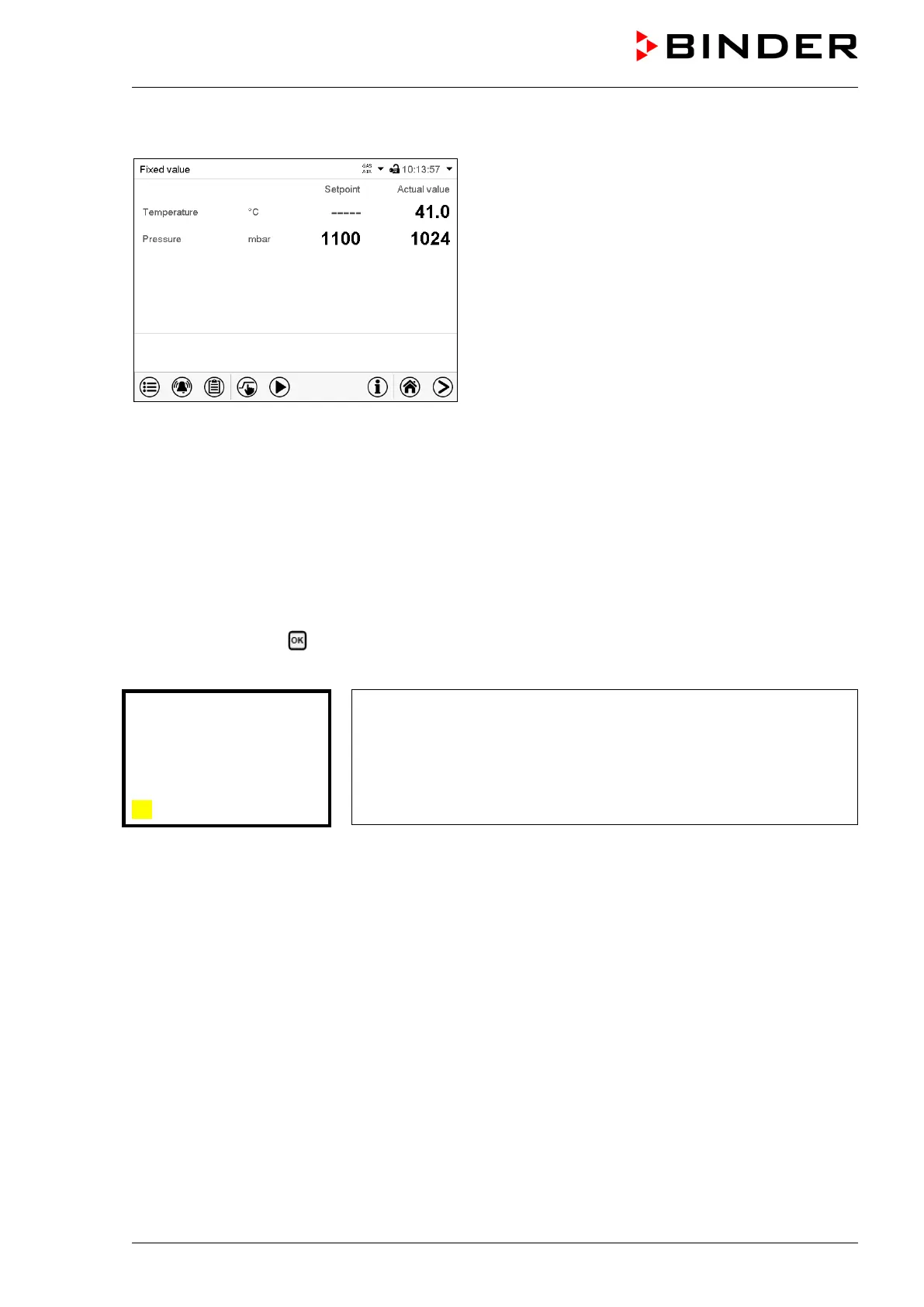
The actual temperature value continues to be displayed in Normal display:
Normal display with deactivated temperature control.
8.6 Activating / deactivating pressure control
When operating the chamber without a vacuum connection, you can deactivate pressure control with the
to avoid alarms of the pressure system. No pressure tolerance range alarms and no pressure alarm will
be emitted.
Evacuation and ventilation are then no longer possible.
8.6.1 RD4 controller
Path: Normal display Pressure control
Press the OK button to enable the setting.
Setting the “Pressure control” function.
Use the arrow buttons to select between “On” (pressure control
active) and “Off” (pressure control deactivated).
Confirm the setting with the OK button.
After confirming with the OK button or with the Back button you go back to Normal display.
If the setting “Off” (pressure control deactivated) has been selected, the information message “Pressure
control off” is displayed. The „Info“ icon flashes slowly.
The actual pressure value continues to be displayed in Normal display.



 To Next Page