VD (E3.1) 03/2020 page 98/173
13.4 Activating / deactivating the audible alarm (buzzer)
13.4.1 RD4 controller
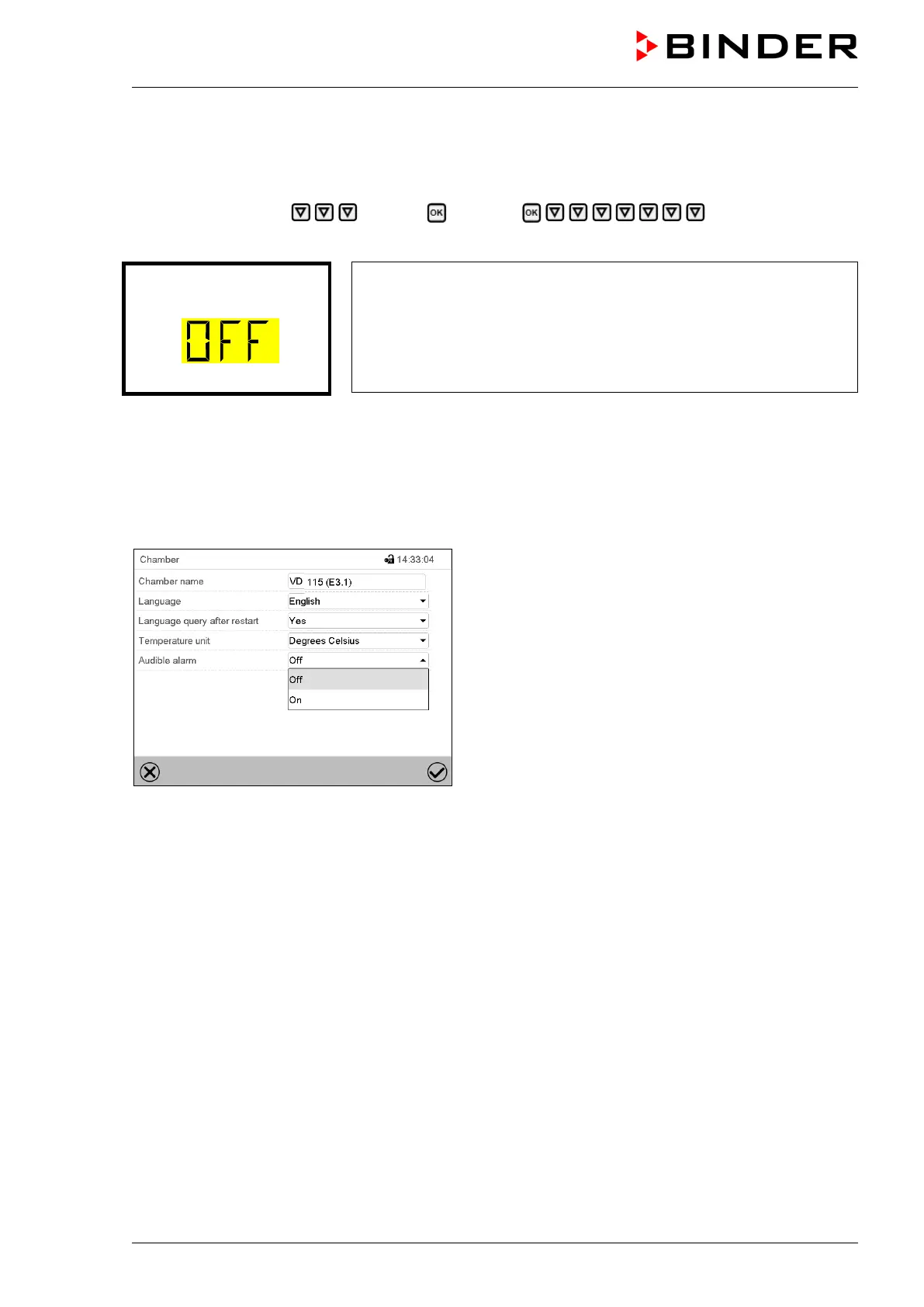
Path: Normal display Settings Chamber Audible alarm
Press the OK button to enable the setting.
Setting the audible alarm.
The current setting flashes. Use the arrow buttons to select between
ON and OFF.
Confirm the setting with the OK button.
With the Back button you can go back to the “Chamber” submenu and, repeatedly pressing it, to
Normal display.
13.4.2 MB2 controller
Path: Main menu > Settings > Chamber
“Chamber” submenu (example).
In the field “Audible alarm” select the desired setting
“off“ or “on” and press the Confirm icon.



 To Next Page