VD (E3.1) 03/2020 page 46/173
Deactivating the Standby mode (turning on the chamber
To deactivate the „Standby“ function, unmark the checkbox.
6.3 Controller settings upon start up
Depending on the functions activated in the controller, various settings can be requested directly after
turning on the chamber.
Then you should assign a password for the operating level (chap. 9).
6.3.1 RD4 controller
If the function “Language selection at restart” has been activated (chap. 10.1.5, factory setting ON), the
following settings are checked upon start up:
• Menu language (chap. 10.1.1):
Use the arrow buttons to select the desired language, confirm with the OK button
• Temperature unit (chap. 10.1.2):
Use the arrow buttons to select the desired temperature unit, confirm with the OK button
• Current date (chap. 10.1.3), format DD MM YYYY:
Use the arrow buttons to set the day, continue with the OK button.
Use the arrow buttons to set the month, continue with the OK button.
Use the arrow buttons to set the year, confirm with the OK button
• Current time (chap. 10.1.4), format HH:MM:
Use the arrow buttons to set the hours, continue with the OK button.
Use the arrow buttons to set the minutes, confirm with the OK button
6.3.2 MB2 controller
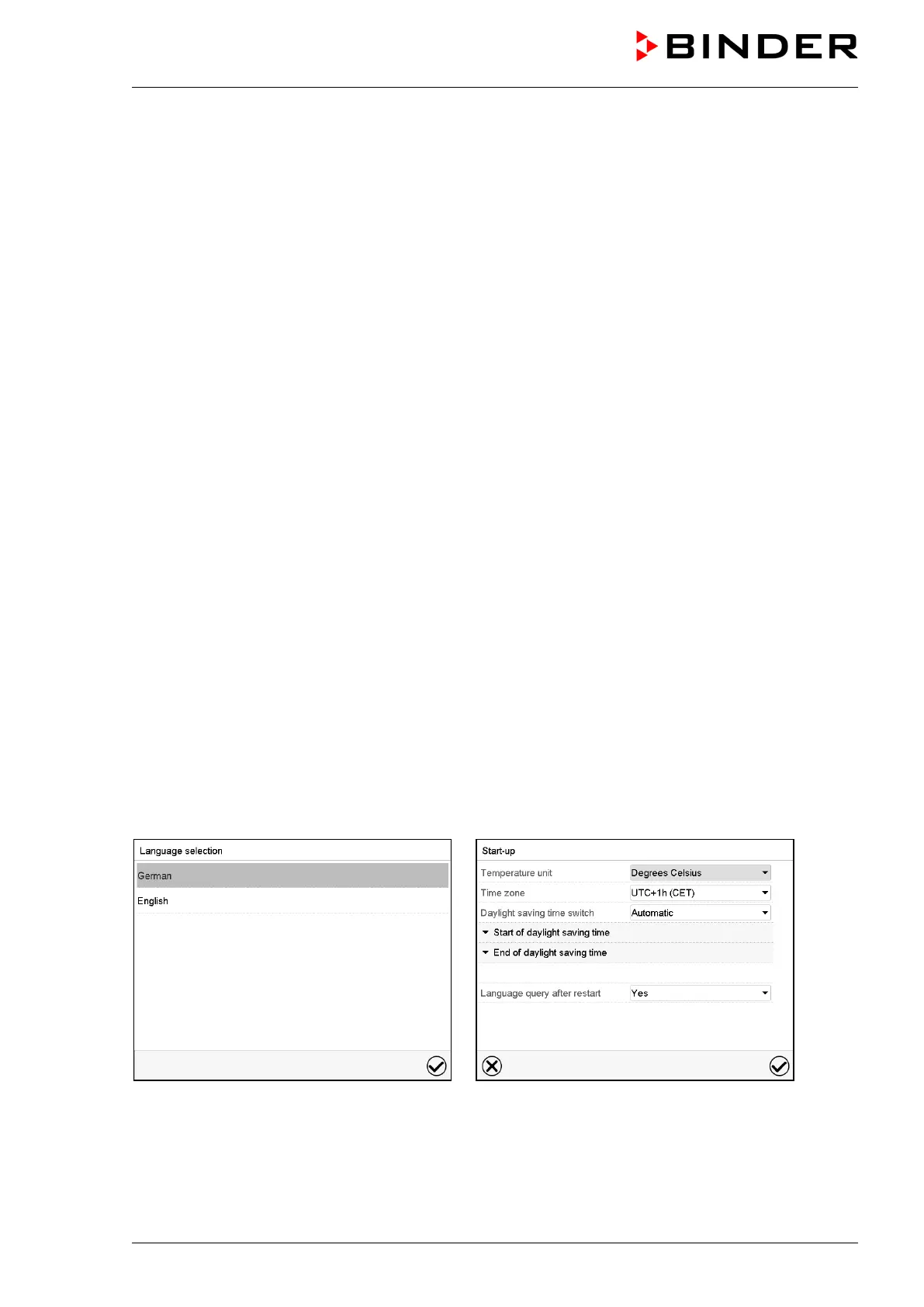
The window „Language selection“ enables the language selection, in case that it’s activated in the
“Start-up” menu. Afterwards occurs a request of the time zone and the temperature unit.
The controller will function in the operating mode, which was active before the last shut-down. It controls
temperature and pressure in fixed value operating mode to the last entered values and in the program
mode to the set points achieved beforehand.



 To Next Page