VD (E3.1) 03/2020 page 34/173
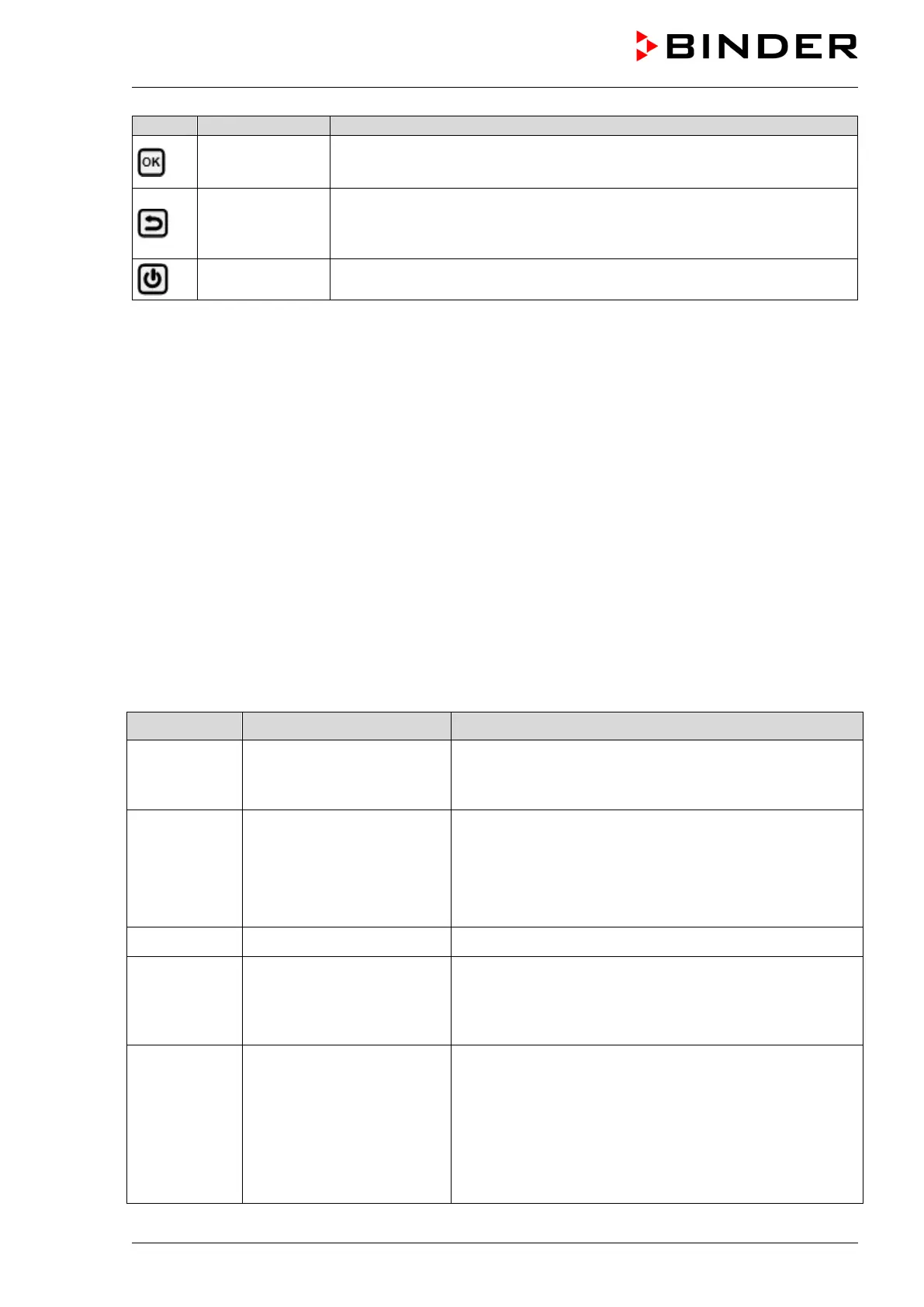
OK button
• Select menu, submenu, function
• In the setting menu: Confirm entry
Back button
• Back to previous menu level.
• Press down 5 seconds to simultaneously display the inner chamber
temperature and the heating element temperature (chap. 10.1.8)
Standby button
Turning on 7 off the chamber (chap. 6.1)
5.1.1 Menu structure of the controller and access levels
Starting from Normal display, navigate between the menus with the arrow buttons. With the OK button
you enter the setting of further subordinate menu functions. With the Back button you go back to the
previous function and finally back to Normal display.
Starting from Normal display you can directly access the quick access menu functions with the OK
button.
The available functions depend on the current dependent on the current authorization “User”, “Admin” or
“Service”, for which the entry of a password may be required, depending on the setting.
You can set passwords for different access levels:
• User: The password enables access to the standard operating functions. Factory setting is 00 00 (no
password assigned).
• Admin: The password enables access to advanced controller functions and settings. Factory setting is
00 01.
• Service: The password enables access to all controller functions (for BINDER Service only).
As soon as a password has been assigned, access to the respective functions is blocked and only
available after entering the correct password.
Menu Required access level Functions
Quick access
Any user
•
Turning on / off pressure control and temperature
control
• Starting / stopping Drying monitoring
Setpoints
“User”
• Temperature and pressure set-point setting
• Setting the safety controller
•
Turning on / off the vacuum pump and the optional
connection “GAS/AIR 2” (5)
• Closing all fine dosing valves
Programs
“User”
• Start / Stop function for time and week program
Chamber info
Any user
•
Configuration display (setup information, controller
hardware and software, analog inputs)
• Display of interface
configuration (e.g. MAC address,
IP address)
Settings
“Admin”
• General controller settings (date, time, menu language,
temperature unit, display brightness…)
• Network settings
• Setting the data logger storage interval
• Setting the tolerance ranger limits and delay times for
tolerance range alarms
• Password changing for User and Admin



 To Next Page