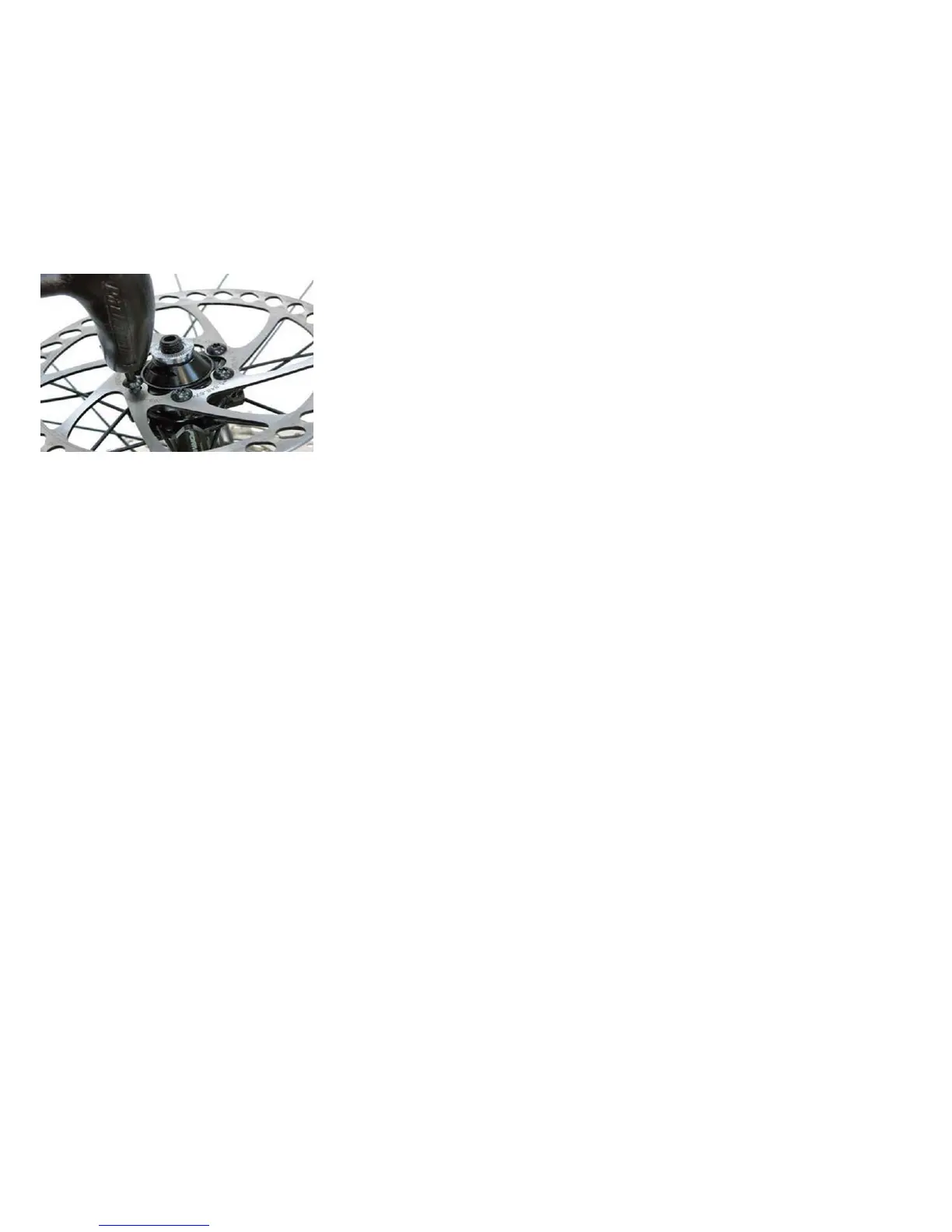
Disc Brakes
1.
Check the tightness of the six mounting bolts holding the
brake rotor onto the wheel. If
you need to remove these bolts, be sure to us a thread-locking compound when re-
installing them.
2.
Make sure the two bolts securing the caliper bracket to the fork are tightened.
3.
Thread the brake cable through the caliper and secure it with the cable fixing bolt.
4.
Loosen the two caliper mounting bolts enough to allow the
brake caliper to float freely.
Derailleur Systems
The derailleur system includes the front and rear derailleurs, the shift levers, the derailleur control cables, all of which must function correctly for
smooth gear shifting to occur. Although the front and rear derailleurs are initially adjusted at the factory, you will need to inspect and readjust both
before riding the bicycle.
Rear derailleur
Begin by shifting the rear shifter to largest number indicated, loosen the cable from the rear derailleur cable anchor bolt, and place the chain on the
smallest sprocket. Adjust the High limit screw so the guide pulley and the smallest sprocket are lined up vertically. Re-tighten the cable, pull out any slack,
and retighten the anchor bolt securely. Shift through the gears, making sure each gear achieved is done quietly and without hesitation. If necessary, use
the barrel adjuster to fine tune the cable tension by turning it the direction you want the chain to go. For example: turning clockwise will loosen the cable
tension and move the chain away from the wheel, while turning counter-clockwise will tighten cable tension and direct the chain towards the wheel.


 To Next Page