CFX96 and CFX384 Systems Manual
5
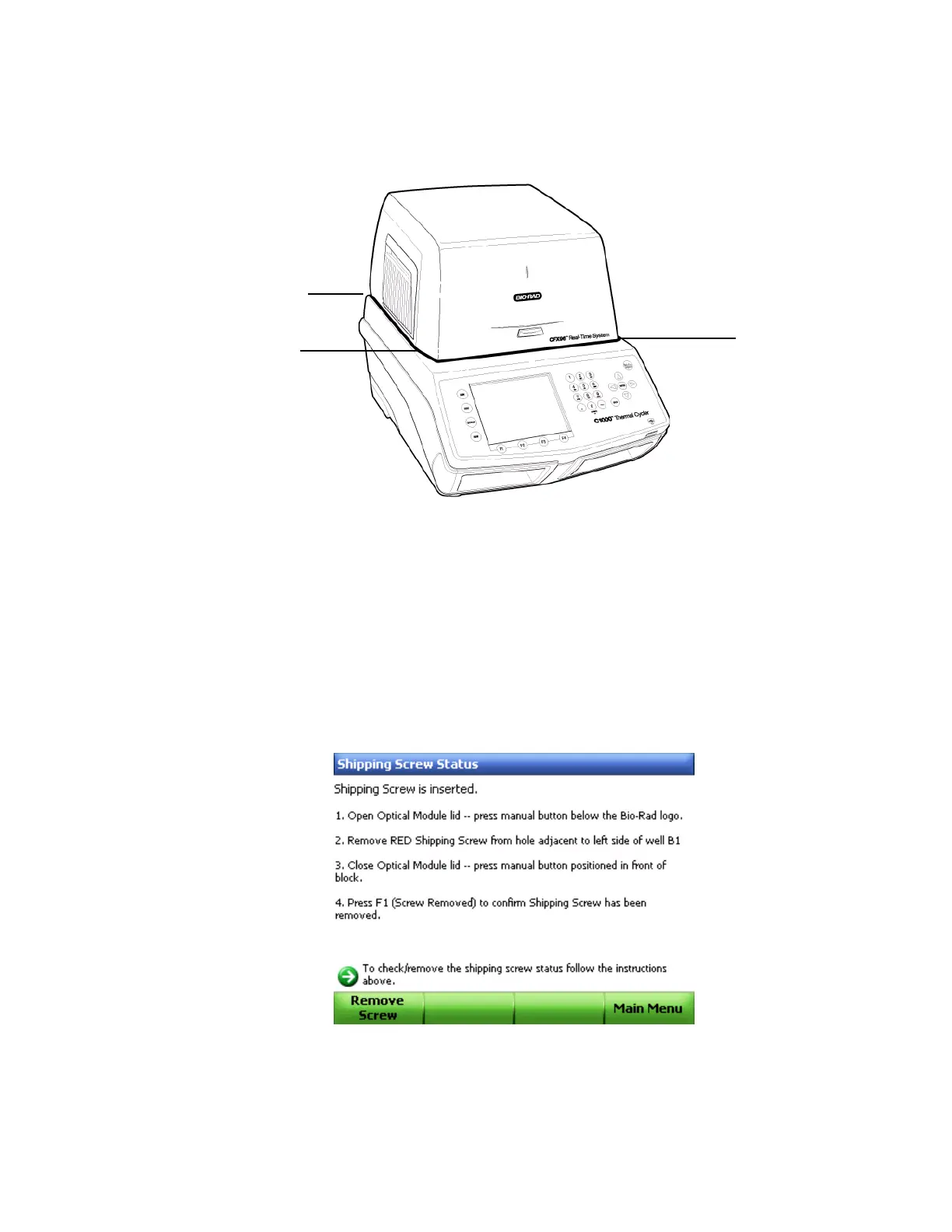
5. Check that the module is completely and evenly seated in the C1000 base. As shown in
Figure 6, check the space around the bottom of the module. There should be no extra
space between the module and the base; the space should be even.
Figure 6. Check for even space between module and base.
NOTE: If the space between the module and C1000 base is uneven, reinstall the
module starting from Step 2 (page 4).
6. Plug the power cord into the back of the C1000 base (Figure 3 on page 3), and into an
appropriate three-pronged electrical outlet.
7. Press the power switch on the back panel of the C1000 thermal cycler to start the
system.
8. Follow the instructions in the C1000 front panel to remove the red shipping screw from
the inner heater lid (Figure 7). Turn the screw counterclockwise to lift it out of the hole.
Figure 7. Instructions to remove the shipping screw.
Check
space
Check
space
Check
space



 To Next Page