System Installation
8
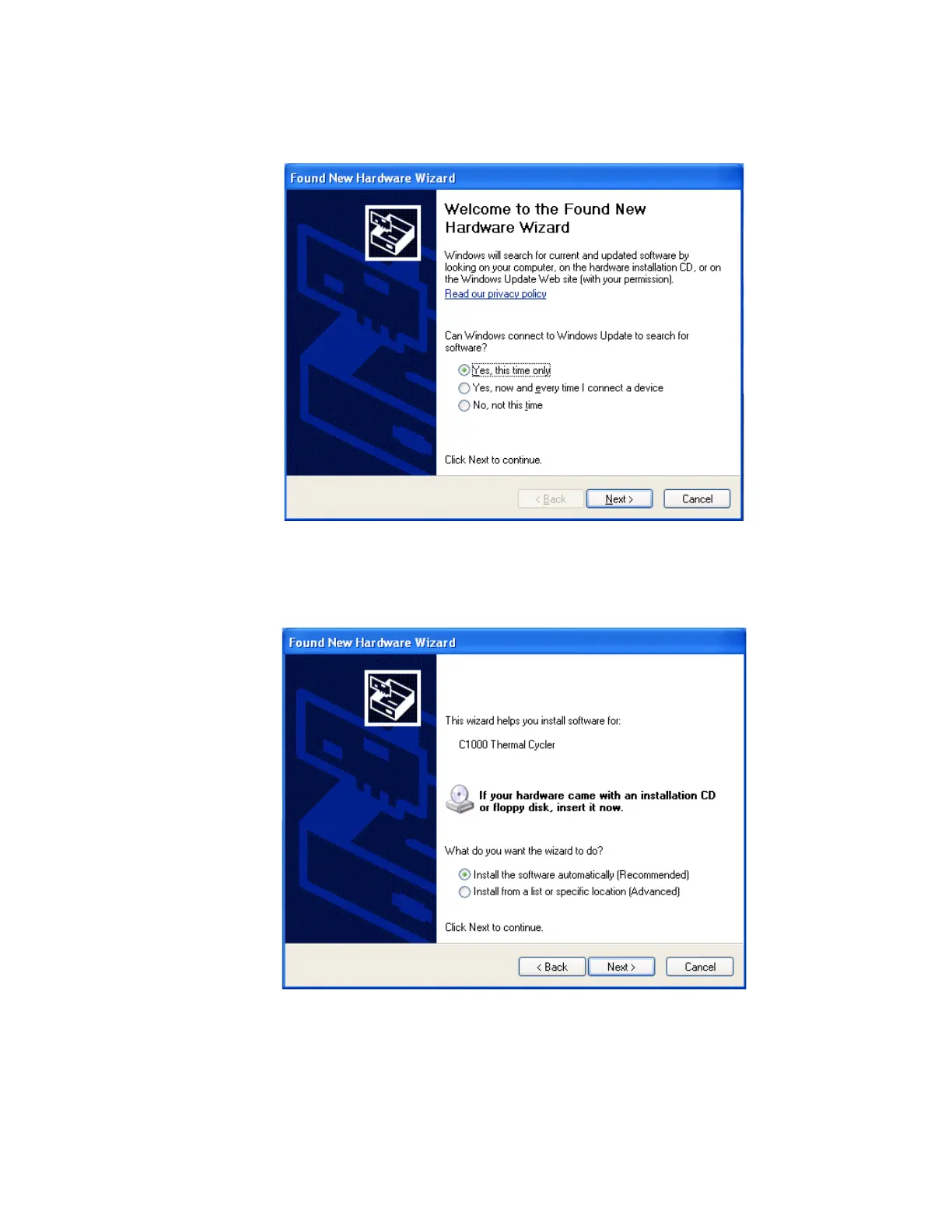
3. On the first screen, select Yes, this time only to instruct the Windows operating system
to connect to Windows Update to search for software (Figure 9). Click Next.
Figure 9. Found New Hardware Wizard.
4. Instruct the wizard to “
Install the software automatically
.” Click Next to continue
installing the drivers (Figure 10).
Figure 10. Software (Driver) installation screen.
5. Click Finish at the software installation completion screen when the drivers are installed.



 To Next Page