CFX96 and CFX384 Systems Manual
49
• Targets. A list of target names for each PCR reaction, such as a genes or sequences of
interest. Click the Reference column to assign reference genes in an experiment
• Samples. A list of sample names that indicate the source of the target, such as a sample
taken at 1 hour (1 hr), or taken from a specific individual (“mouse1”). Click the Control
column to assign the control condition for an experiment
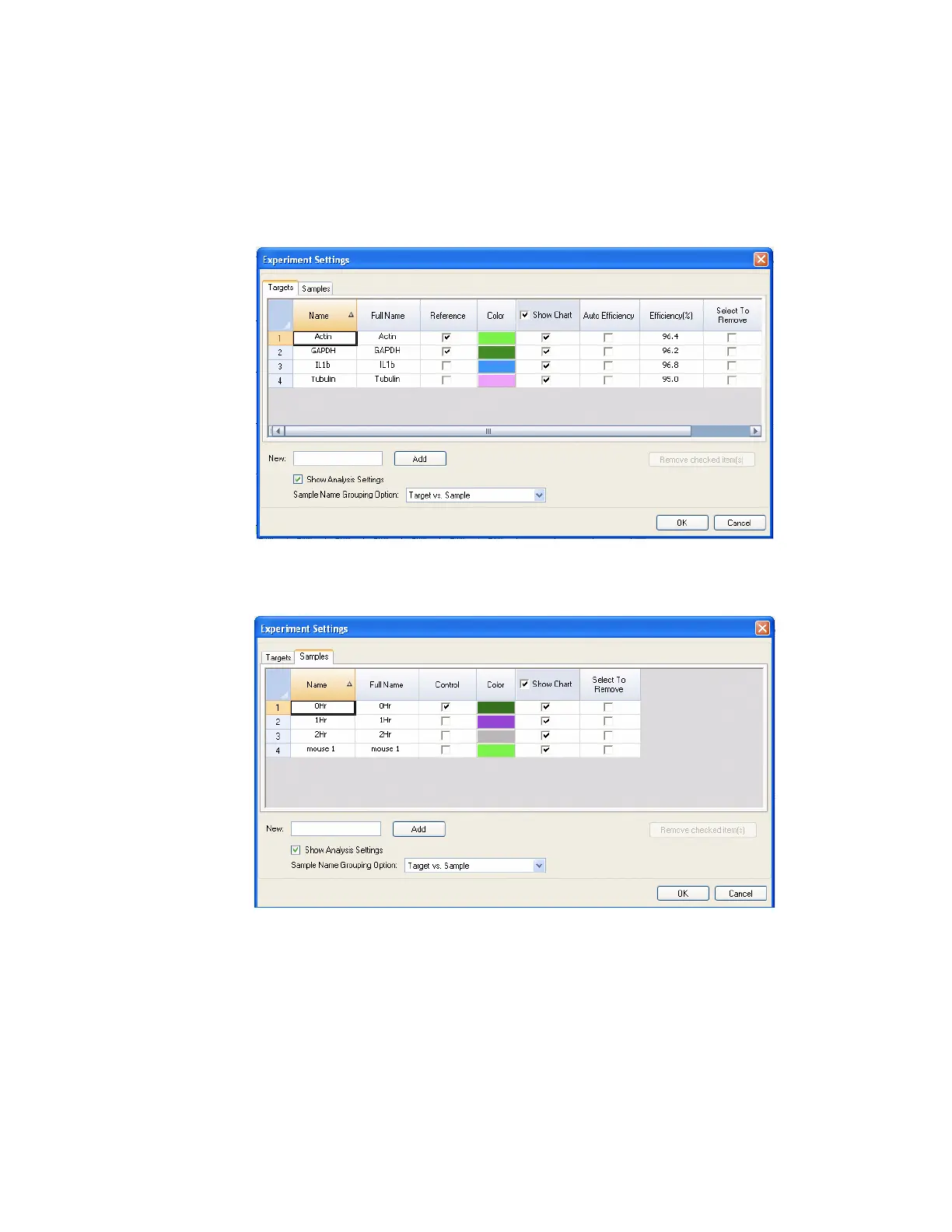
Figure 41 shows the Targets tab with the analysis settings shown.
Figure 41. Targets tab in Experiment Settings window.
Figure 42 shows the Sample Tab with the Analysis Settings shown.
Figure 42. Samples tab in Experiment Settings window.
To adjust the lists in these tabs, use the following functions:
• Add a target or sample name by typing a name in the New box, and clicking Add
• Remove a target or sample name from the list by clicking the Select to Remove box
for that row, and then clicking the Remove checked items(s) button
• Select the target as a reference for gene expression data analysis by clicking the box
in the Reference column next to the name for that target



 To Next Page