Stand-Alone Operation
68
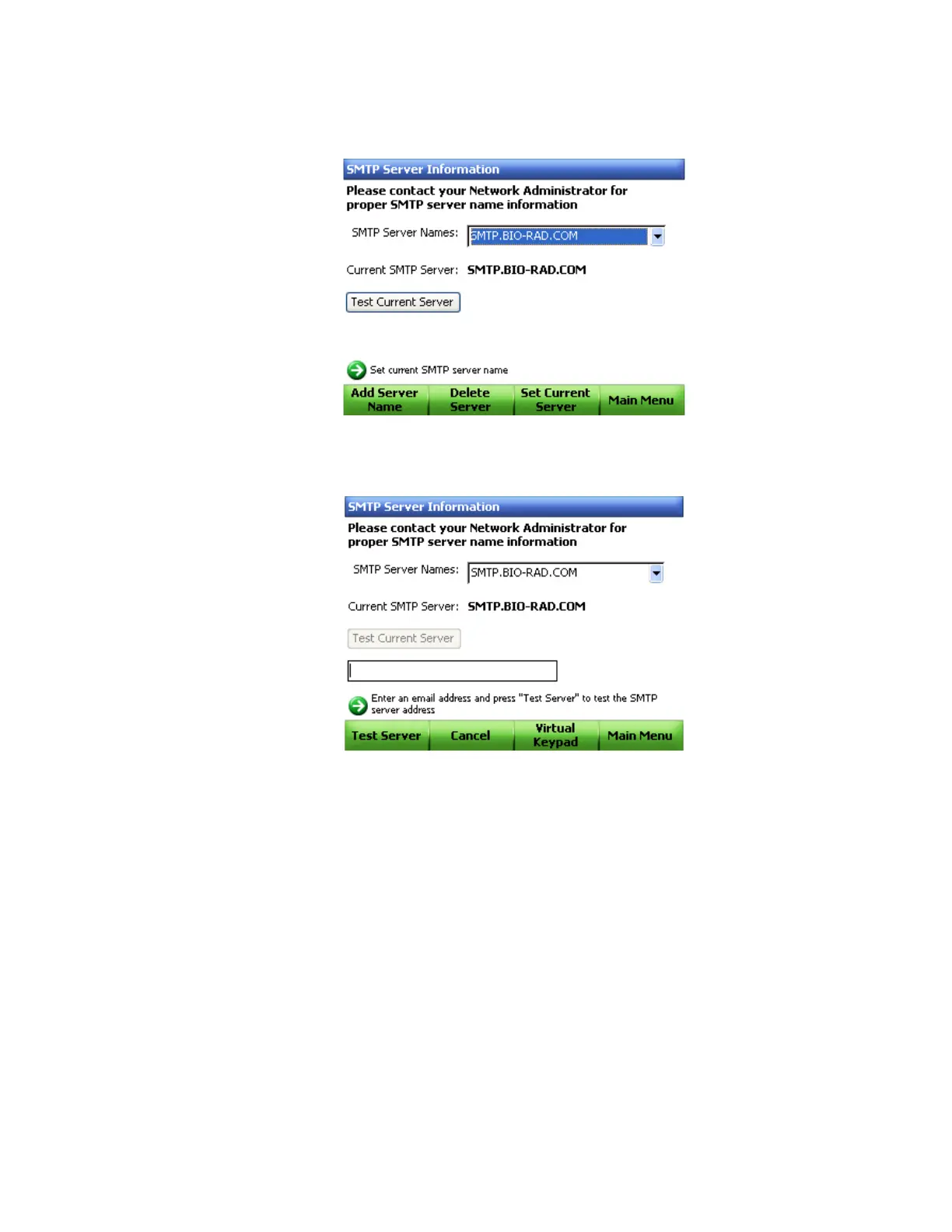
12.Use the arrow keys to select the Test Current Server button and click the Enter
navigation button (Figure 67).
Figure 67. Test the current server.
13.Type an email address in the text box and select Test Server (F1) (Figure 68).
Figure 68. Enter email to test the current server.
14.The C1000 thermal cycler will send an email to the entered address as a test of the
SMTP server configuration.
NOTE: Some SMTP servers do not allow attachments, and others allow
attachments only up to certain sizes. If you will use CFX Manager software or the
C1000 chassis to email data files and/or reports, you may want to test your
server's ability to email attachments by checking the Test Attachment box, and
setting the attachment size in MB with up to 5 megabytes (MB) or more.



 To Next Page