Data Analysis Overview
76
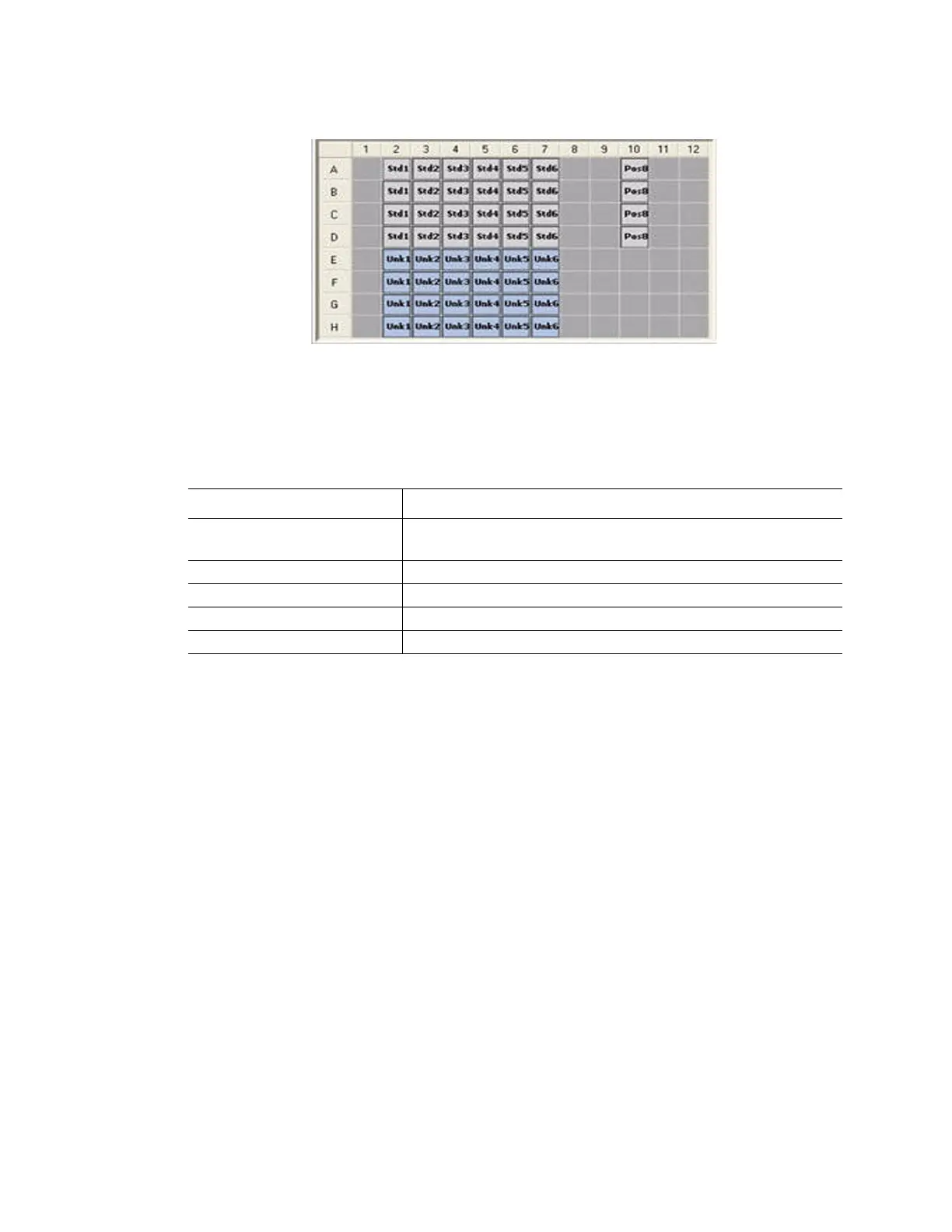
• Empty wells (dark gray). These wells were not loaded in the Plate Editor window
Figure 76. Three well colors appear in a well selector.
Well Selector Right-Click Menu Items
Right-click any well selector view to select the items listed in Table 21.
Exclude Wells From Analysis
To exclude any wells from data analysis temporarily, follow these instructions:
RIGHT-CLICK OPTION
1. Right-click on the well in the well selector, on a fluorescence trace, or on a point plotted
on the standard curve.
Table 21. Right-click menu items in the well selectors
Item Function
Copy Copy the content of the well to a clipboard, including Sample
Type and optional Replicate #
Copy as Image Copy the well selector view as an image
Print... Print the well selector view
Print Selection... Print the current selection
Export to Excel... Export the data to an Excel spreadsheet



 To Next Page