CFX96 and CFX384 Systems Manual
77
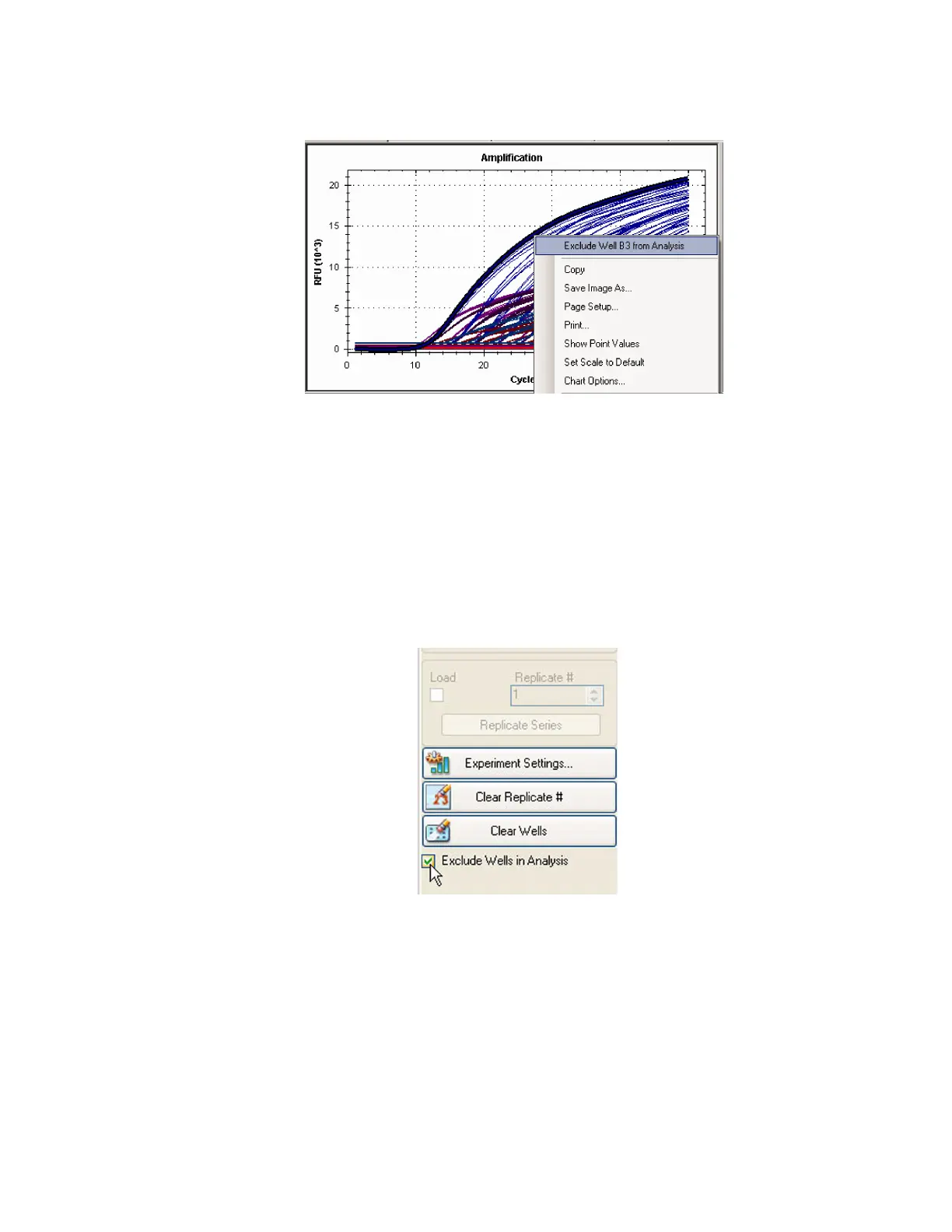
2. Choose Exclude Well XX from Analysis from the menu options.
Figure 77. Right-click to exclude a well from analysis.
NOTE: Unselect the Exclude Well from Analysis from the right-click menu to
reinclude the well.
PLATE EDITOR OPTIONS
1. Click the View/Edit Plate button on the toolbar in the Data Analysis window.
2. Select one or more wells in the well selector view.
3. Click Exclude Wells in Analysis (Figure 78) to exclude the selected wells. This checkbox
is at the bottom of the Plate Editor controls on the right side of the window.
Figure 78. Exclude Wells in Analysis checkbox at bottom of the pane.



 To Next Page