38 | S3 Cell Sorter Instruction Manual38 |
4.4.2 Side Streams
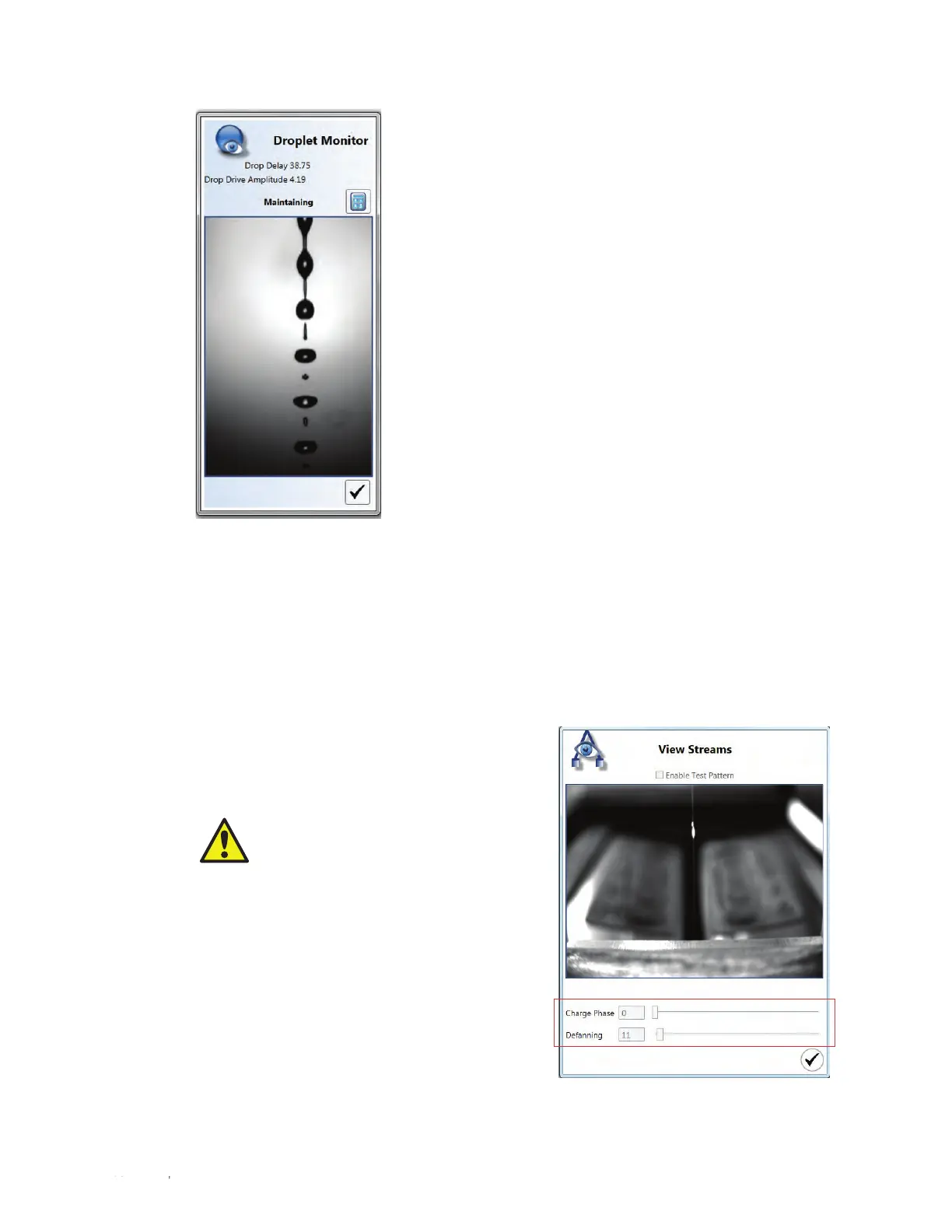
Following droplet setup, the side streams are adjusted to align with the sort tube positions and to
ensure they are not fanning. The streams may be viewed by clicking View Streams on the Home
tab. The View Streams window displays a charge phase and defanning slider bar (Figure 38).
Users can manually adjust the charge phase and defanning values by moving the slider bar. The
Enable Test Pattern button should be selected in order to apply a charge to the stream.
Users with administrator privileges may access
and modify these settings in the Administrator
tab. For more information, refer to Section 3.3,
Administrator Tab Toolbar.
CAUTION! Optimal side stream
settings are calculated automatically
after performing a quality control
procedure. Adjusting any of these
values will change the optimal
settings and will affect the side
streams and sort.
Fig. 37. Droplet Monitor window.
Fig. 38. View Streams window with charge
phase and defanning slider bars highlighted.



 To Next Page