44 | S3 Cell Sorter Instruction Manual44 |
4.5.4 Displaying Multiple Protocols
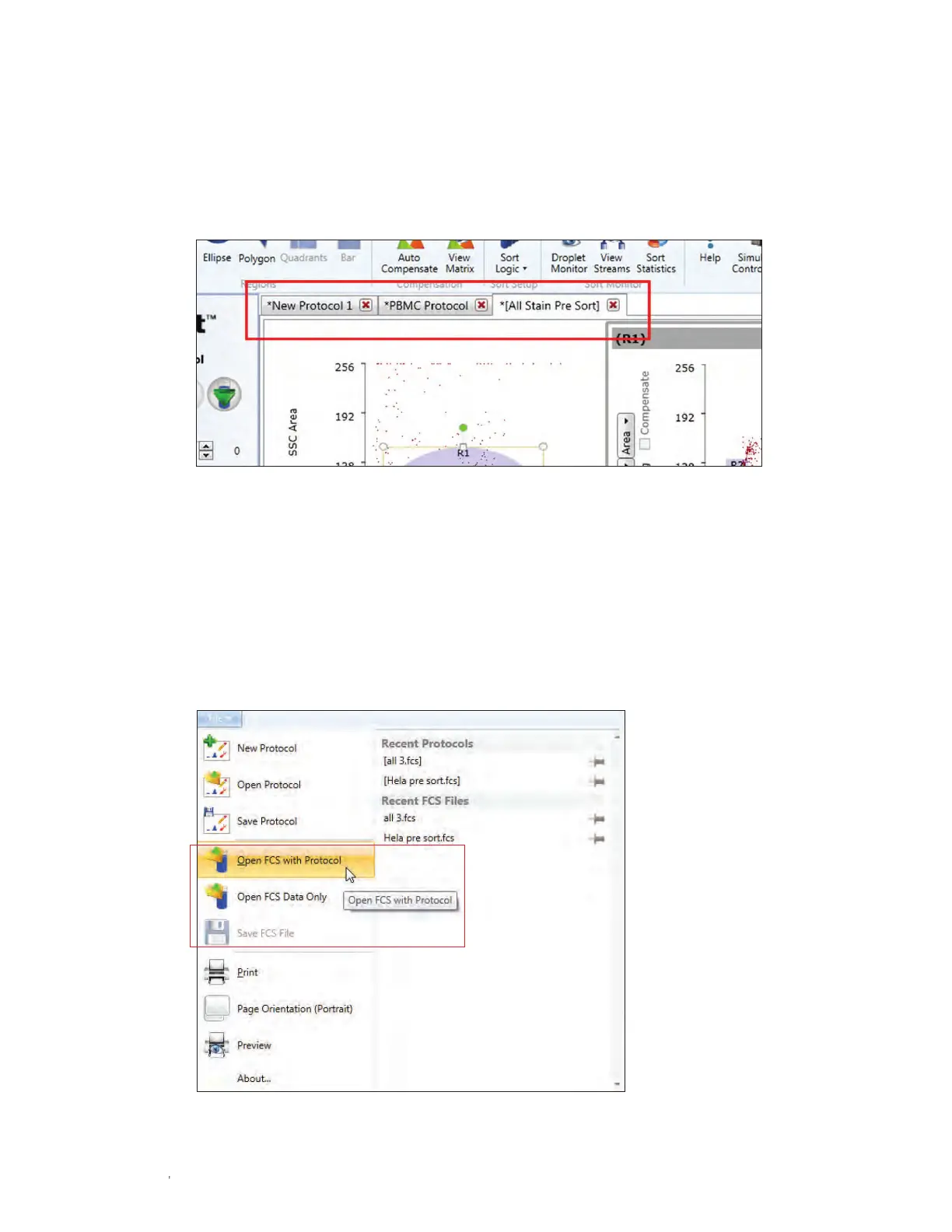
Multiple protocols can be opened at the same time by opening an existing protocol or a new
protocol from the file menu. When multiple protocols are opened, they will be displayed as tabs
along the top of the workspace (Figure 45). Selecting between each tab will update instrument
settings with the information contained in each protocol.
4.5.5 Opening FCS Files
The ProSort software allows an FCS file to open into two different types of protocols (Figure 46).
The data can be embedded into the currently opened protocol by using the Open FCS Data
Only option. The FCS file can also be opened into the original protocol in which it was acquired
by using the Open FCS with Protocol option. The existing gates and plots associated with that
protocol will be recalled to the workspace.
Fig. 46. Opening and saving FCS files.
Fig. 45. Workspace with protocol tab highlighted.



 To Next Page