| 57S3 Cell Sorter Instruction Manual | 57
5.2.1 Auto Compensation Wizard
The compensation wizard assists with establishing the proper compensation matrix coefficient
for each parameter. Single controls for each parameter and the associated FCS files must be
saved prior to compensation.
To use the compensation wizard:
1. Run single controls for each parameter and your multi-stained sample.
2. Save FCS files.
3. Select Home > Compensation Wizard.
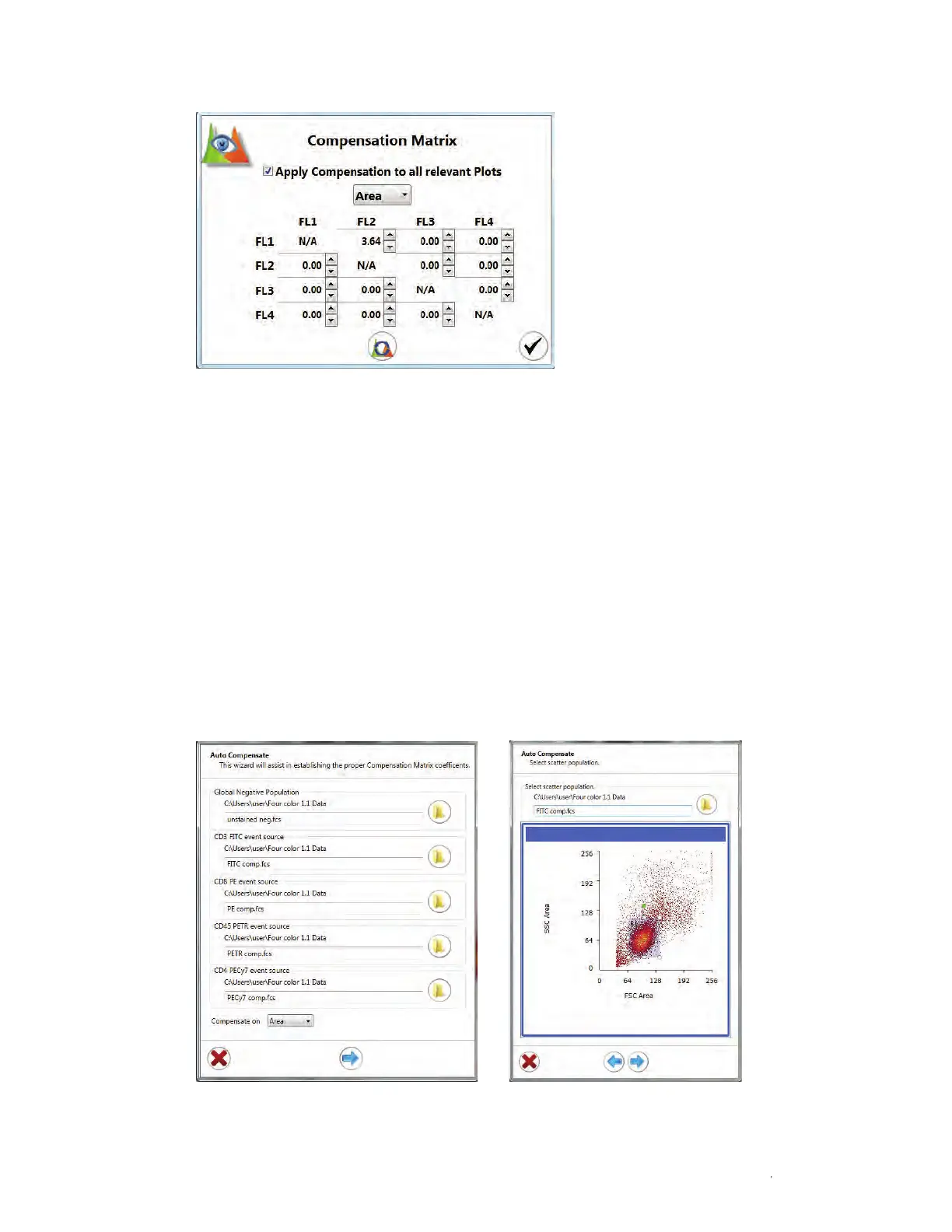
4. Select the parameters for compensation (Figure 62).
5. Click the file icon for each selected parameter (Figure 62).
Fig. 62. Use the auto compensation wizard to select individual parameter FCS files and adjust regions.
Fig. 61. Compensation matrix.



 To Next Page