S3 Cell Sorter Instruction Manual66 |
14. Close the sort chamber door.
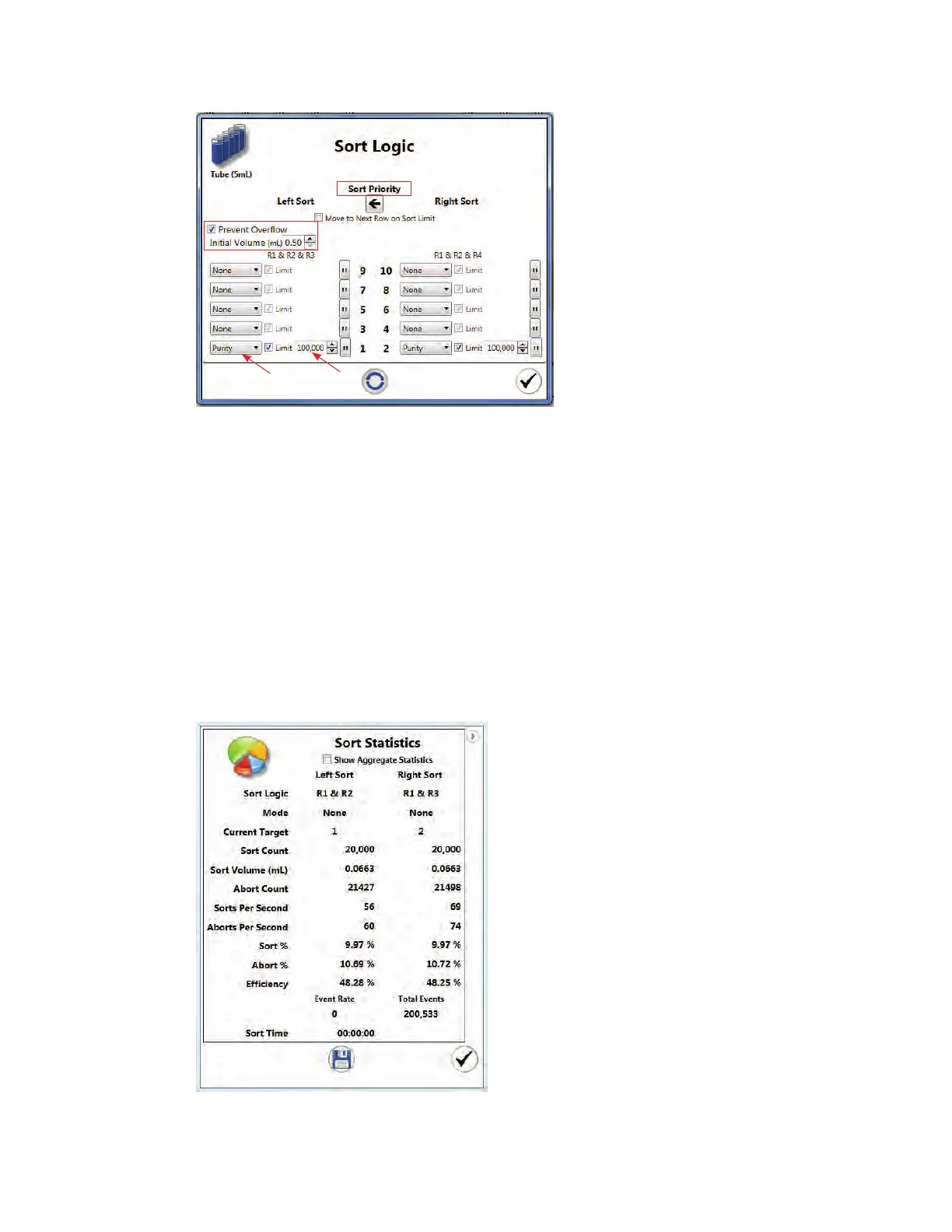
15. Click Start Sort on the instrument control panel. The Sort Statistics window will open
and sorting will begin (Figure 71). The Sort Statistics window can be reopened using the
Sort Statistics button on the Home toolbar. Click on the arrow in the upper right corner to
expand the window and show the statistics table.
16. If no limits have been set, click the same sort button to stop the sort when desired.
17. Return loading stage to the washing position.
18. Open sort chamber door and remove sorted cells.
Fig. 71. Sort Statistics window.
Fig. 70. Sort Logic window.



 To Next Page