| 81S3 Cell Sorter Instruction Manual | 81
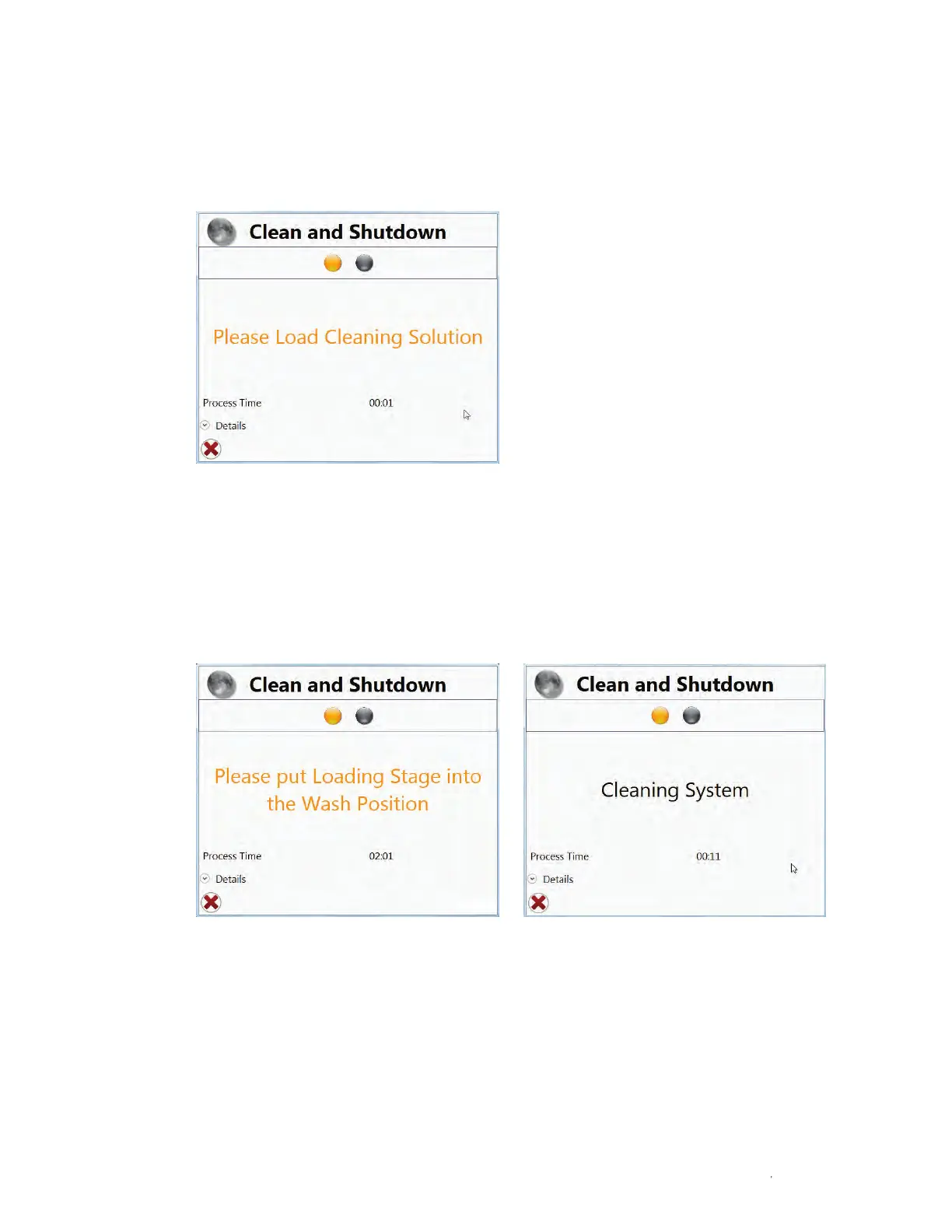
A window will open requesting a tube of cleaner to be used to clean the system (Figure 91).
6. Load a tube of cleaning solution.
7. Move the loading stage into the run position.
8. The system will automatically run through the cleaning procedure, which takes
approximately 2 min, while displaying status windows (Figure 92).
9. Put the Loading Stage into the wash position.
Fig. 91. Start the clean system option by following the prompt to load a tube of cleaner.
Fig. 92. Cleaning status windows.



 To Next Page