| 85S3 Cell Sorter Instruction Manual | 85
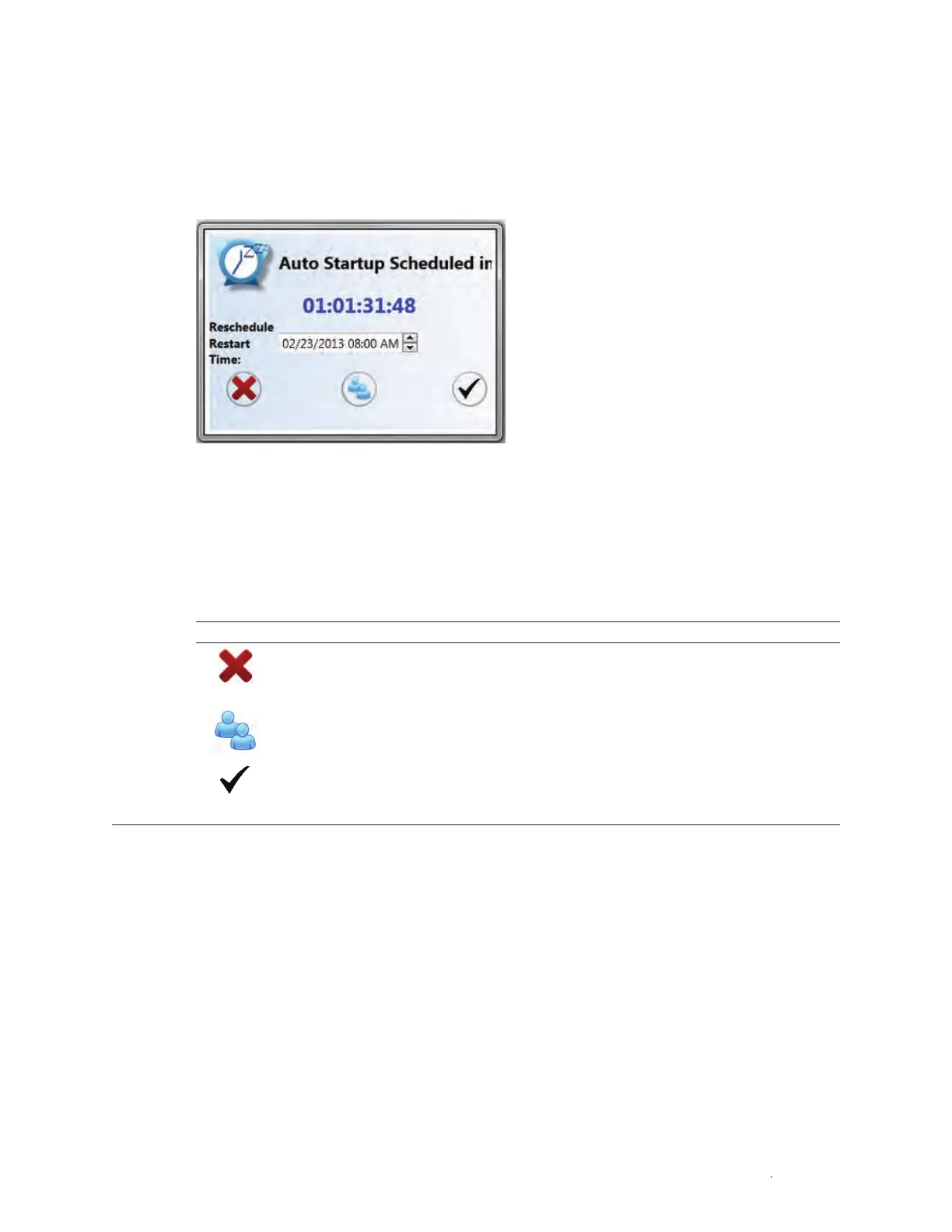
When a user logs onto the system and an automatic startup time is designated, the software
will display the Auto Startup Scheduled window (Figure 98).
There are three options that can be performed at this time. These options determine whether
the automatic startup will proceed as scheduled or be canceled.
Fig. 98. Auto Startup Scheduled window.
WARNING! Canceling a previously scheduled automatic startup may influence other users’
plans. Be sure to check with others when choosing this option.
Table 28. Auto startup buttons.
Button Command Function
Cancel Cancels the previously scheduled automatic startup. A message will
appear in the login screen indicating that a user has cancelled the
automatic starup
Accept and Logs current user out of system and continues with scheduled
sign out automatic startup
Allow auto startup Keeps scheduled automatic startup time but allows the user to start
up the system and run experiments in the meantime. The user can also
alter the startup time



 To Next Page