TGRADIENT Manual __________________________________________________________ 22
7 Run Program
7.1 Select and start program
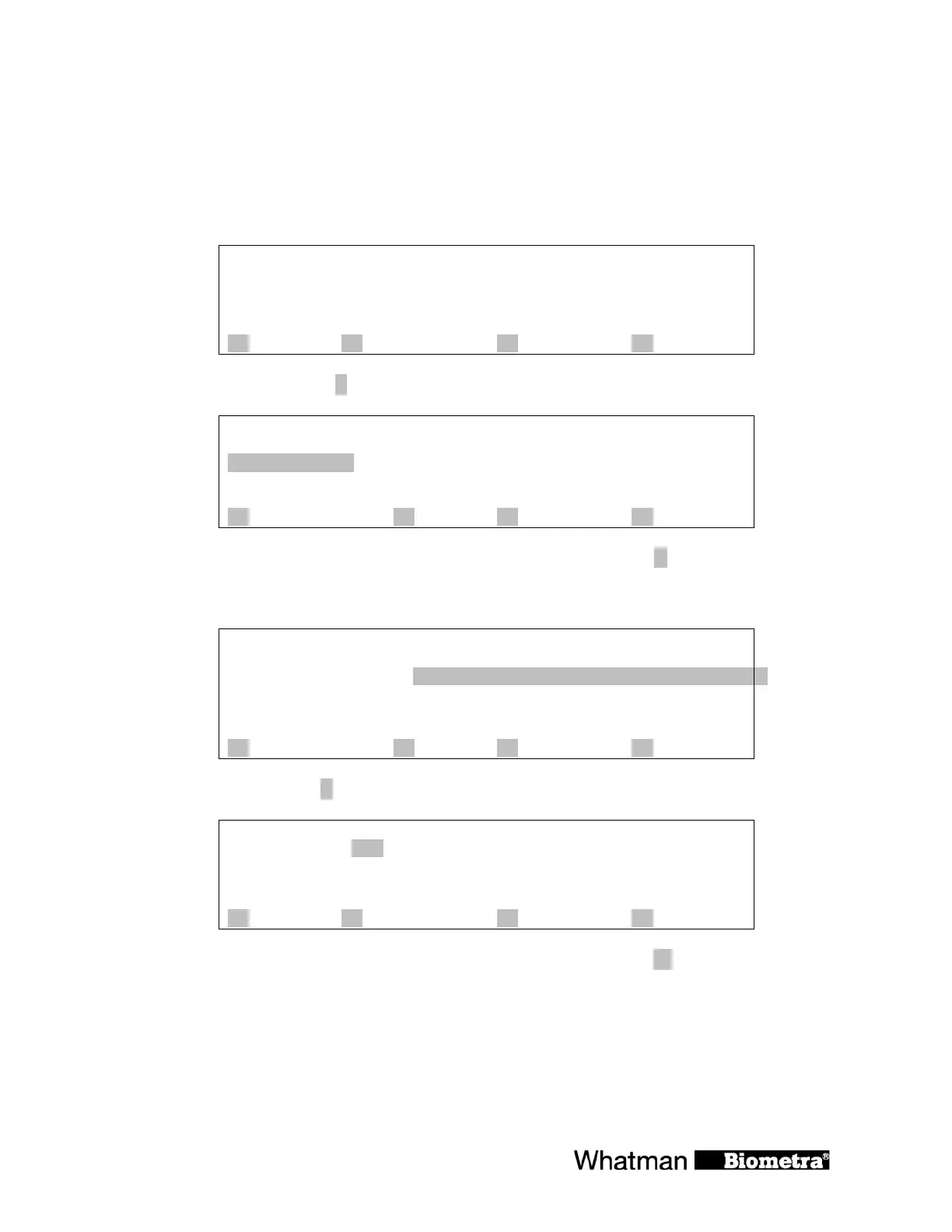
Main display:
Prog
step
temp[°C] 25.2°C
time
lid 25.4°C
A ? B start/stop C programs D +
To select a program press [B start/stop]
start ½-3. subdirect.:
½-4. subdirect.:
Main direct.--- ½-5. Subdirect.:
½-6. subdirect.:
½-7. subdirect.:
A ? B C quit D enter
Choose directory with cursor keys ðñò or enter main directory with [D enter]
Note: The path for the program that was modified most recently is automatically pre-selected
½-3. subdirect.:
½-4. subdirect.:
Main direct.--- ½-5. Subdirect.:
½-6. subdirect.:
½-7. subdirect.:
A ? B C quit D enter
Enter subdirectory with [D enter]
Directory: 5
program no. Name:
Edit
A list B C quit D enter
Enter the number of the program you want to start. Alternatively, [press A] list to select a
program from the list of all programs in this subdirectory.
Scroll through the list with cursor keys ñò.


 To Next Page