TGRADIENT Manual __________________________________________________________ 23
0 test 1
1 empty
2 empty
3 empty
4 empty
A list B forward C quit D enter
Confirm highlighted program with [D enter].
The number and name of both subdirectory and the selected program will be displayed.
Directory: 3
program no. 0 Name: TEST 1
preheating lid on
start block signal on
A list B C quit D start
To start the program press [D start].
7.2 Display during operation
During preheating of the lid the following screen is displayed:
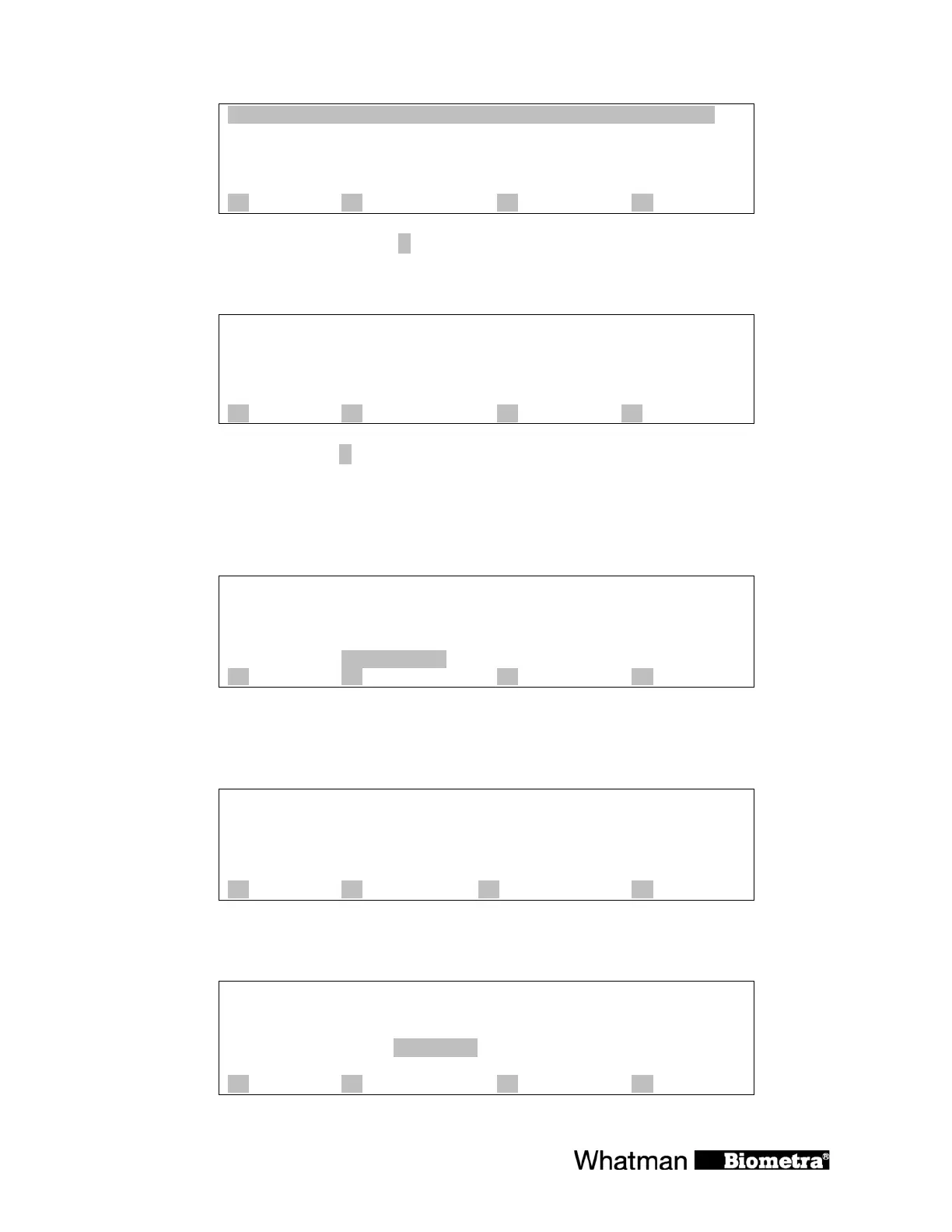
Prog 0 TEST 1 dir 3
Step 1
temp[°C] 25.0°C à 95.0
time
lid preheating
A info B start/stop C programs D +
Note: In the default setting (preheating on) the block is held constantly at 25°C. The program
starts as soon as the lid has reached the set temperature. During the preheating phase the display
of the lid temperature alternates between the current lid temperature and “preheating”.
Prog 0 TEST 1 dir 3
Step 1
temp[°C] 25.0°C à 95.0
time
lid preheating
A info B start/stop C programs D +
As soon as the block has reached the programmed hold temperature, the timer starts to count
down.
Prog 0 TEST 1 dir 3
Step 1 cycle 1 of 30
temp[°C] 95.0°C à 95.0
time 0h 2m15s à0h 5m 0s
lid 104.9°C
A info B start/stop C programs D +


 To Next Page