TGRADIENT Manual __________________________________________________________ 26
8 Special functions
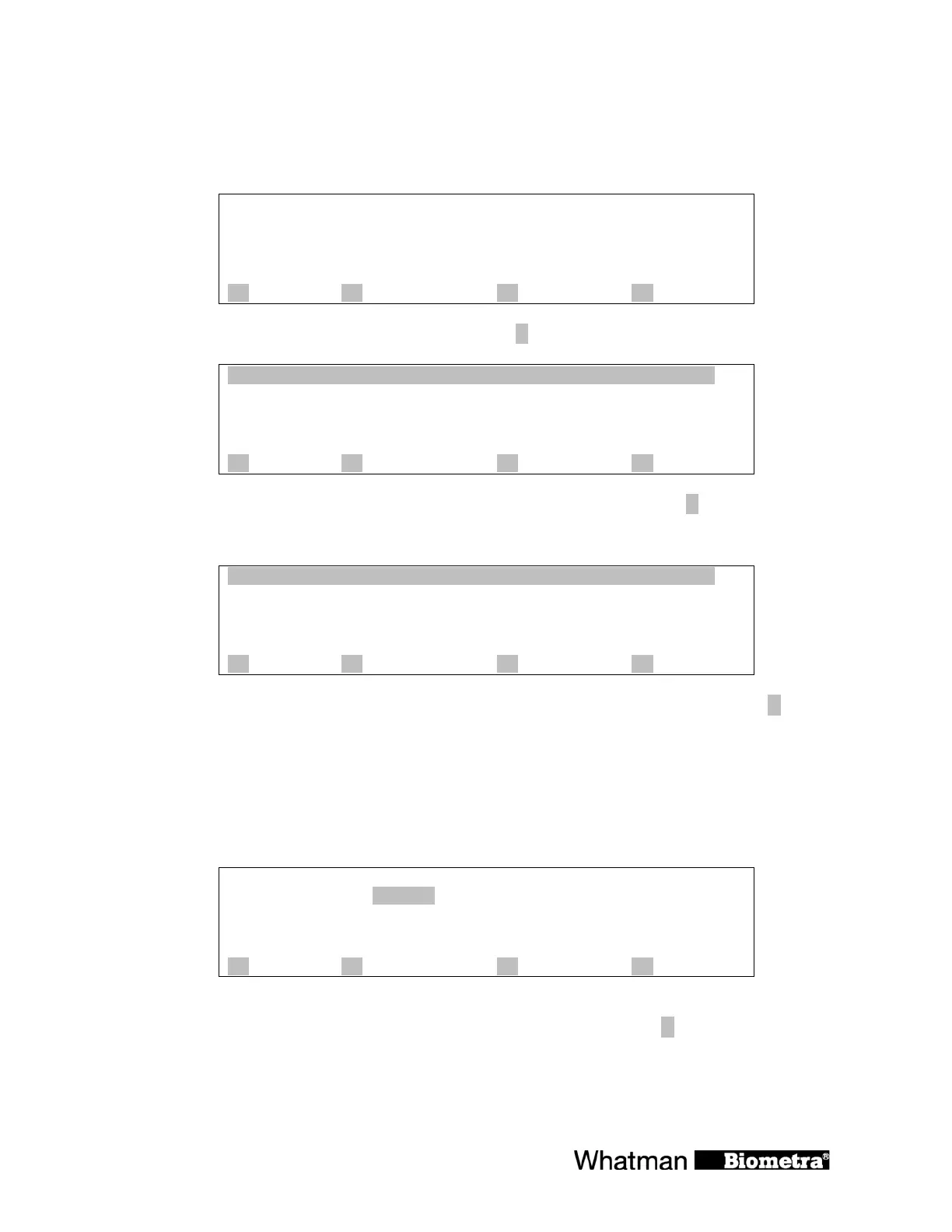
Main screen
Prog
step
temp[°C] 25.2°C
time
lid 25.4°C
A ? B start/stop C programs D +
To change special features of the TGRADIENT press [D +].
1 print
2 signal
3 language
4 standard mode
5 test mode
A back B forward C quit D enter
Scroll though the list with the cursor keys ñò. Enter desired function with [D enter]
8.1 Print protocols
1 graphic protocol*
2 graphic protocols*
3 print program
4 print all programs
A B C quit D enter
Scroll through the list with the cursor keys ñò. Confirm the highlighted function with [D
enter].
8.2 Switch beep on/off
There is an option for an audible signal whenever a program enters a pause and when the
program is finished. If this option is active, the beep can be switched off by pressing any key of
the keyboard.
with signal yes
no
A B C quit D enter
In this window you can select whether there is a signal or whether there is not. Using the cursor
keys you can toggle between signal yes/no. Confirm your selection with [D enter].


 To Next Page