TGRADIENT Manual __________________________________________________________ 25
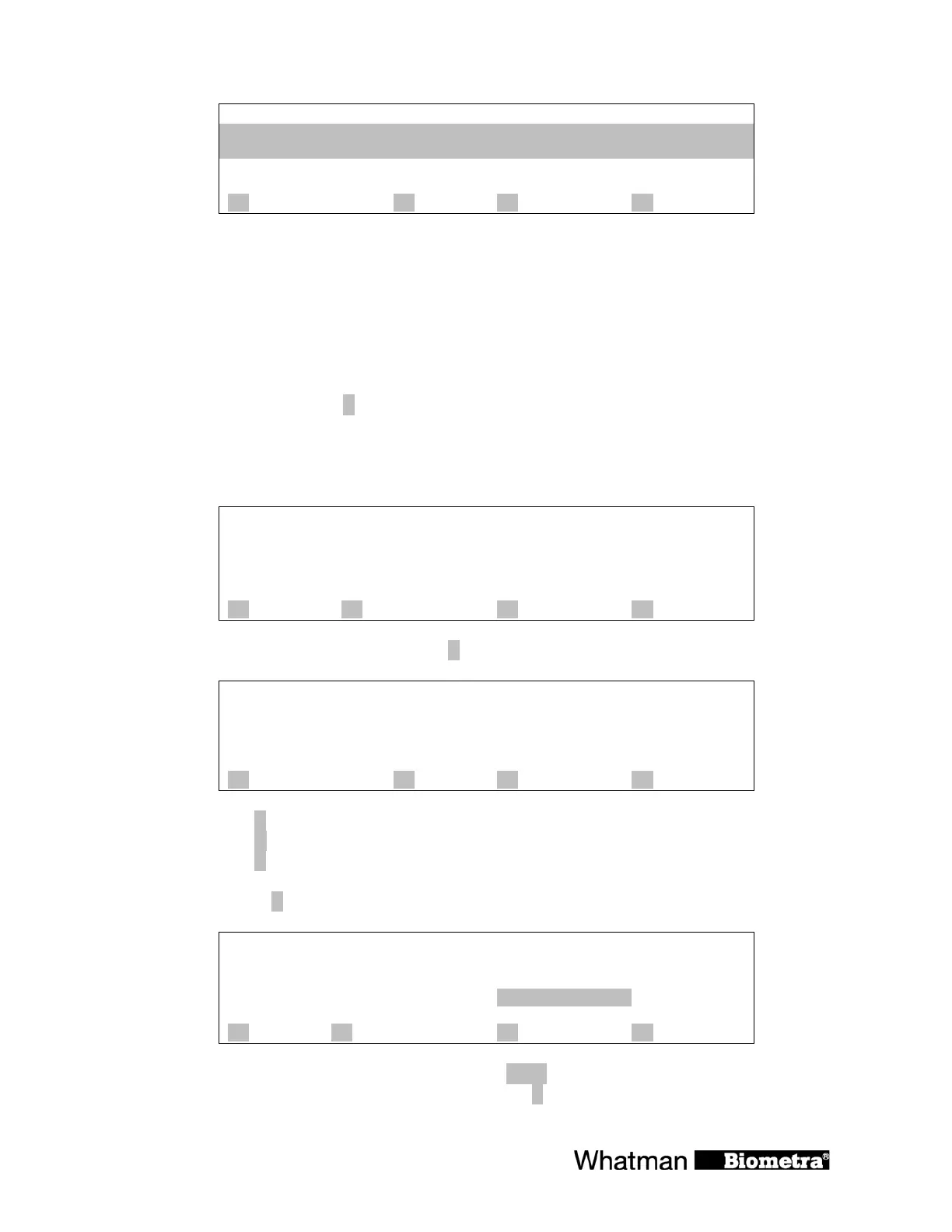
Temperatures of current gradient
T 1- 6: 49.4 49.6 50.3 51.4 52.6 53.8 °C
T 7-12: 55.0 56.2 57.3 58.4 59.1 59.4 °C
remaining time: 2h56m
A gradient B C quit D
Note: The temperatures can be displayed online during each gradient step (see section 7.4). As
the program moves to the next step the temperature data of the last gradient are stored in the
temporary memory. Thus you can check the temperatures of the last gradient in consecutive
steps.
Note: If there has not been yet a gradient step in the protocol yet, you will get the message: “No
gradient data available”.
To leave the window press [
C quit]
7.5 Pause / stop program
Main display during operation:
Prog 0 TEST 1 dir 3
Step 1 cycle 8 of 30
temp[°C] 72.0°C à 72.0
time 0h 0m18s à0h 0m30s
lid 104.8°C
A info B start/stop C programs D +
To pause or stop the active program press [B start/stop]
Stop/pause
directory: 3
program no: 0 test 1
A ? B pause C quit D stop
Select [B pause] to pause program
[D stop] to stop program
[C quit ] to return to the program display
When you select [
B pause], the following screen is displayed:
Prog 0 TEST 1 dir 3
Step 1 cycle 8 of 30
temp[°C] 72.0°C à 72.0
time pause
lid 104.8°C
A info B start/stop C programs D +
The program pauses in the current state. The word pause is displayed and alternates with the
elapsed time. You can proceed with the program with [
B start/stop].


 To Next Page