H61MGC/H61MLC UEFI BIOS Manual
12
EHCI Hand-Off
This is a workaround for OSes without EHCI hand-off support. The EHCI ownership
change should be claimed by EHCI driver.
Options: Disabled (Default) / Enabled
Port 60/64 Emulation
This items enables I/O port 60h/64h emulation support. This should be enabled for
the co mplete USB keyboard legacy support for no n-USB aware OSes.
Options: Enabled (Default) / Disabled
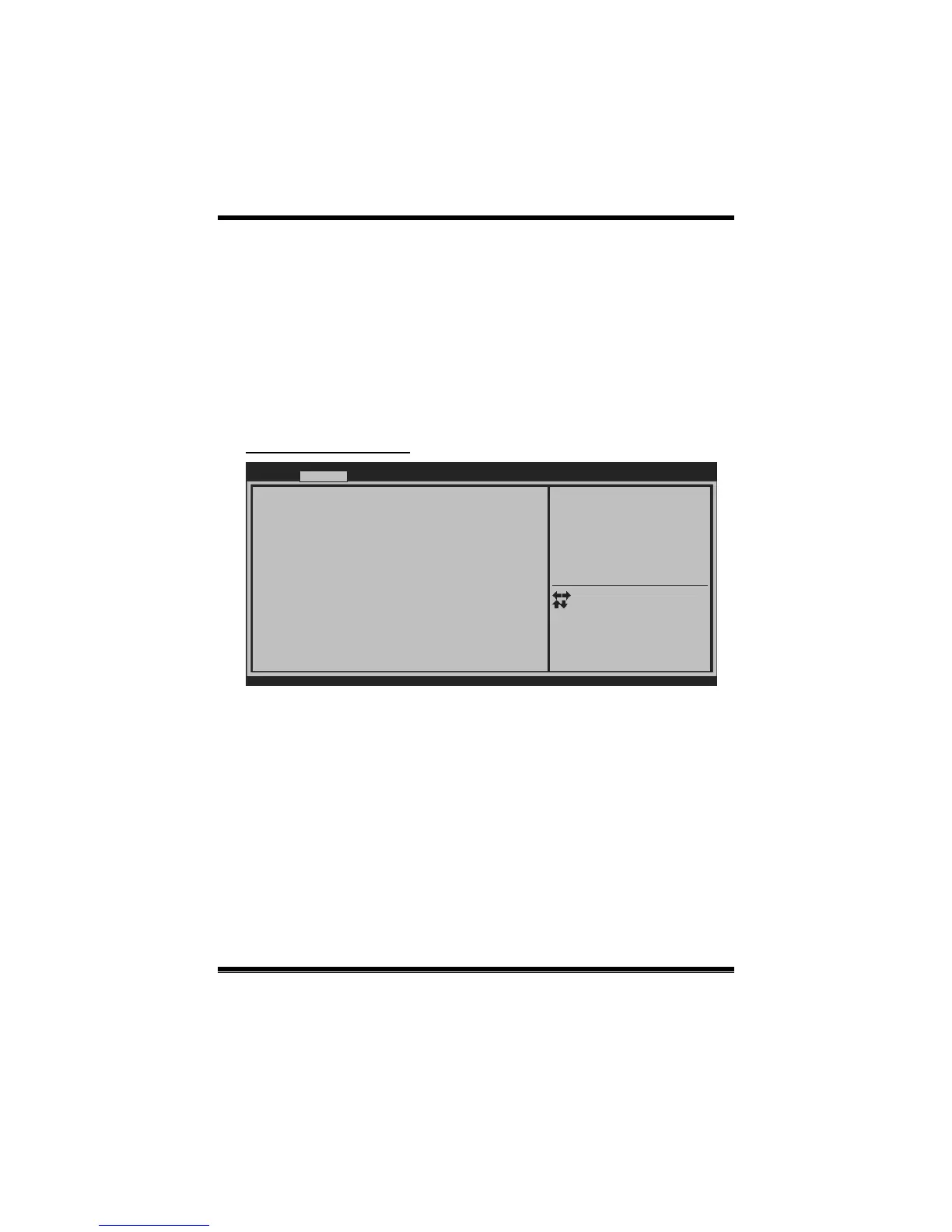
SMART FAN Control
BIOS SETUP UTILIT
SMART FAN Control
> CPU FAN Calibrate
CPU Smart FAN [Disabled]
Control Mode [Manual]
FAN Ctrl OFF( C)
FAN Ctrl ON( C)
FAN Ctrl Start value
FAN Ctrl Sensitive
o
o
Version x.xx.xxxx. Copyright© 201x, American Megatrends, Inc.
Advanced
CPU FAN Smart control
function. [Disabled]: Full ON
[Auto]:By parameters below.
Select Screen
Select Item
Select
Change Opt.
General Help
Optimized Defaults
Save & Reset
Exit
Enter
+/-
F1
F3
F4
ESC
CPU Smart FAN
This item allows you to control the CPU Smart Fan function.
Options: Disabled (Default) / Auto
CPU FAN Calibrate
Press [ENTER] to calibrate CPU FAN.
Control Mode
This item provides several operation modes of the fan.
Options: Quiet / Aggressive / Manual


 To Next Page