H61MGC/H61MLC UEFI BIOS Manual
25
6 Performance Menu
This submenu allows you to change voltage and c lock of various d evices.
(However, we suggest you use the default setting. Changing the voltage and clock
improperly may damage the device.)
Notice
z Beware of that setting inappropriate values in items of this menu may cause
system to malfunction.
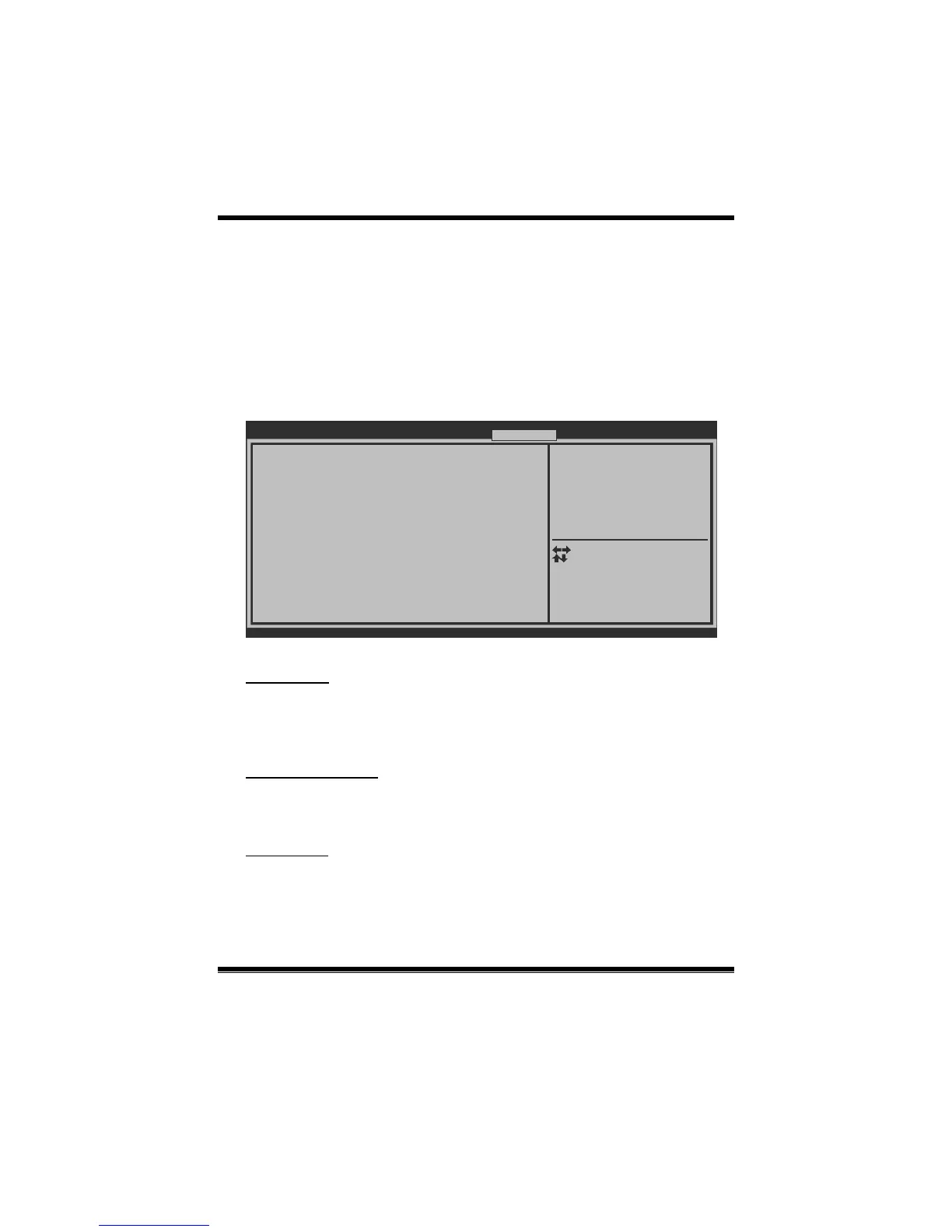
BIOS SETUP UTILIT
Notice: Please Clear CMOS if system no display
after overclocking
====Manual CPU system====
CPU Ratio 34
====Manual Memory system====
Start Page [Page - Main]
Fixed CPU Ratio [Disabled]
Power Limit 1 Value (Watt) 95
Power Limit 2 Switch [Enabled]
Power Limit 2 Value (Watt) 118
Enhanced Intel SpeedStep Tech [Enabled]
Turbo Mode [Enabled]
CPU CIE [Enabled]
Graphics Core Ratio Limit 30
DDR3 DRAM Multiplier [Auto]
DRAM Timing Control [By SPD]
CPU Core Current Max(Amp) 75
Version x.xx.xxxx. Copyright© 201x, American Megatrends, Inc.
You can set the entrance Page
when you enter UEFI BIOS
Setup
Main Advanced Chipset Boot Security Performance Save & Exit
Select Screen
Select Item
Select
Change Opt.
General Help
Optimized Defaults
Save & Reset
Exit
Enter
+/-
F1
F3
F4
ESC
Start Page
You c an set the entranc e page when you enter UEFI BIOS Setup.
Options: Page – Main (Default) / Page – Advanced / Page – Chipset / Page – Boot
/ Page – Security / Page – O.N.E / Page – Save & Exit
Fixed CPU Ratio
This item enables /disables Fixed CPU Ratio all the time.
Options: Disabled (Default) / Enabled
CPU Ratio
This item allows you to set the CPU ratio. This item is adjustable only when Fixed
CPU Ratio is set to Enabled.
Options: 34 (Default) / 10 ~ 50


 To Next Page