H61MGC/H61MLC UEFI BIOS Manual
3
1 Main Menu
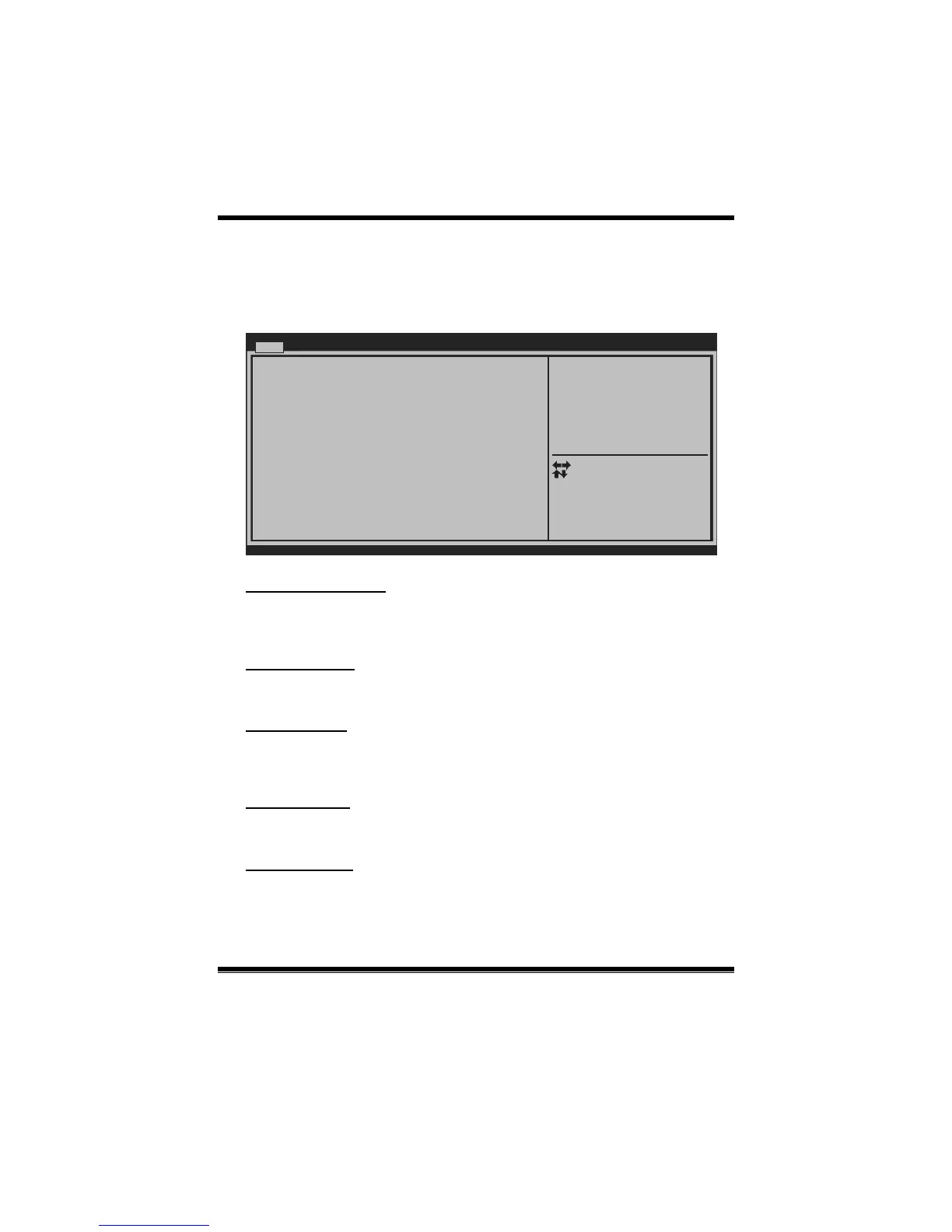
Once you enter AMI UEFI BIOS Setup Utility, the Main Menu will appear on the
screen providing an overview of the basic system information.
BIOS SETUP UTILIT
Main Advanced
Chipset Boot
Security Performance
Version x.xx.xxxx. Copyright© 201x, American Megatrends, Inc.
Select Screen
Select Item
Select
Change Opt.
General Help
Optimized Defaults
Save & Reset
Exit
Enter
+/-
F1
F3
F4
ESC
Set the Date. Use Tab to
switch between Data elements.
BIOS Information
Compliency
Project Code
Model Name
Build Date
Total Memory
System
Time
[00:00:00]
System Date [Sat 01/01/2011]
Access Level Administrator
Save & Exit
System Language [English]
BIOS Version
BIOS Information
Shows system information including UEFI BIOS version, model name, marketing
name, built date, etc.
Total Memor y
Shows system memory size, VGA shard memory will be excluded.
System Date
Set the system date. Note that the ‘Day’ automatically changes when you set the
date.
System Time
Set the system internal cloc k.
Access Level
Shows the access level of c urrent us er.


 To Next Page