H61MGC/H61MLC UEFI BIOS Manual
14
Restore AC Power Loss
This setting specifies how your system should behave after a power fail or interrupts
occurs. Power Off: Leaving the system in power-off status after power recovers.
Power ON: Po wering o n the s ystem immediately when po wer returns. Last State: 1.
Leaving the system in power-off if the system shuts down at DC off status; 2.
Powering on the system immediately if the system shuts down at DC on status.
Options: Power Off (Default) / Power On / Last State
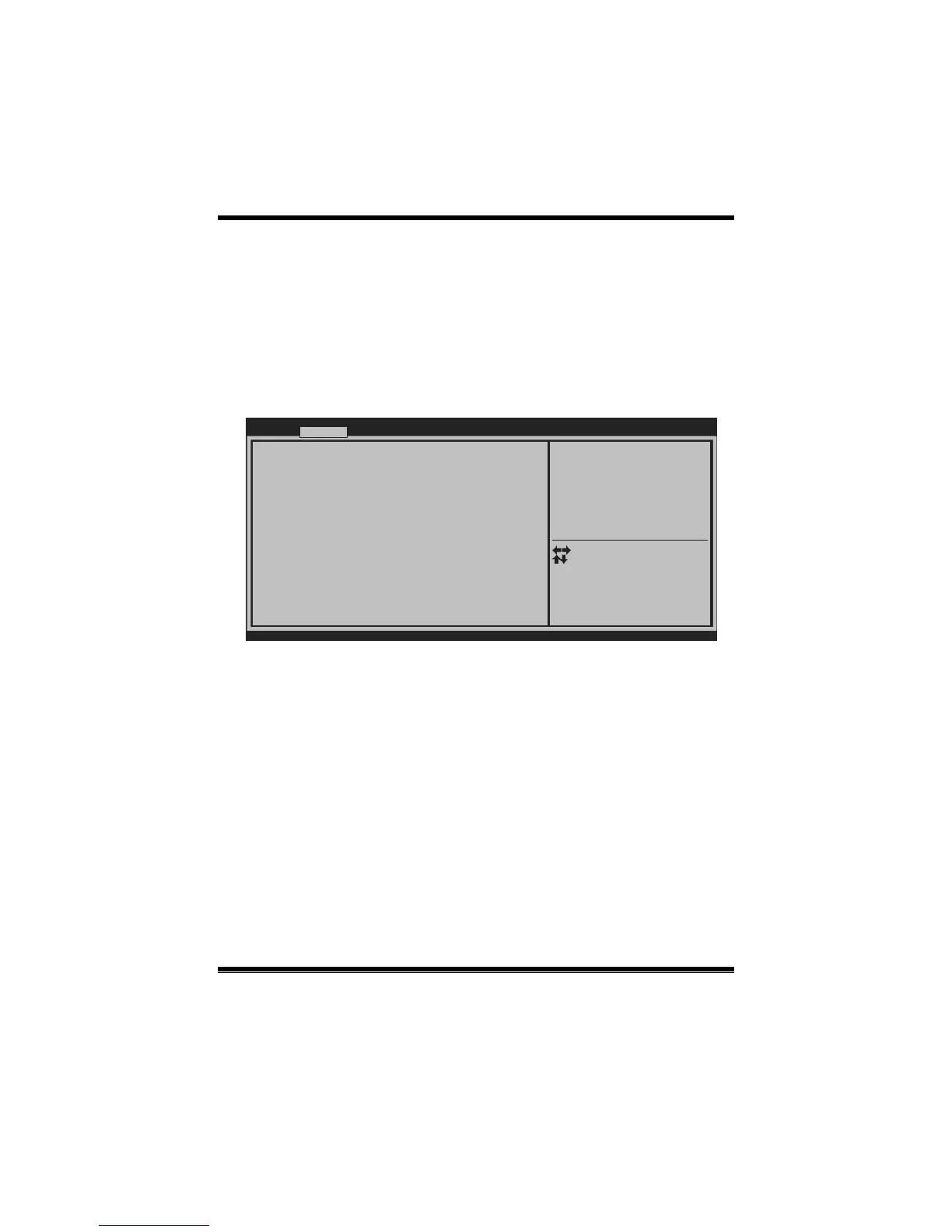
Serial Port 1 Configuration
BIOS SETUP UTILIT
Serial Port 1 Configuration
Change Settings [Auto]
Serial Port [Enabled]
Device Settings
Version x.xx.xxxx. Copyright© 201x, American Megatrends, Inc.
Advanced
Enable or Disable Serial Port
(COM)
Select Screen
Select Item
Select
Change Opt.
General Help
Optimized Defaults
Save & Reset
Exit
Enter
+/-
F1
F3
F4
ESC
Serial Port
This item enables o r disables Serial Port (COM).
Options: Enabled (Default) / Disabled
Change Settings
This item allows you to select an optimal setting for Super IO device.
Optio ns: Auto (Default) / IO=3F8h; IRQ=4 / IO=3F8h; IR Q=3, 4, 5, 6, 7, 9, 10, 11,
12 / IO=2F8h; IRQ= 3, 4, 5, 6, 7, 9, 10, 11, 12 / IO=3E8h; IRQ=3, 4, 5, 6,
7, 9, 10, 11, 12 / IO=2E8h; IRQ=3, 4, 5, 6, 7, 9, 10, 11, 12


 To Next Page