PCI Express Ports Configuration
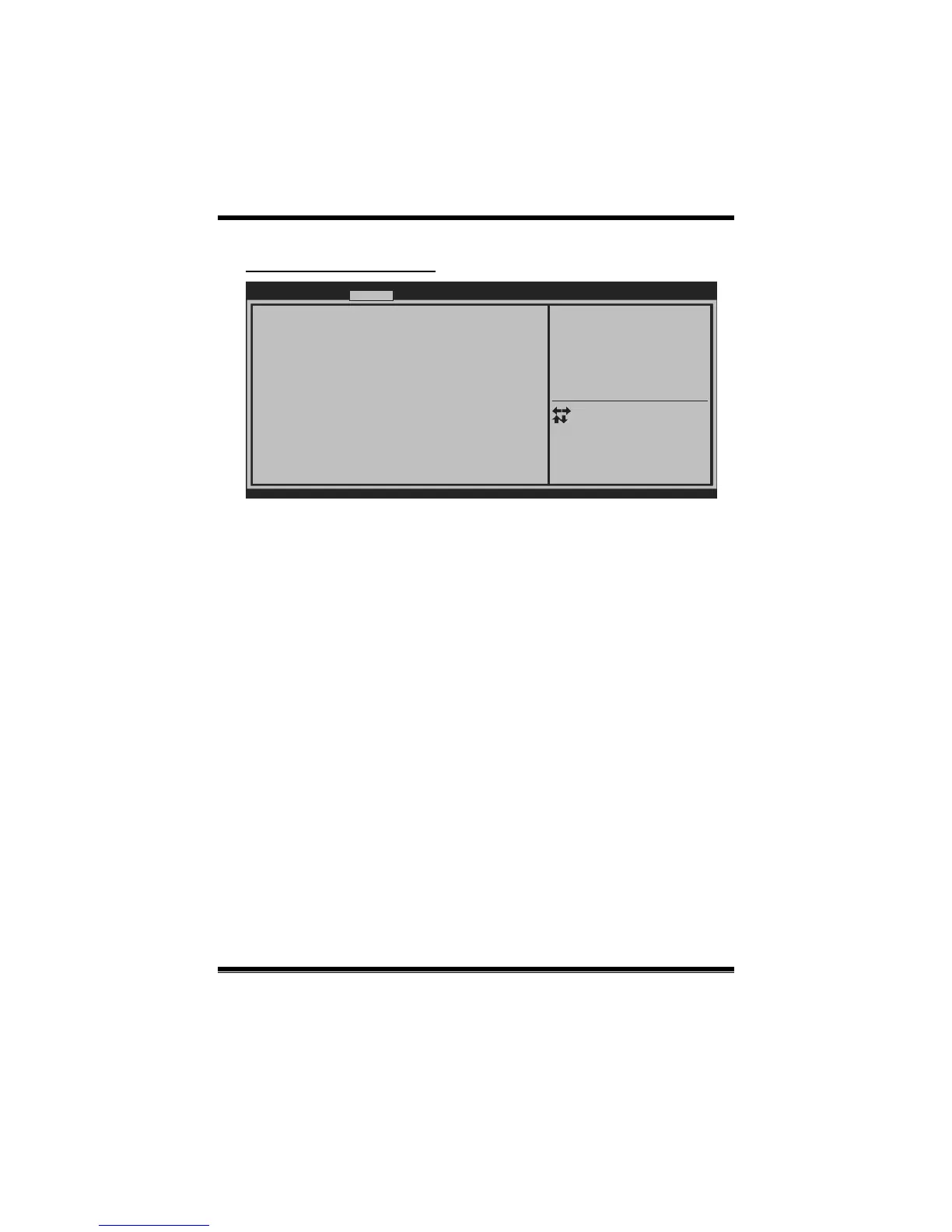
Launch Storage OpROM [Enabled]
Onboard PCIE Giga LAN [Auto]
LAN0 MAC ID =
Legacy OpROM Support
Launch PXE OpROM [Disabled]
Version x.xx.xxxx. Copyright© 201x, American Megatrends, Inc.
Enable or Disable Boot Option
for Legacy Network Devices.
Chipset
Select Screen
Select Item
Select
Change Opt.
General Help
Optimized Defaults
Save & Reset
Exit
Enter
+/-
F1
F3
F4
ESC
Launch PXE OpROM
This item enables/disables Boot Option for Legacy Network Devices.
Options: Disabled (Default) / Enabled
Launch Storage OpROM
This item enables/disables Boot Option for Legac y Mass Storage Devic es with
Option ROM.
Options: Enabled (Default) / Disabled
Onboard PCIE Giga LAN (Only for H61MGC)
This item enables /disables Onboard PCIE Giga LAN.
Options: Auto (Default) / Disabled / Enabled


 To Next Page