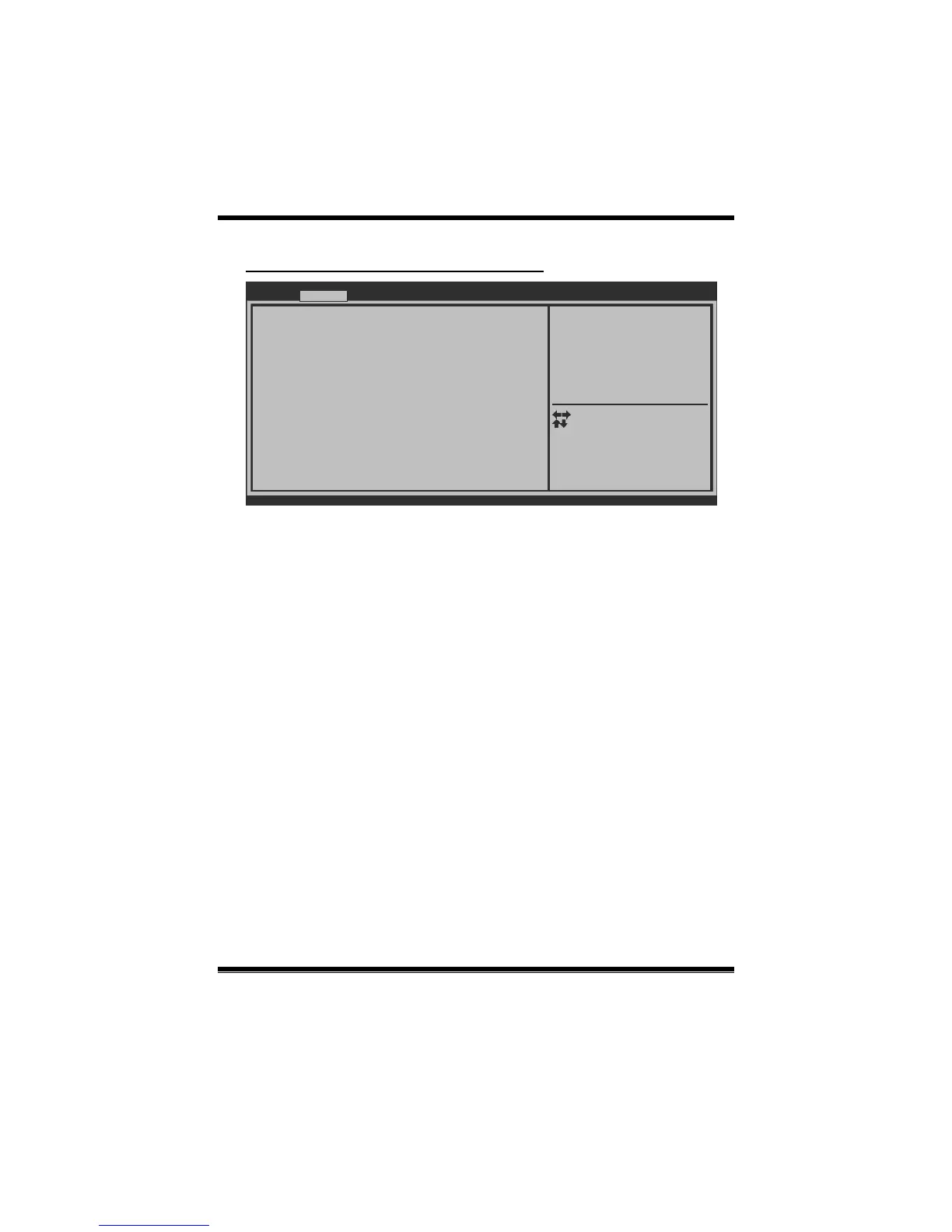
EuP Control [Disabled]
ACPI Sleep State [S1 (CPU Stop Clock)]
Lock Legacy Resources [Disabled]
PME Wake up from S5 [Disabled]
Wake system with Fixed Time [Disabled]
PS2 Keyboard PowerOn [Disabled]
PS2 Mouse PowerOn [Disabled]
USB Device Wakeup from S3/S4 [Disabled]
Wake up date [EveryDay]
Wake up hour 0
Wake up minute 0
Wake up second 0
Stroke key [Wake Key]
Specific key
Version x.xx.xxxx. Copyright© 201x, American Megatrends, Inc.
Advanced
When EuP Enabled,System meets
EuP requirement.
Select Screen
Select Item
Select
Change Opt.
General Help
Optimized Defaults
Save & Reset
Exit
Enter
+/-
F1
F3
F4
ESC
EuP Control
When EuP is enabled, the system will meet EuP requirement.
Options: Disabled (Default) / Enabled
ACPI Sleep State
This item selects the highest ACPI s leep state the system will enter when the
SUSPEND button is pressed.
Options: S1 (CPU Stop Clock) (Default) / Suspend Disabled / S3 (Suspend to
RAM)
Lock Legacy Resources
The item enables or disables Lock of Legacy Resources.
Options: Disabled (Default) / Enabled
PME Wake up from S5
The item enables the s ystem to wake from S5 using PME event.
Options: Disabled (Default) / Enabled


 To Next Page