Chapter 2 BIOS Setup
2-3
2.1 Main Menu
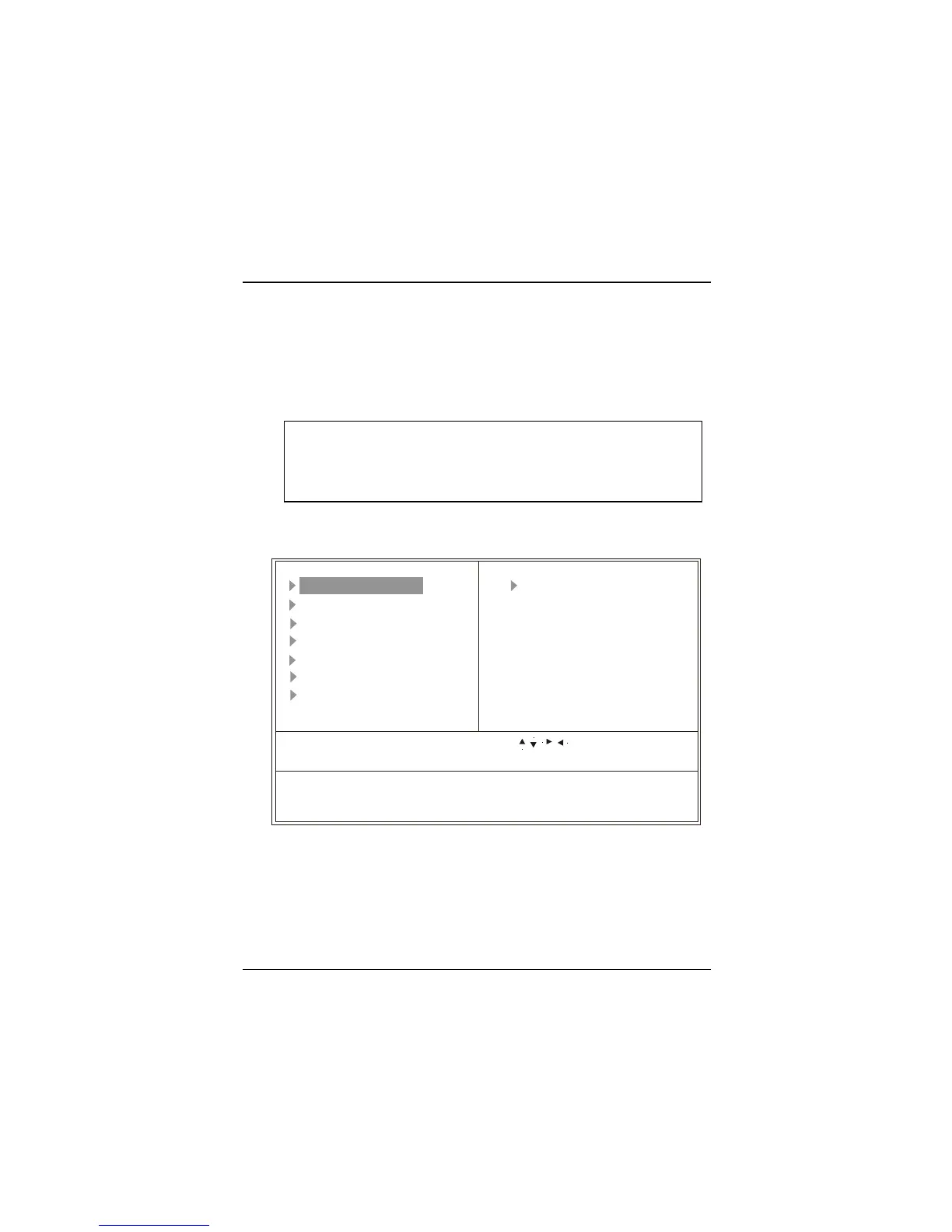
Once you enter AWARD BIOS CMOS Setup Utility, the Main Menu (Figure 1)
will appear on the screen. The Main Menu allows you to select an item and press
<Enter> to accept or enter its sub-menu.
Figure 1. Main Menu
Standard CMOS Features
This setup page includes all the items in a standard compatible BIOS.
Advanced BIOS Features
This setup page includes all the items for the BIOS special enhanced features.
!! WARNING !!
The information about BIOS defaults on manual (Figure
1,2,3,4,5,6,7,8,9) is just for reference, please refer to the
BI
Esc: Quit F9:Menu in BIOS : Select Item
F10: Save & Exit Setup
Time, Date, Hard Disk Type...
CMOS Setup Utility-Copyright (C) 1984-2000 Award Software
Frequency Control
Load Optimized Defaults
Set Supervisor Password
Set User Password
Save & Exit Setup
Exit Without Saving
Standard CMOS Features
Advanced BIOS Features
Advanced Chipset Features
Integrated Peripherals
Power Management Setup
PnP/PCI Configurations
PC Health Status



 To Next Page