Chapter 3 Software Setup
3-2
3.2 Software Installation
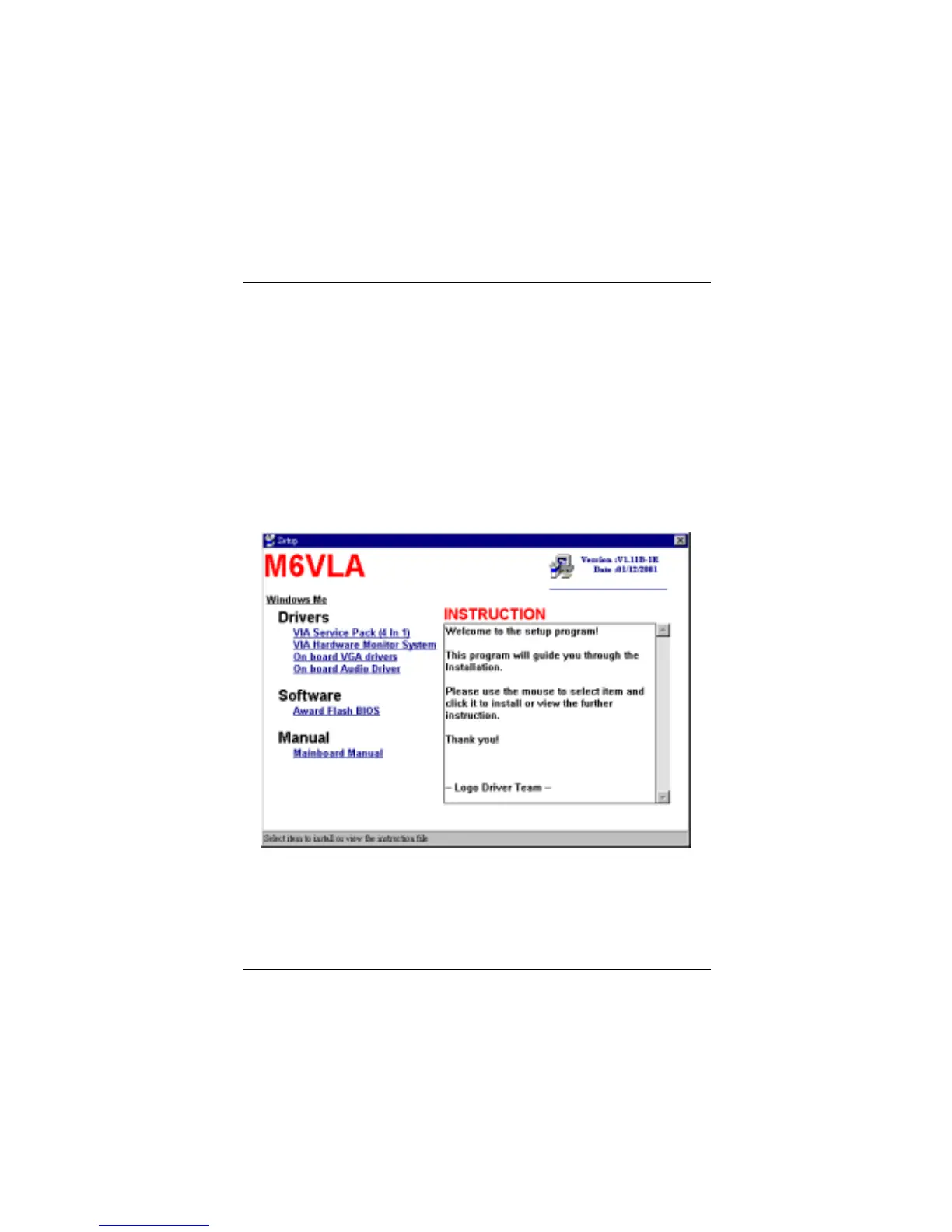
We provide an installation wizard, Driver CD Installation Utility (SETUP.EXE),
located in the root of Driver CD to let users install some common used drivers
conveniently.
The Wizard can automatically detect OS and switch to the proper page,
so you don’t need to worry about installing the wrong drivers.
You can simply put Driver CD into CD-ROM drive and the Installation Utility
will autorun or you can launch the Driver CD Installation Utility manually.



 To Next Page