Chapter 2 BIOS Setup
2-6
2.2 Standard CMOS Features
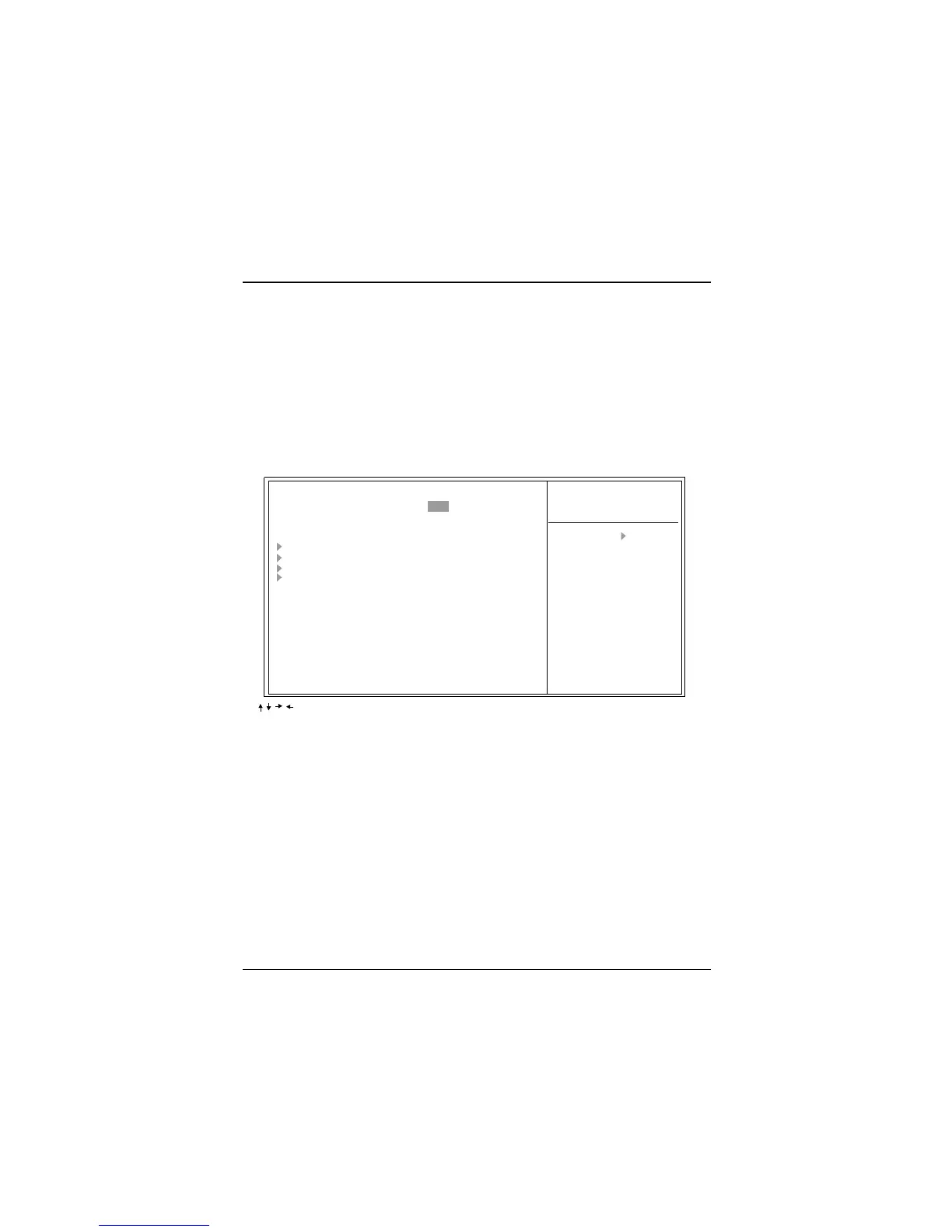
The items in Standard CMOS Setup Menu are divided into 10 categories. Each
category includes no, one or more than one setup items. Use the arrow keys to
highlight the item and than use the<PgUp> or <PgDn> keys to select the value
you want in each item.
Figure 2. Standard CMOS Setup Features
Item Help
Menu Level
Change the day, month,
year and century
:Move Enter:Select +/-/PU/PD:Value F10:Save ESC:Exit F1:General Help
F5:Previous Values F6:Fail-Safe Defaults F7:Optimized Defaults
CMOS Setup Utility-Copyright (C) 1984-2000 Award Software
Standard CMOS Features
Date (mm:dd:yy) Wed, Mar 1 2000
Time (hh:mm:ss) 11:26:10
IDE Primary Master
IDE Primary Slave
IDE Secondary Master
IDE Secondary Slave
Drive A 1.44M, 3.5 in.
Drive B None
Video EGA/VGA
Halt On All, But Keyboard
Base Memory 640K
Extended Memory 56320K
Total Memory 57344K



 To Next Page