Chapter 4 Trouble Shooting
4-1
4. Trouble Shooting
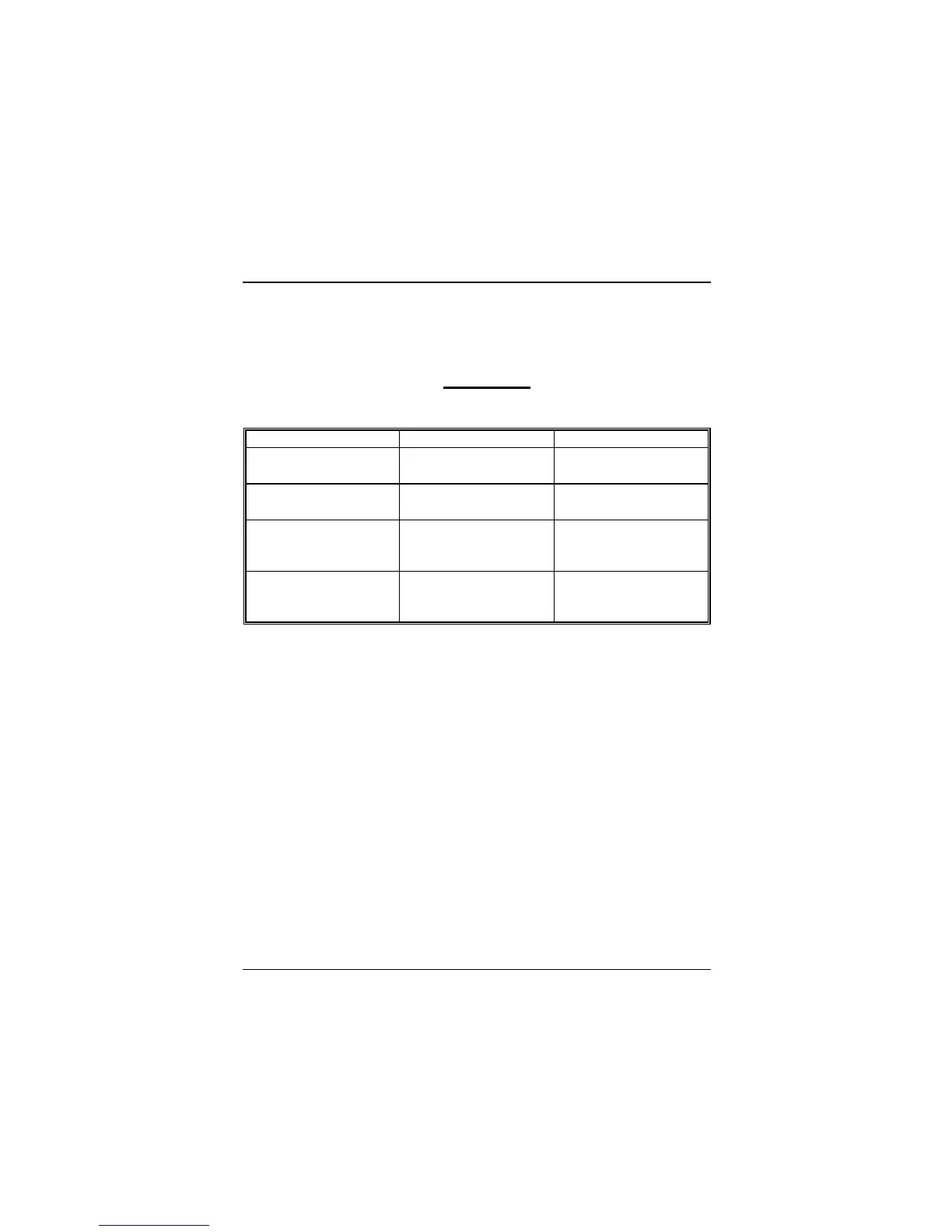
PROBLEM
No power to the system at all. Power light does not illuminate, fan inside power
supply does not turn on. Indicator light on keyboard does not turn on.
PROBABLE CAUSE DIAGNOSIS SOLUTION
Power cable is unplugged. Visually inspect power
cable
Make sure power cable is
securely plugged in
Defective power cable. Visual inspection, try
another cable.
Replace cable.
Power supply failure. Power cable and wall
socket are OK, but system
is still dead.
Contact technical support.
Faulty wall outlet; circuit
Breaker or fuse blown.
Plug in device known to
work in socket and test
Use different socket,
repair outlet, reset circuit
breaker or replace fuse.



 To Next Page