Chapter 3 Trouble Shooting
3-5
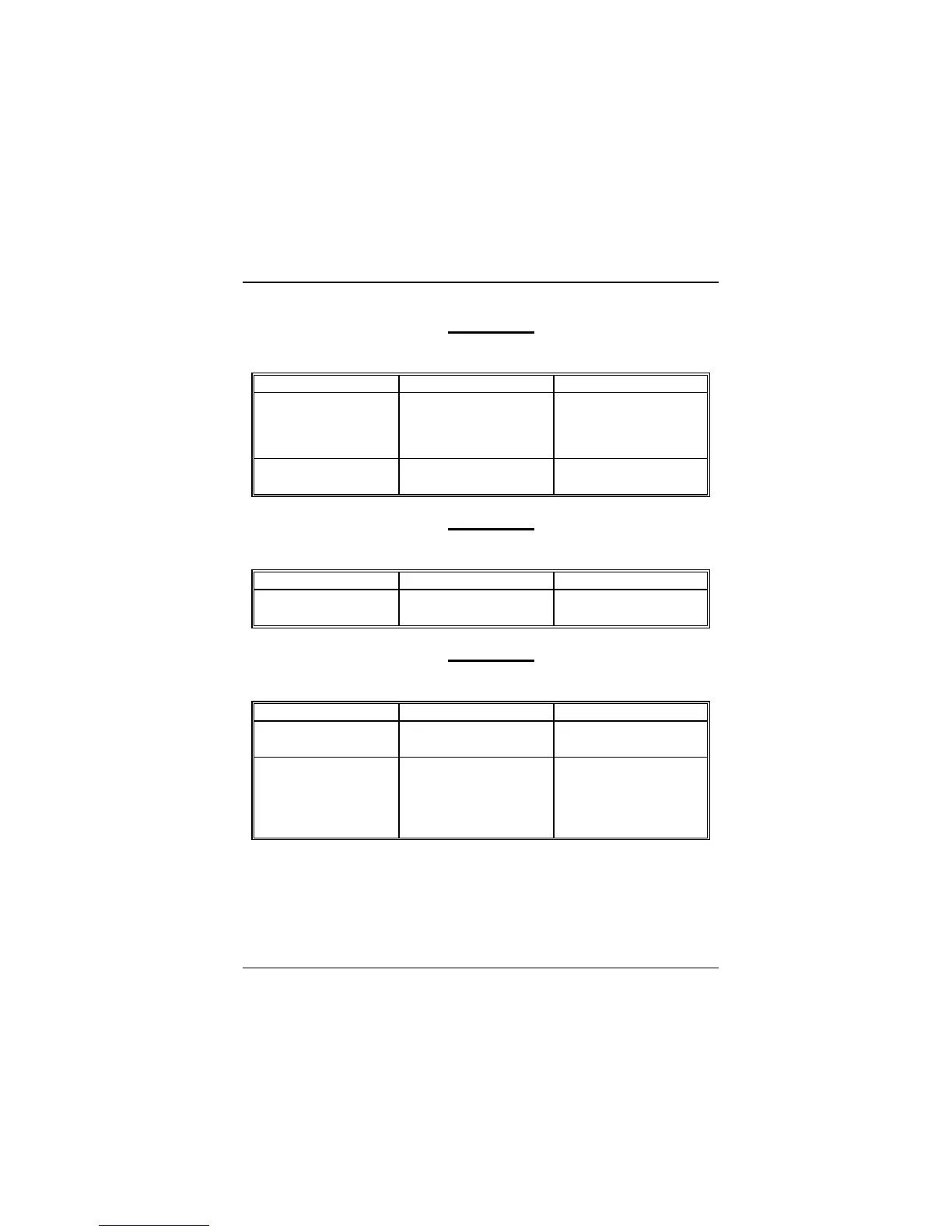
PROBLEM
No color on screen.
PROBABLE CAUSE DIAGNOSIS SOLUTION
Faulty Monitor. If possible, connect
monitor to another
system. If no color replace
monitor.
CMOS incorrectly set
up.
Call technical support.
PROBLEM
C: drive failure.
PROBABLE CAUSE DIAGNOSIS SOLUTION
Hard drive cable not
connected properly.
Check hard drive cable.
PROBLEM
Cannot boot system after installing second hard drive.
PROBABLE CAUSE DIAGNOSIS SOLUTION
Master/slave jumpers
not set correctly.
Set master/slave jumpers
correctly.
Hard drives not
compatible / different
manufacturers.
Run SETUP program and
select correct drive types.
Call drive manufacturers
for compatibility with other
drives.


 To Next Page
 Loading...