ANTSPACE HK3 Water cooling container & Dry-Wet Tower Product Manual
55
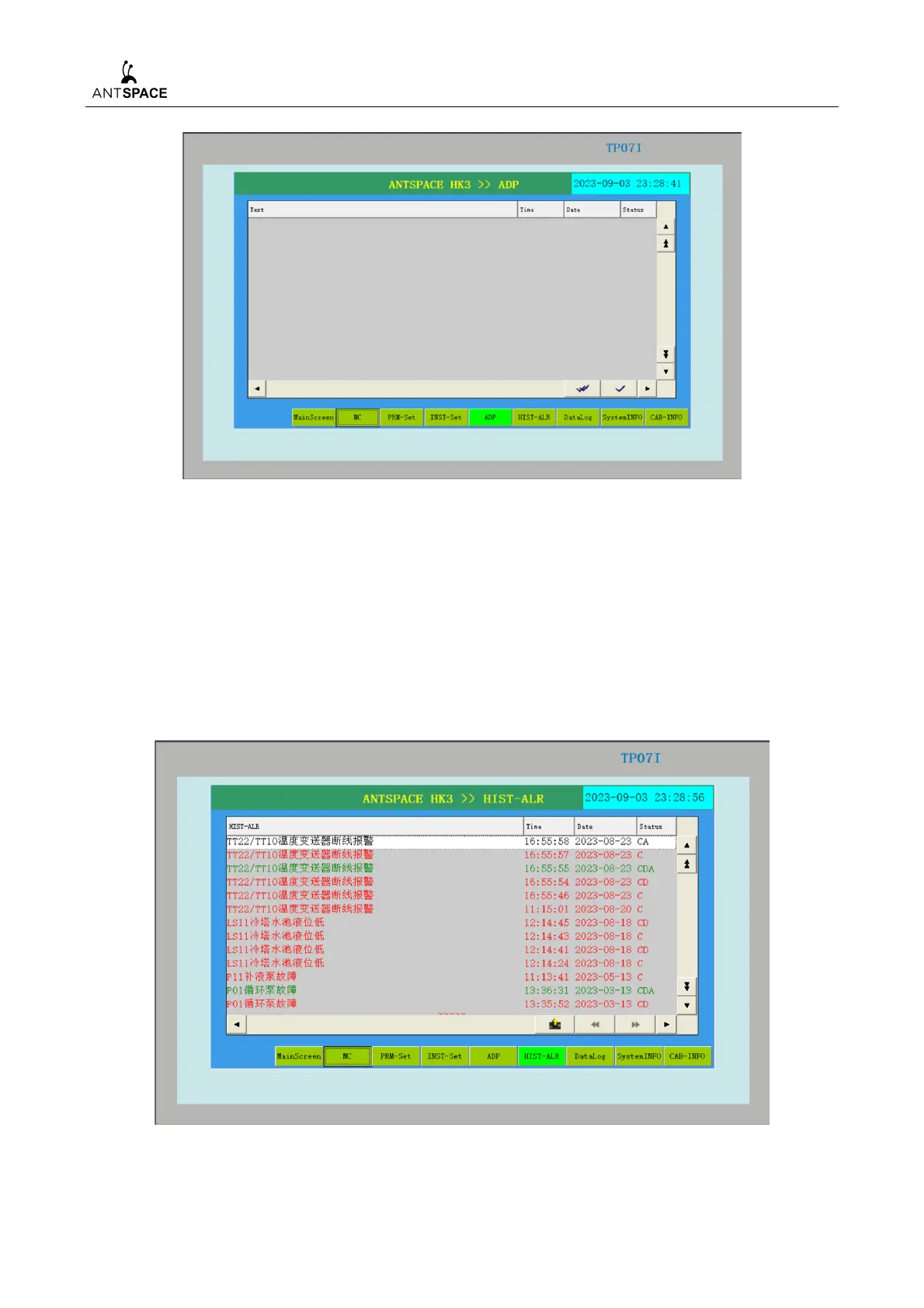
Figure 7-33 Alarm display interface
After the fault occurs, the yellow alarm light will light up. The fault form will be displayed on
the alarm display screen interface. At this point, first analyze the cause of the fault, then troubleshoot
it, and finally click on "Reset" in the manual control interface.
7) Historical Alarm Interface
The alarm information in the system will be saved on this screen through time records, making
it convenient for users to find the fault time.
Figure 7-34 Historical Alarm Interface (Example, non real situation)



 To Next Page