Network Connection Manual
Ver.1.00
4-2 Check Network Setting
1) Ethernet Interface Card
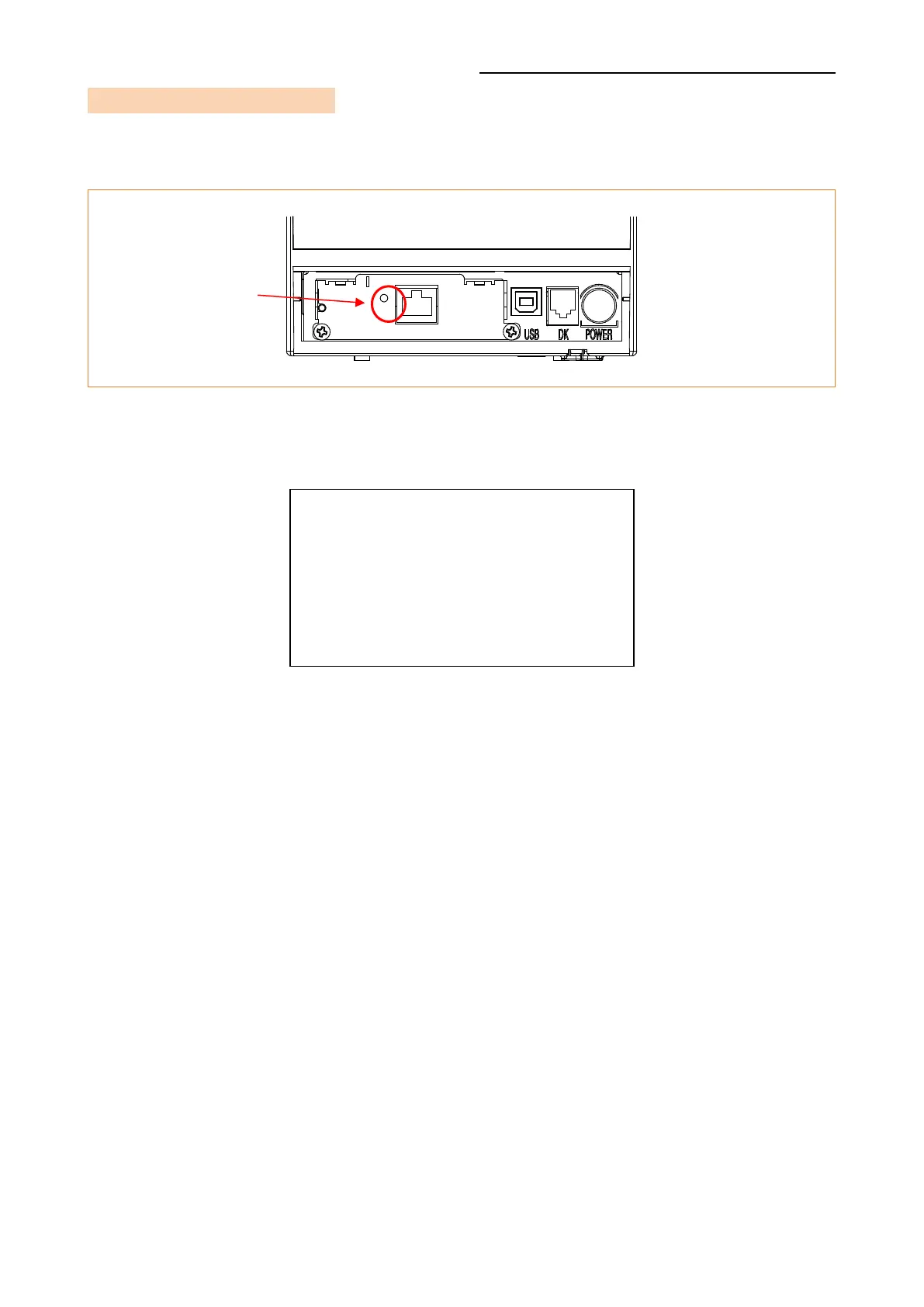
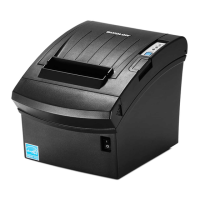
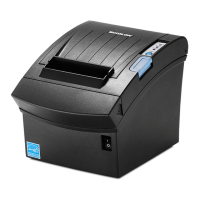
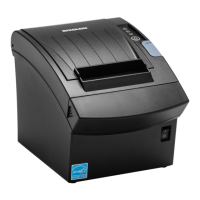
When the printer is booted, press the function button to output the network setting
value. It takes about 10 seconds to apply the LAN setting after turning on the power.
<LAN Information Printing >
MAC ADDRESS : 00:15:94:C2:6B:A8
IP ADDRESS : 192.168.0.48
SUBNET MASK : 255.255.255.0
GATEWAY : 192.168.0.1
PORT : 9100
INACT. TIME : 0
Function
Key










 To Next Page