23
Constant Voltage (CV) Mode
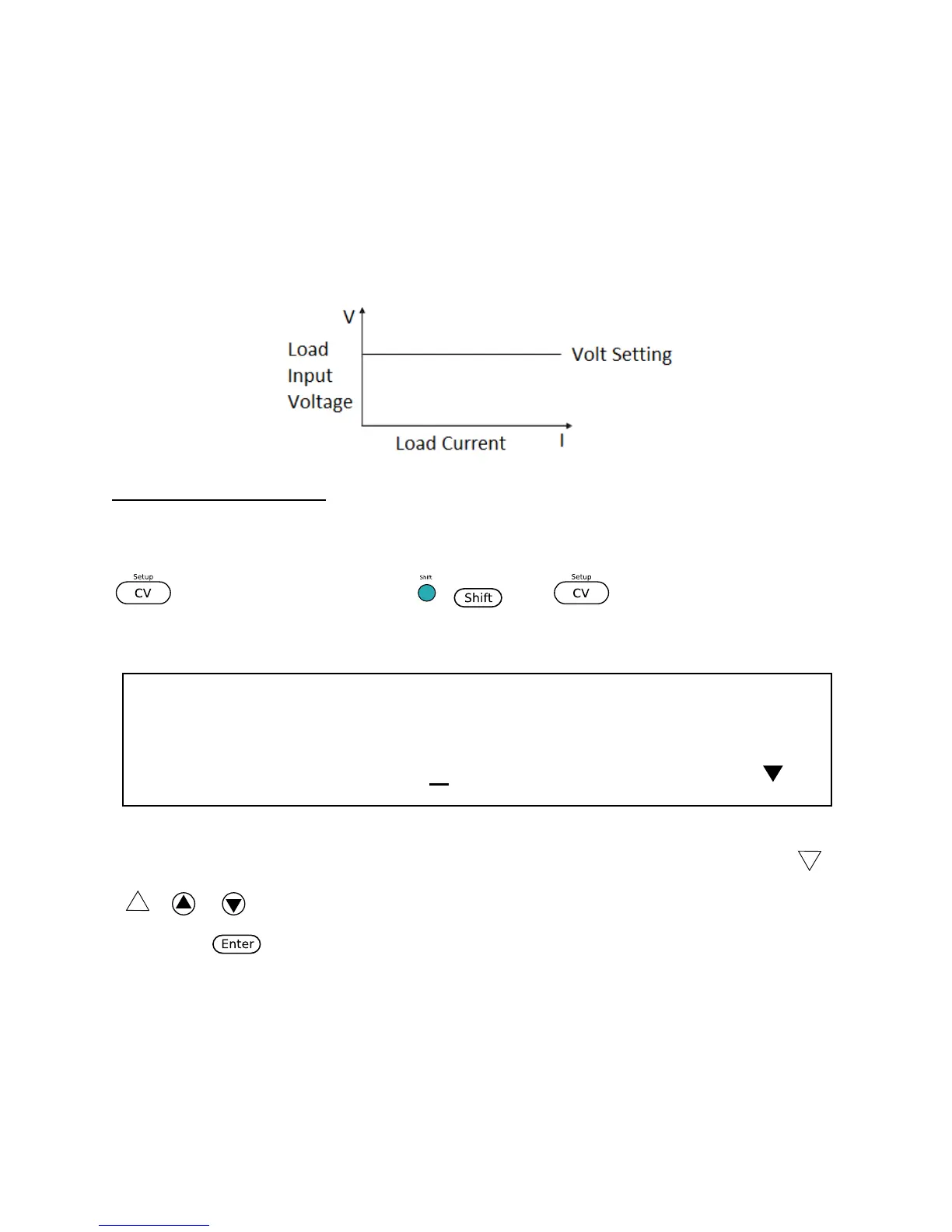
In this mode, the electronic load will attempt to sink enough current to control the source
voltage to the programmed value.
Configure CV Parameters
There are several parameters that should be set up prior to operating in CV mode. Press
so that it lights up, then press ( ) and to access Setup for CV mode.
The setup menu will be shown:
The setup parameters are: Range, High (Current limit), and Low (Current limit). Use the
( or ) key to select each parameter, and use the numeric keypad to change the
value. Press to confirm the change.
Range
Use the numeric keypad to change the range. This value will also act as a limit to how much
voltage the load can be configured to. The adjustable ranges vary depending on the model.
See specifications for details.













 To Next Page