16
Menu List
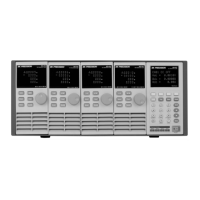
The following menus can be viewed on the VFD display. Use keys to scroll through the menu
list and press Enter key to enter the selected menu function. Use keys to scroll through the
VFD screen and press Enter key to enter its submenu. Press Esc to go back to the previous menu
selection. Pressing number keys can directly select a channel.
Setup Menu
Press Setup key to enter the setup menu.
Set the working current/voltage/resistance/power value
Set up the maximum voltage/current limit for Automatic test mode
Set up the minimum voltage/current limit for Automatic test mode
Set the rising slew rate (only in CC mode)
Set the falling slew rate (only in CC mode)
Set up the transient mode
Set up the resistance value
Set up the inductance value
Set up the capacitance value


 To Next Page