48
Module Panel
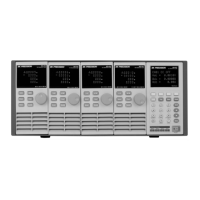
Figure 23 - Module Front Panel
1. VFD DISPLAY
Bright VFD display shows module‘s operating mode.
2. ROTARY KNOB
Used to change parameter values.
3. PANEL KEYS
Key Description
A/B
(single channel modules)
Switch A/B transient preset value.
(dual-channel modules)
Switch the left/right channels. Press this key + rotary knob to control
the two channels.
Short
Used for short testing. This allows the load to simulate a short circuit
at the input.
Mode
Switches the operating mode (CC, CR, CV, CW, or CZ).
Move the cursor position. Press key to move the cursor to the position
you want to edit, and then use the rotary knob to adjust value.


 To Next Page