24
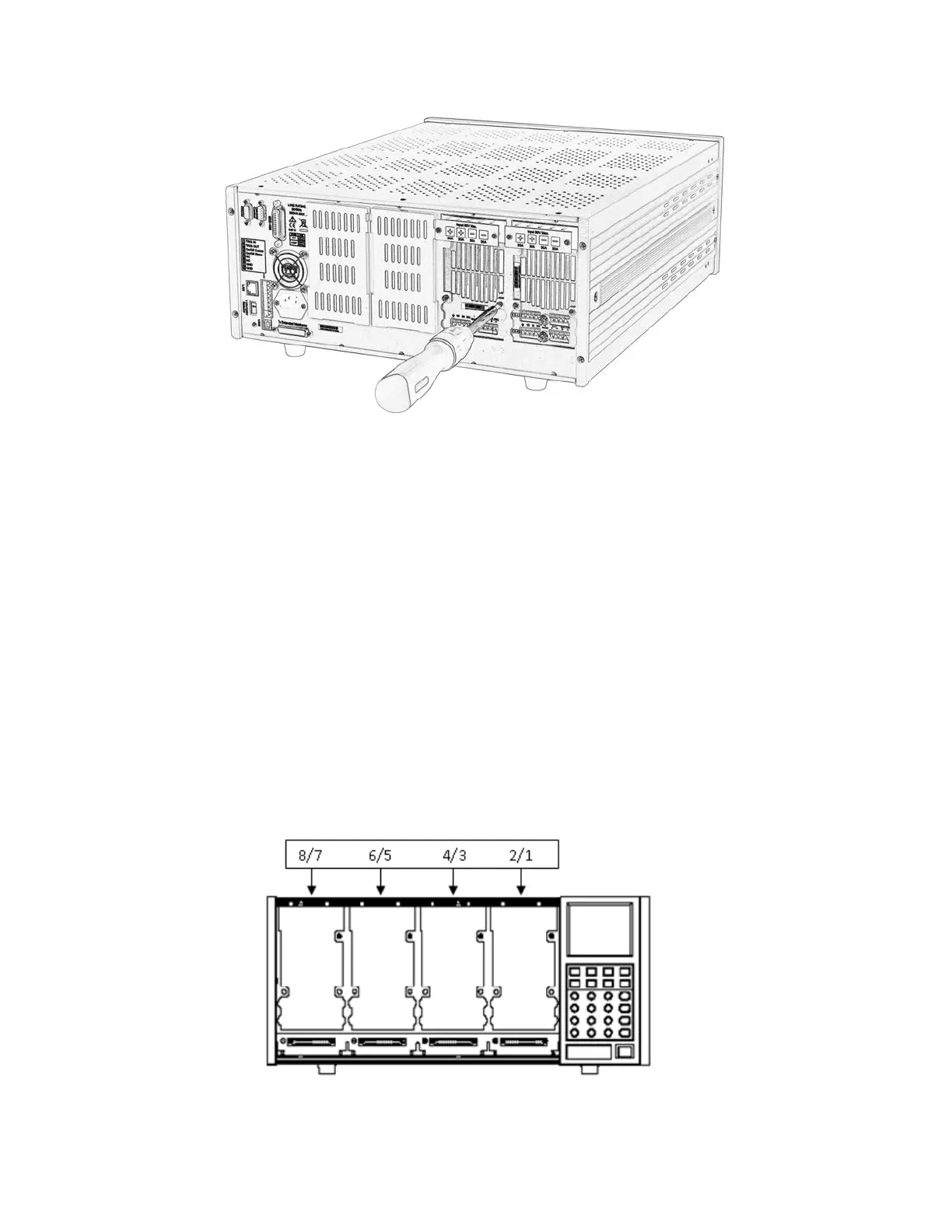
Figure 3d - Module Installation
6. Install more modules in other slots following the same process (steps 2 through 5).
7. Reconnect the power cord.
Channel Number
The channel number for all modules is determined by the location of the modules in relation to the
mainframe and ordered from right to left. With the MDL001 mainframe, the total number of
channels is 8. Channels 1 and 2 are next to the mainframe front panel, while channels 7 and 8 are
located on the left side. Load channel number is fixed even if the location is unoccupied. Dual-
channel modules such as the MDL252 and MDL302 have two channels. If it is a single-channel
module, the channel number is automatically assigned the first number of the slot. Figure 4 shows
the default channel number order.
Figure 4 - Channel Number Distribution


 To Next Page