724-746-5500 | blackbox.com
Page 25
Chapter 4: Configuring the Hardened Serial Server
It includes the following:
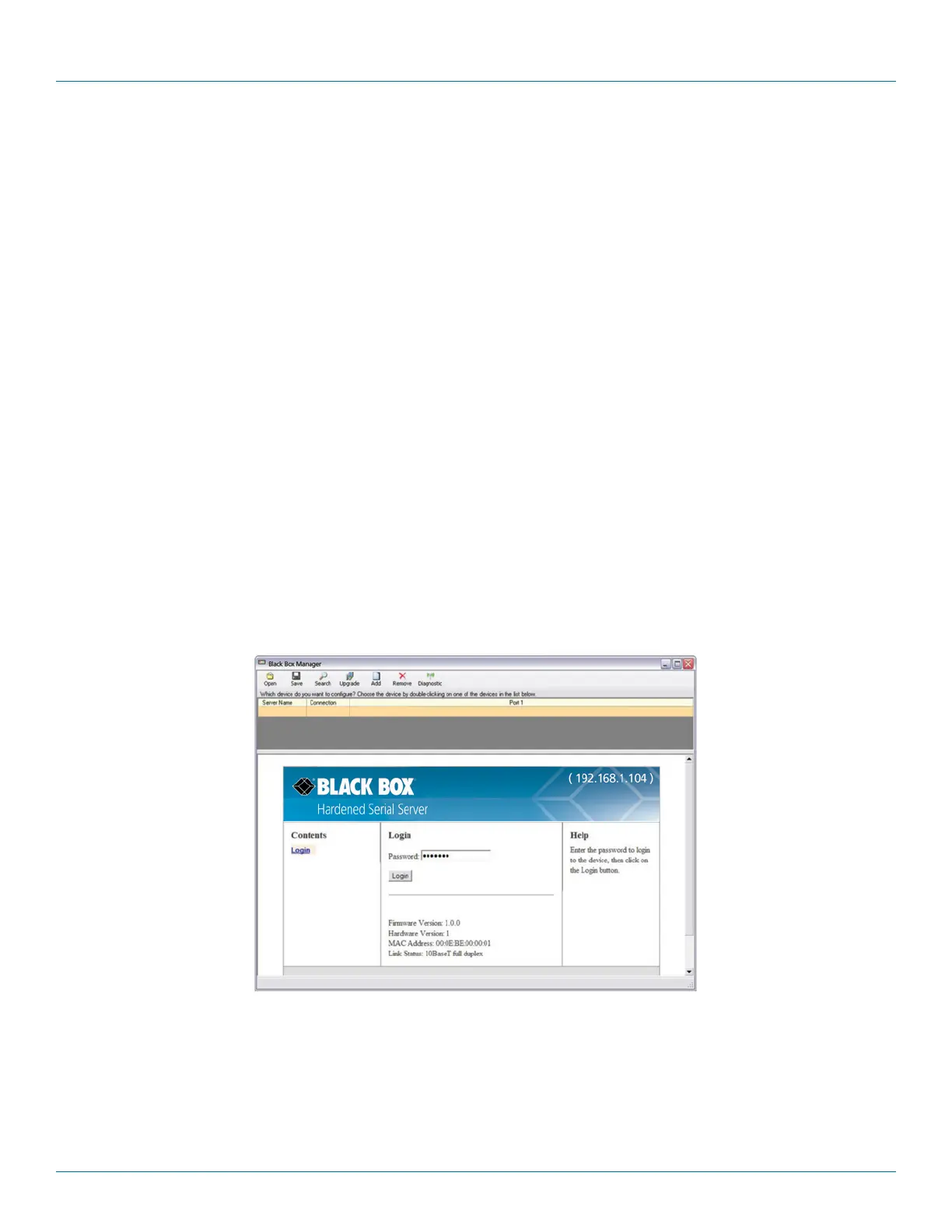
• Masthead with the name and IP address of the currently selected Hardened Serial Server.
• Contents sidebar (on the left side) containing hyperlinks to the following configuration pages:
- General
- Network
- Port x Serial (x = port number; each serial port connection is represented by a hyperlink)
- Port x Network (x = port number; each serial port connection is represented by a hyperlink)
- Save
- Login/Logout
• Configuration settings area in the middle of the pane where you can select the settings desired for operation of the Hardened Serial
Server.
• Help sidebar (on the right side) containing helpful descriptions, explanation, and suggestions for configuring the serial server.
4.2 Logging In
You can log in to any Hardened Serial Server listed in the Server Information Table.
To log in:
1. Select the row associated with the desired Hardened Serial Server. The Login page appears.
2. Type the password into the Password box. The default password is blank.
Figure 4-4. Login page.
3. Click “Login.”
The “General Configuration” page appears.











 To Next Page