724-746-5500 | blackbox.com
Page 46
Chapter 7: Diagnostics
7. Diagnostics
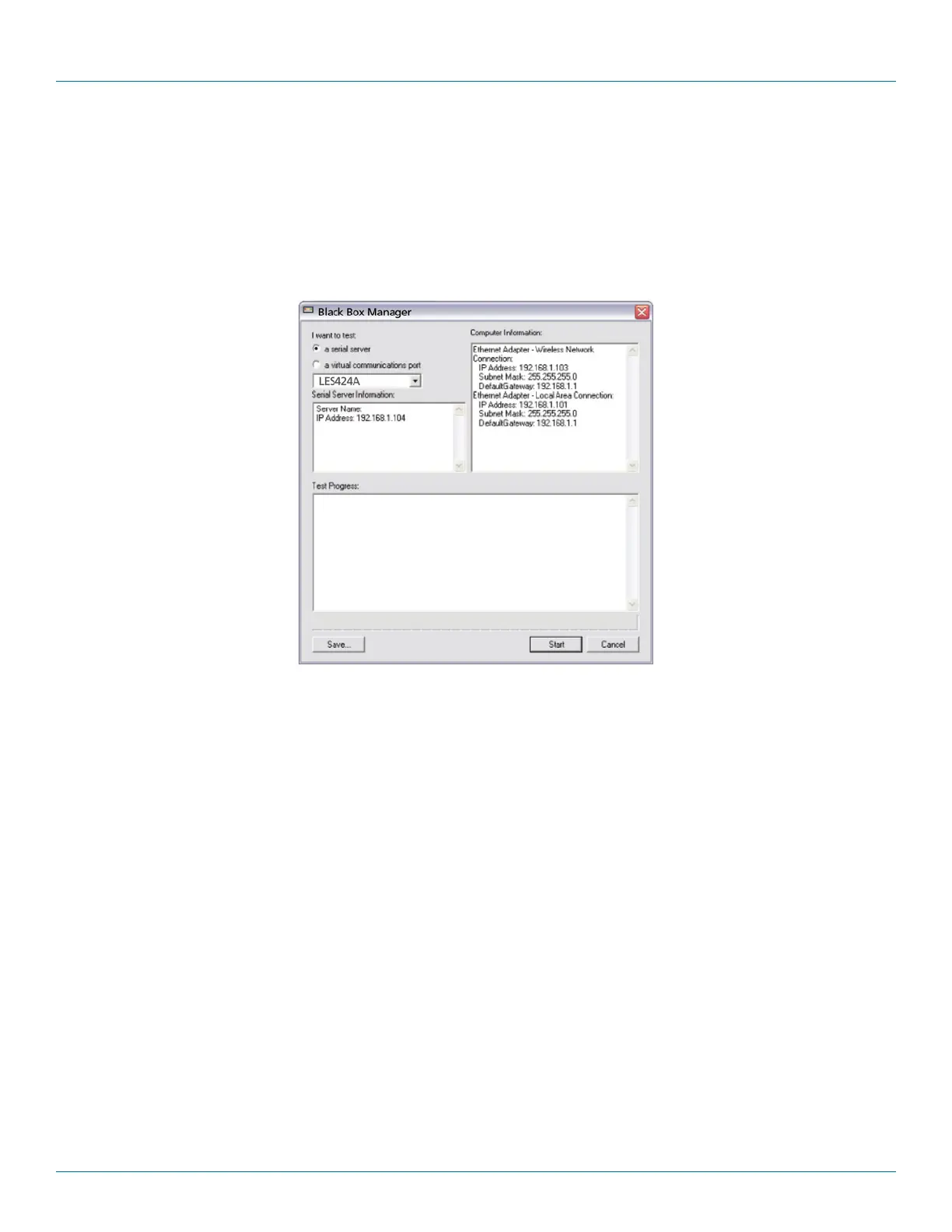
Clicking the “Diagnostics” icon opens the Diagnostics dialog box and enables you to check the operation of connected serial
servers and VCOM ports on the local computer.
The Computer Information box displays information about the type of network connections, the IP addresses, Subnet Masks, and
Default Gateways in use.
Figure 7-1. Diagnostics dialog box.
7.1 Testing a Hardened Serial Server Connection
1. Click the “Diagnostics” icon.
The “Diagnostics” dialog box appears.
2. Select the option: “a serial server”
3. In the drop-down box, select the specific serial server you want to check.
4. Click the “Start” button.
Information about the progress of the pinging process is displayed in the “Test Progress” box.











 To Next Page