724-746-5500 | blackbox.com
Page 35
Chapter 4: Configuring the Hardened Serial Server
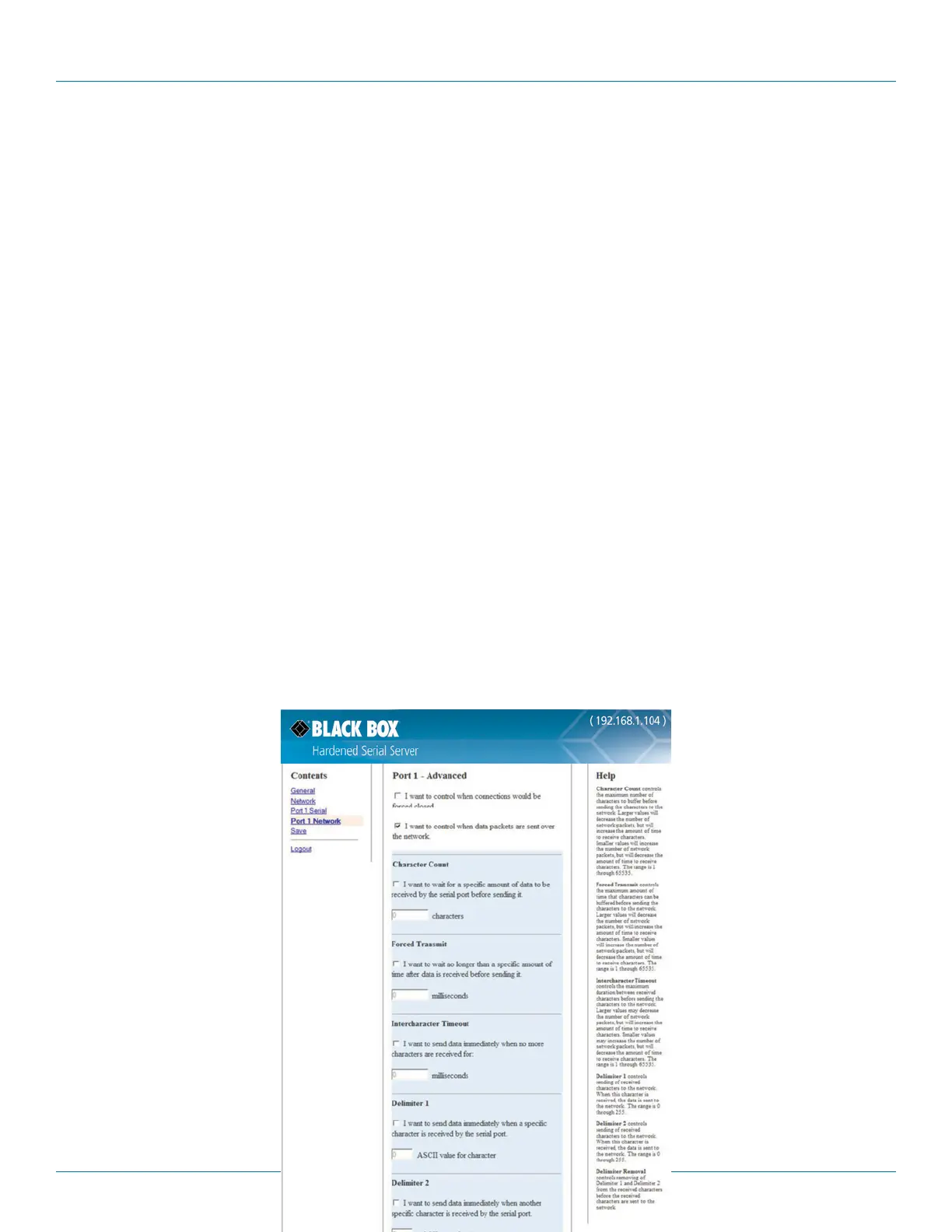
Figure 4-19. Advanced configuration—forcing connections closed.
To close a network connection if no data is received from the network for a period of time:
1. Select the “I want to close a connection when data is not received on that connection for a period of time” checkbox.
2. Type the desired time period (in seconds) into the text box.
To close a connection if no data is received by the serial port for a period of time:
1. Select the “I want to close all connections when data is not received by the serial port for a period of time” checkbox.
2. Type the desired time period (in milliseconds) into the text box.
4.8.2 Configuring when Data Packets are Sent
1. Select the “I want to control when data packets are sent over the network” checkbox.
The “Character Count,” “Forced Transmit,” “Intercharacter Timeout,” “Delimiter 1,” “Delimiter 2,” and “Delimiter Removal” configu-
ration boxes appear.











 To Next Page