724-746-5500 | blackbox.com
Page 47
Chapter 7: Diagnostics
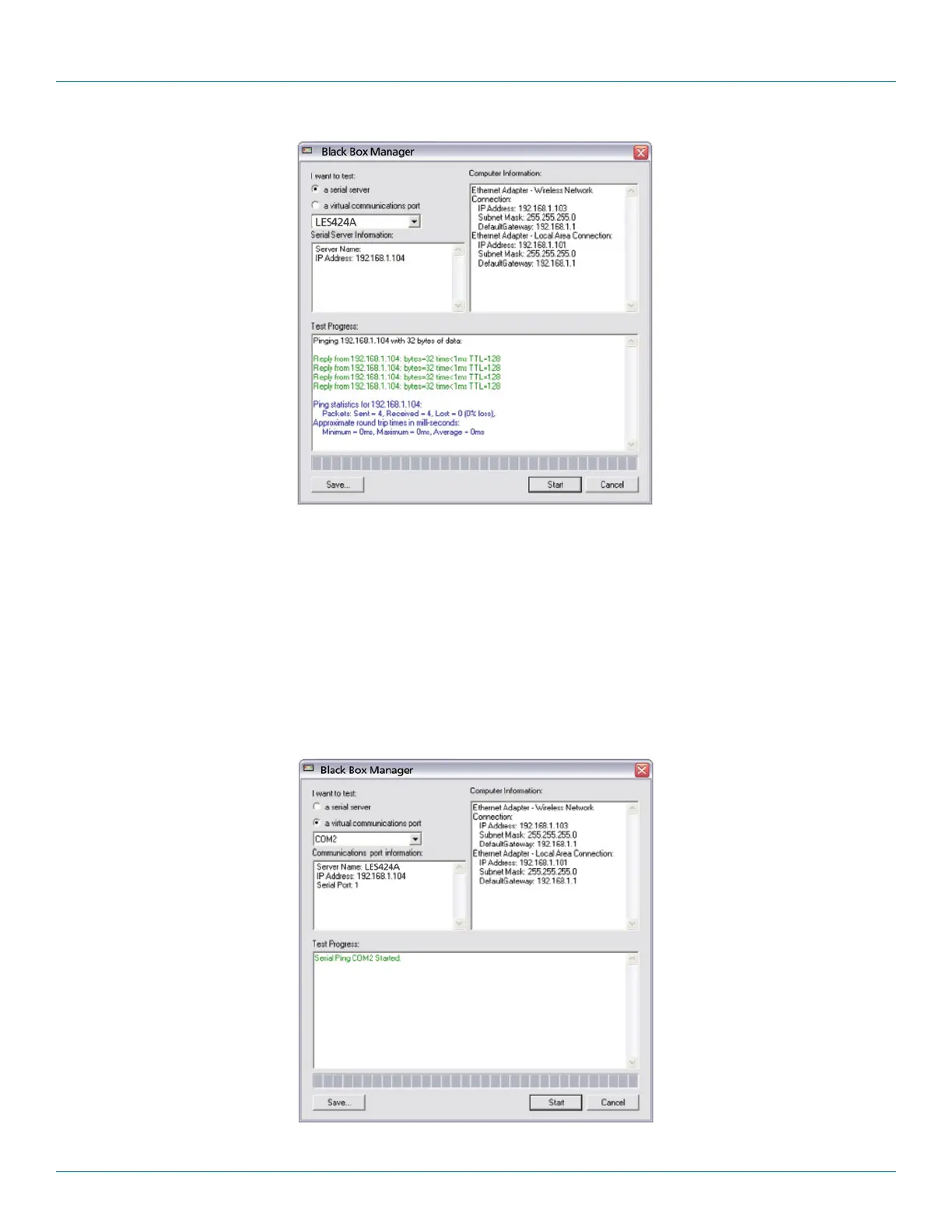
Figure 7-2. Testing a Hardened Serial Server Connection.
7.2 Testing a Virtual COM Port
1. Click the “Diagnostics” icon.
The “Diagnostics” dialog box appears.
2. Select the option: “a virtual communications port”
3. In the drop-down box, select the specific COM port you want to check.
4. Click the “Start” button.
Information about the progress of the pinging process is displayed in the “Test Progress” box.
Figure 7-3. Testing a VCOM port.











 To Next Page