724-746-5500 | blackbox.com
Page 28
Chapter 4: Configuring the Hardened Serial Server
4.6 Setting Up Serial Ports
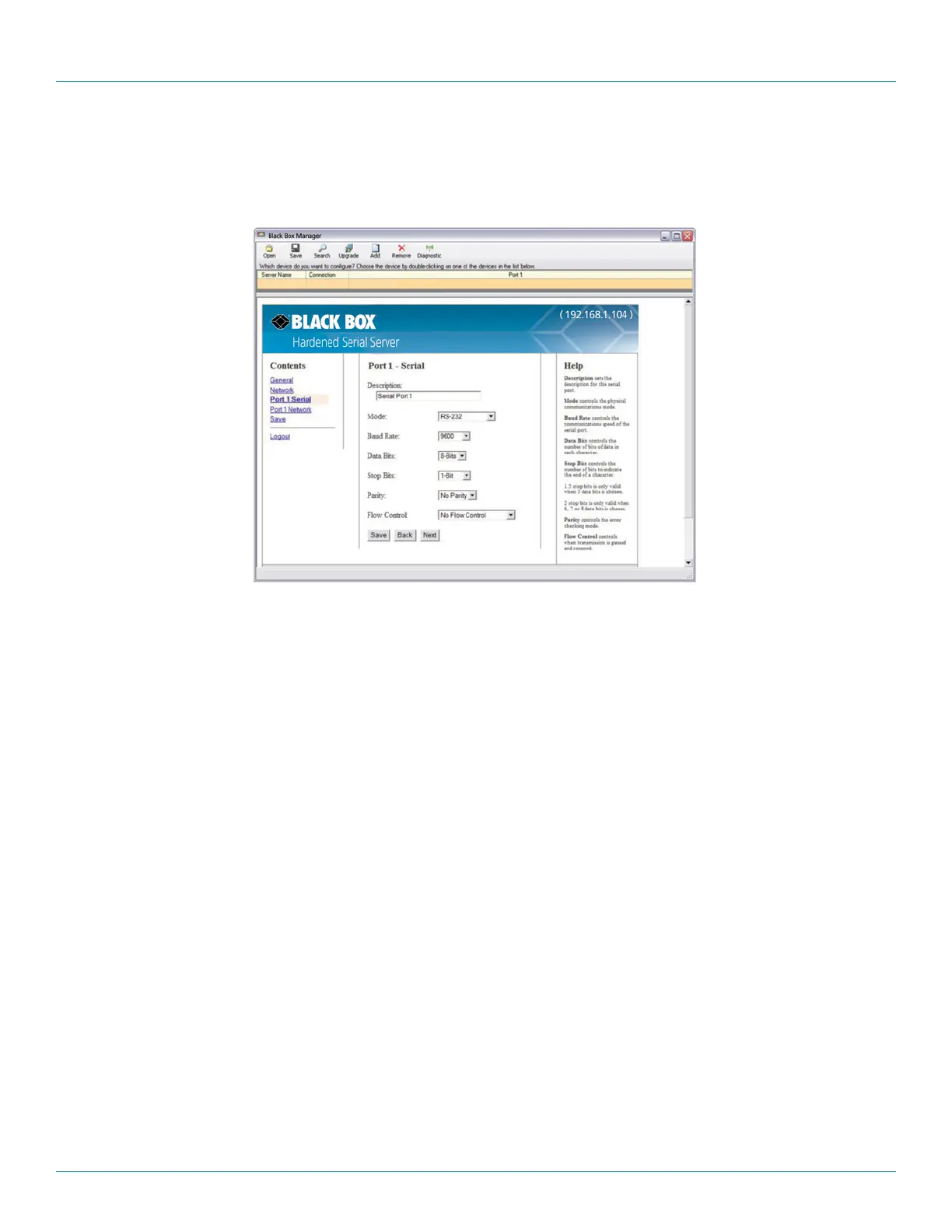
On the Serial Port Configuration page, you can configure the communications parameters of the current serial port. Parameters include
the port mode, baud rate, data bits, parity, stop bits, and type of flow control.
Figure 4-9. Serial Port Configuration page.
1. Mode—select the type of serial connection (RS-232, RS-422, RS-485 2-wire, or RS-485 4-wire) required by the serial device.
2. Baud Rate—select the Baud Rate (between 75 baud and 230,400 baud) required to communicate with the serial device.
3. Data Bits—select the number of Data Bits (5, 6, 7, or 8) required to communicate with the serial device.
4. Stop Bits—select the number of Stop Bits (1, 1.5, or 2) required to communicate with the serial device.
5. Parity—select the Parity setting (None, Even, Odd, Mark, or Space) required to communicate with the serial device.
6. Flow Control—select the Flow Control setting (None, RTS/CTS, or X-ON/X-OFF) required to communicate with the serial device.
4.7 Setting Up Port Network Parameters
On the Port Network Parameters Configuration page, you can configure the port to use UDP, TCP, VCOM, or Paired protocols in sever-
al different modes.
4.7.1 TCP Configuration
Transmission Control Protocol (TCP) provides reliable connection-oriented network communication with error checking. In TCP mode,
the Hardened Serial Server can be configured as a client or a server.
When you configure the Hardened Serial Server as a TCP client, it initiates a connection with a remote server on the network.
You must set up the IP address and port number of the remote server that you want the client (Hardened Serial Server) to
communicate with. You also select whether you want the Hardened Serial Server to connect at power up or only when it receives data
from the device connected to its serial port.











 To Next Page