Page 2
724-746-5500 | blackbox.com
ServSwitch KVM Switch Instalation Manual Addendum
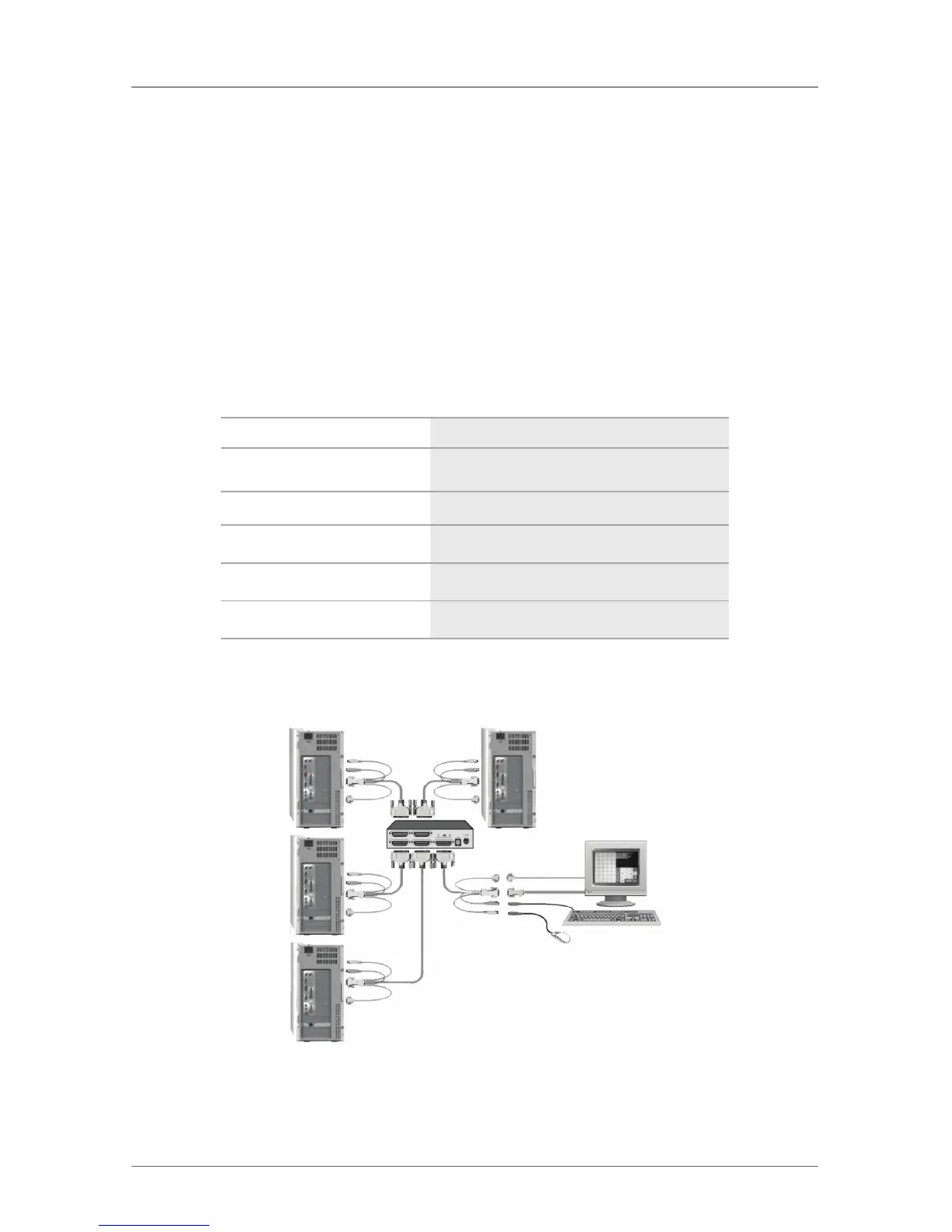
Connect each computer to the corresponding ServSwitch’s CPU port using a CPU
adapter cable configured with a DB25M connector on one end and a PS/2 key-
board and mouse connector, HD15M video connector, and 2-3.5mm Stereo audio
connector on the other end (speaker and microphone input). Connect your KVM
station to the ServSwitch’s KVM port using a KVM adapter cable configured with
a DB25M connector on one end and a PS/2 keyboard and mouse connector,
HD15F video connector, and 2-3.5mm Stereo audio connector on the other end
(speaker and microphone output) Audio produced from each connected computer
can be listened to when you switch to that CPU port.
Table Ad-1. Fiber interconnect cable.
Type of Cable Product Code
Audio CPU adapter cable
EHN151A-nnnn (PS/2 keyboard/mouse)
Audio CPU adapter cable
EHN382A-nnnn (PS/2 keyboard/mouse)
Audio CPU adapter cable
EHN485A-nnnn (USB keyboard/mouse)
Audio KVM adapter cable EHN154A-nnnn (PS/2 keyboard/mouse)
Audio KVM adapter cable EHN383A-nnnn (PS/2 keyboard/mouse)
Serial Connectivity
Figure Ad-2. Serial connectivity.
The serial features of ServSwitch supports all pass-through serial devices such as
Touchscreens and Graphic Tablets.



 To Next Page
 Loading...