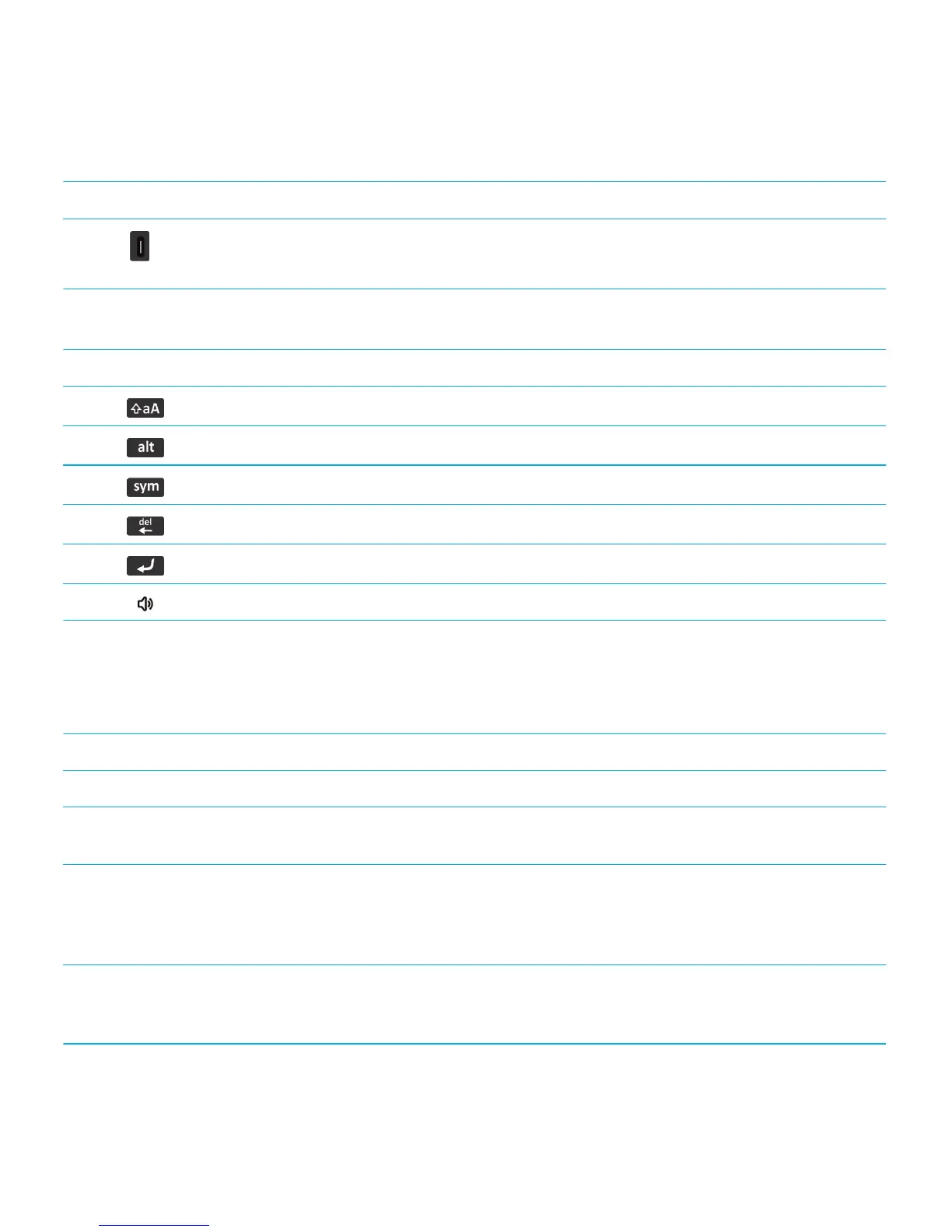
Keys on the left side of your smartphone
Left convenience key
• If supported, press to open BBM.
• You can also customize this key.
Keyboard
Shift Capitalize letters.
Alt Type the alternate character on a key.
Symbol Open the symbol list.
Backspace/Delete Delete the previous character or a selected item.
Enter Select an item.
Speakerphone Turn on or turn off the speakerphone during a call.
Flashing LED color descriptions
The LED on the top of your BlackBerry smartphone flashes different colors to indicate the statuses described.
Flashing LED color Description
Green Indicates that you're in a wireless coverage area. You can turn on or turn off this notification.
Blue Indicates that your smartphone is connected to a Bluetooth enabled device. You can turn on or turn
off this notification.
Red Indicates that you have received a new message. The LED also flashes when your smartphone
accesses data on a smart card. You can turn on or turn off this notification. You can also change the
LED color for ring tones, message notifications, event reminders, and other application notifications
using the sound and alert profiles.
Amber Indicates that the battery power level has dropped to low and needs to be charged. You can't turn
on or turn off this notification. The amber LED flashes when your smartphone is turned off and
charging, this indicator changes to solid green when the battery is fully charged.
Related information
User Guide Quick Help
17








 To Next Page