Typing
How to: Typing
Typing icons
These icons appear in the upper-right corner of the screen when you type.
CAP lock (capital letter lock) Multi-tap mode
NUM lock (number lock) Current input language
Alt mode
Typing basics
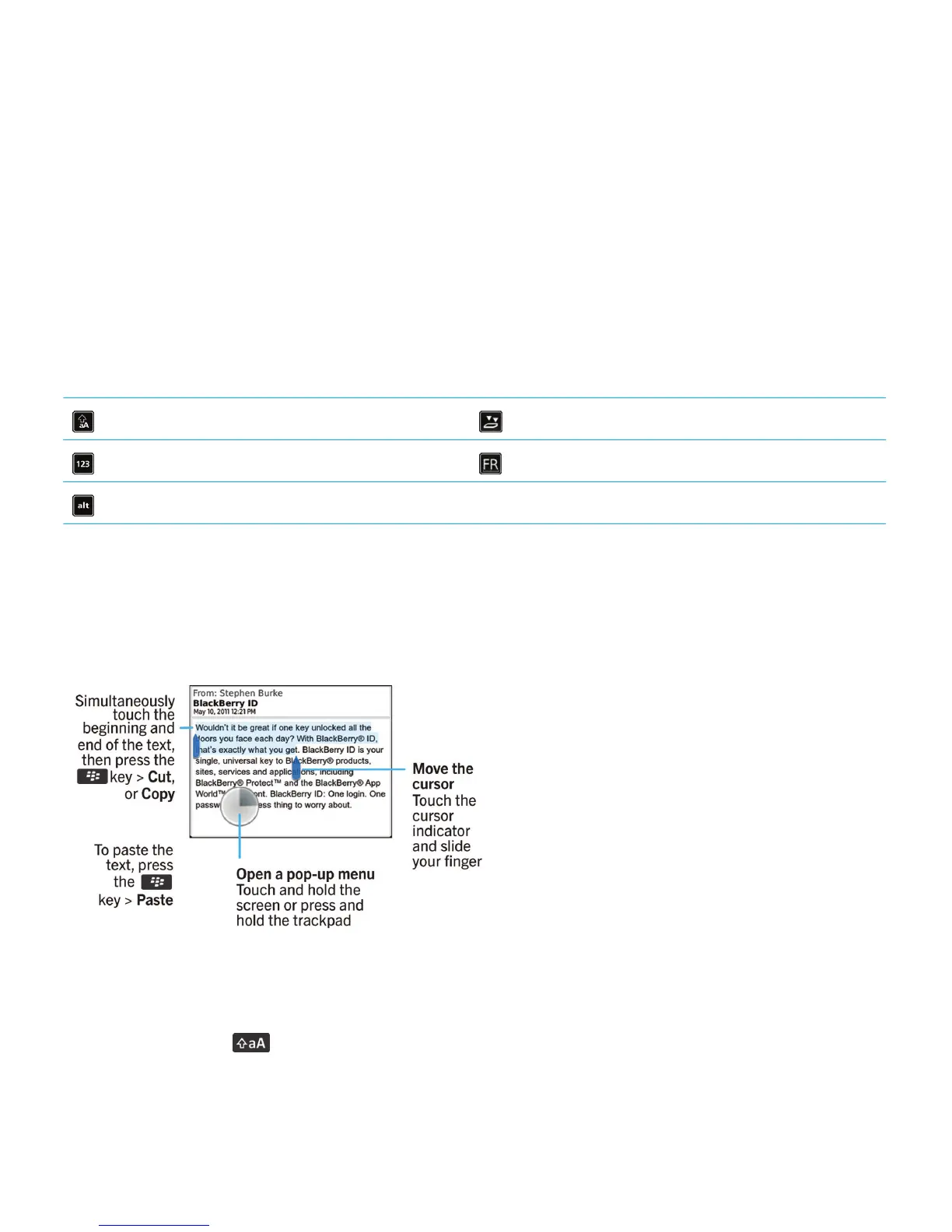
Copy and paste at a glance
Highlight, cut, copy, or paste text
1.
Press and hold the key.
• To highlight text character by character, on the trackpad, slide your finger left or right.
User Guide Typing
239















 To Next Page