On a webpage
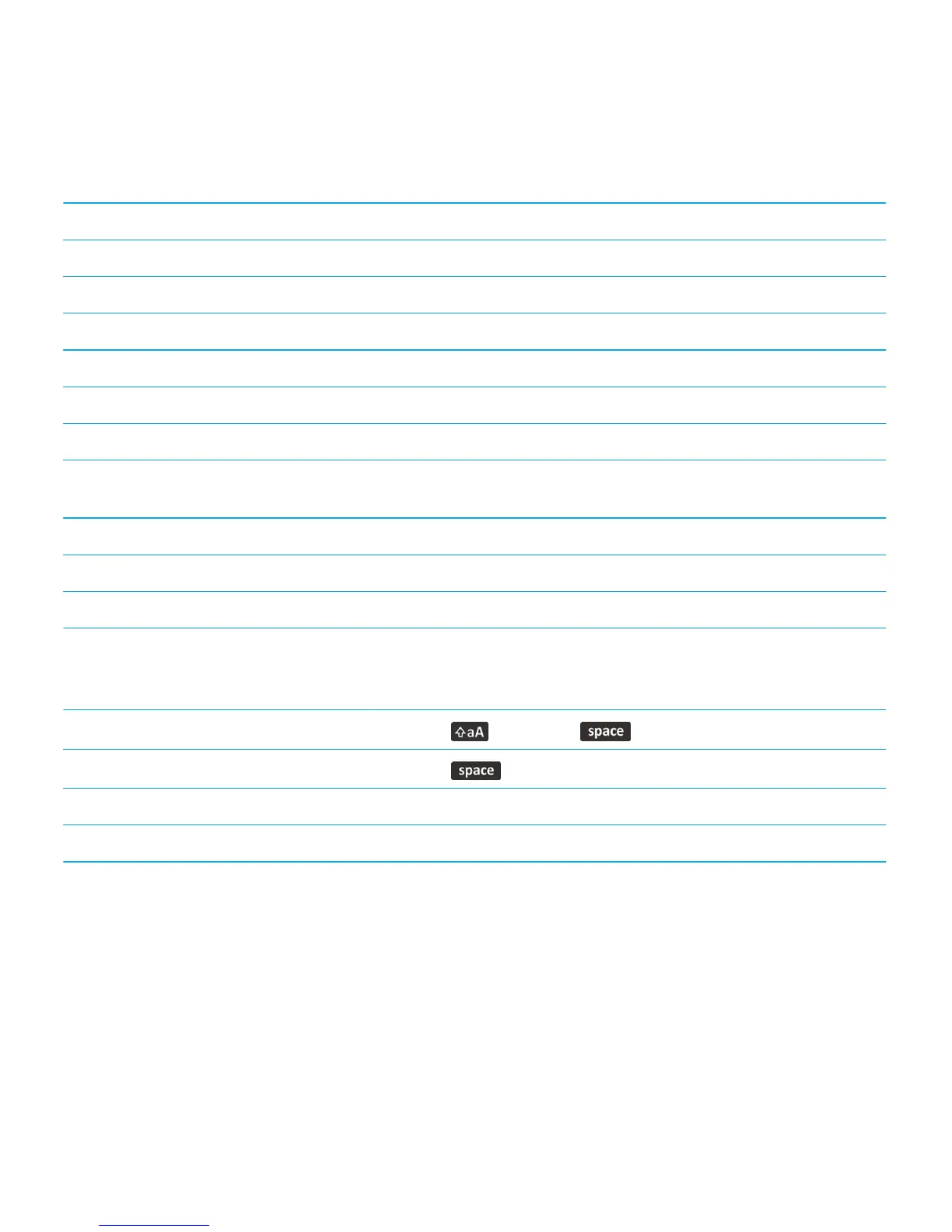
Quickly switch between tabs Press W
Zoom in to a webpage Press I
Zoom out from a webpage Press O
Go to the start page Press G
Return to the browser home page Press H
Open the bookmark folder Press K
Bookmark a webpage Press A
View a list of webpages that you have visited
recently
Press Y
Refresh a webpage Press R
Find text on a webpage Press F. To find the next instance of the text, press V.
Open the browser options Press S
Move around a webpage
Move up a screen
Press the key and the key.
Move down a screen
Press the key.
Move to the top of a webpage Press T
Move to the bottom of a webpage Press B
Related information
Turn on browser shortcuts,182
Shortcuts: Search
Depending on the typing input language that you're using, some shortcuts might not be available.
User Guide Tips and shortcuts
58








 To Next Page