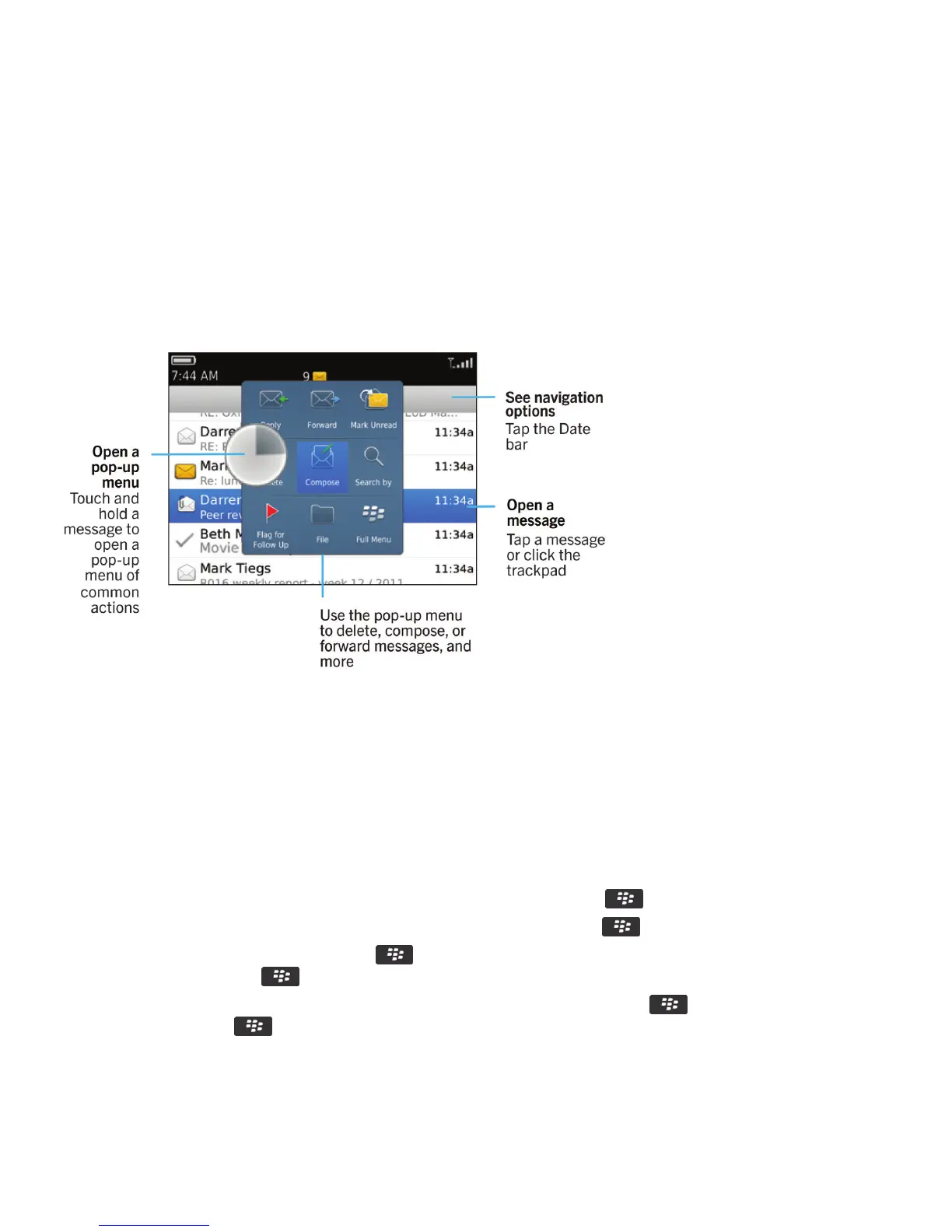
Depending on your theme, a separate icon might appear for text messages.
How to: Messages application
Messages at a glance
Search for messages
You can search for messages on your BlackBerry smartphone. You might also be able to search for messages in the email
application on your computer or in another associated email account if your email account uses the BlackBerry Internet
Service or a BlackBerry Enterprise Server that supports this feature.
On the home screen, click the Messages icon.
• To search for messages based on the subject, highlight a message. Press the key > Search by > Subject.
• To search for messages based on the sender, highlight a message. Press the key > Search by > Sender.
• To perform an advanced search, press the key > Search by > Advanced. Specify the search criteria. To save the
search criteria, press the
key > Save. Click Search.
• To search for messages using the criteria from your last advanced search, press the key > Search by >
Advanced. Press the key > Last.
Note
: If you search for messages, your smartphone doesn't search attachments.
User Guide Messages
93















 To Next Page